Signing Into your JoVE Account
This video demonstrates the process of signing into your JoVE account after registration. It covers accessing the website, entering credentials, and troubleshooting sign-in issues.
1. Open Browser And Enter URL
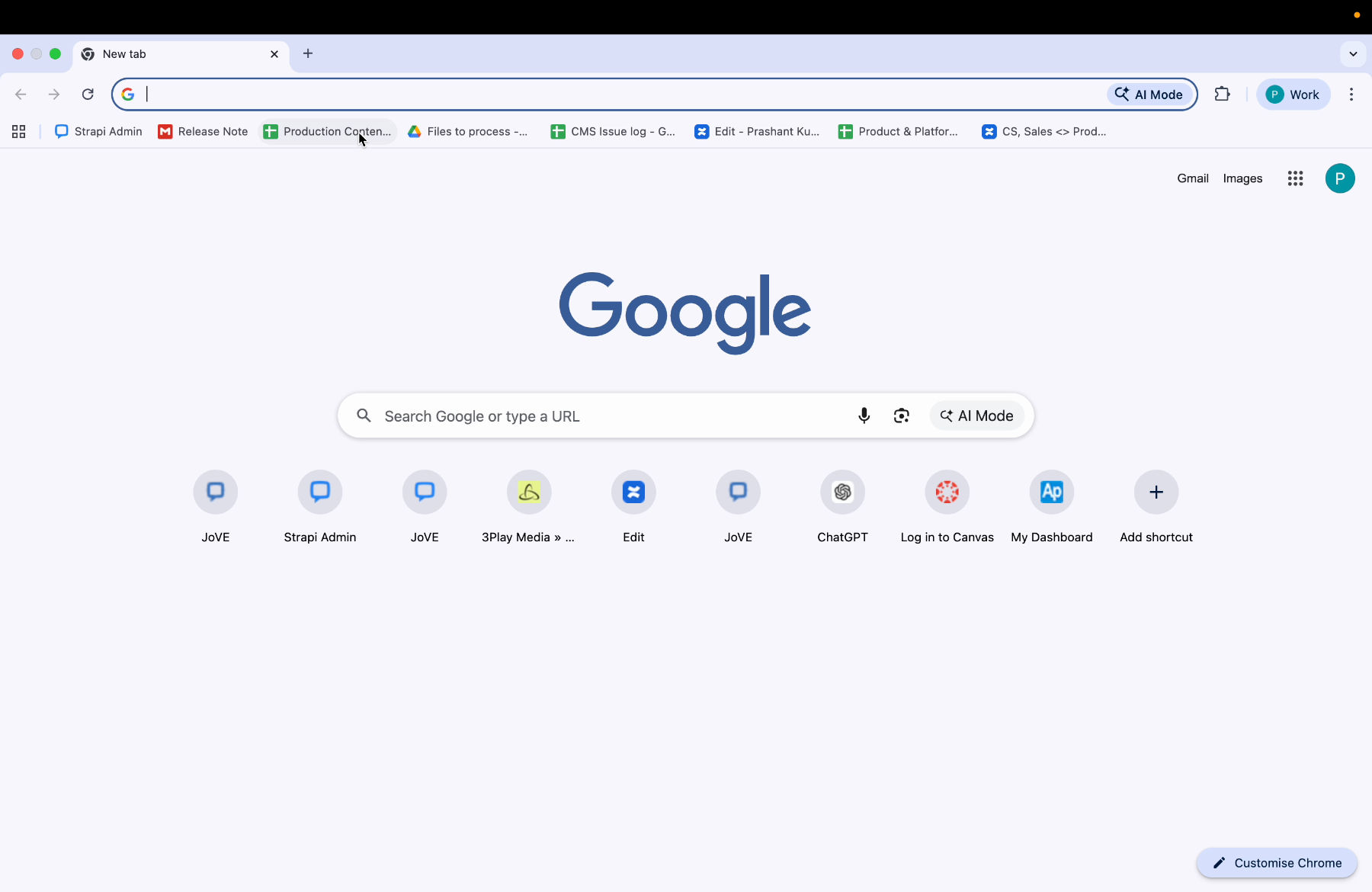
Open your web browser and type www.jove.com.
2. Locate Sign In Button
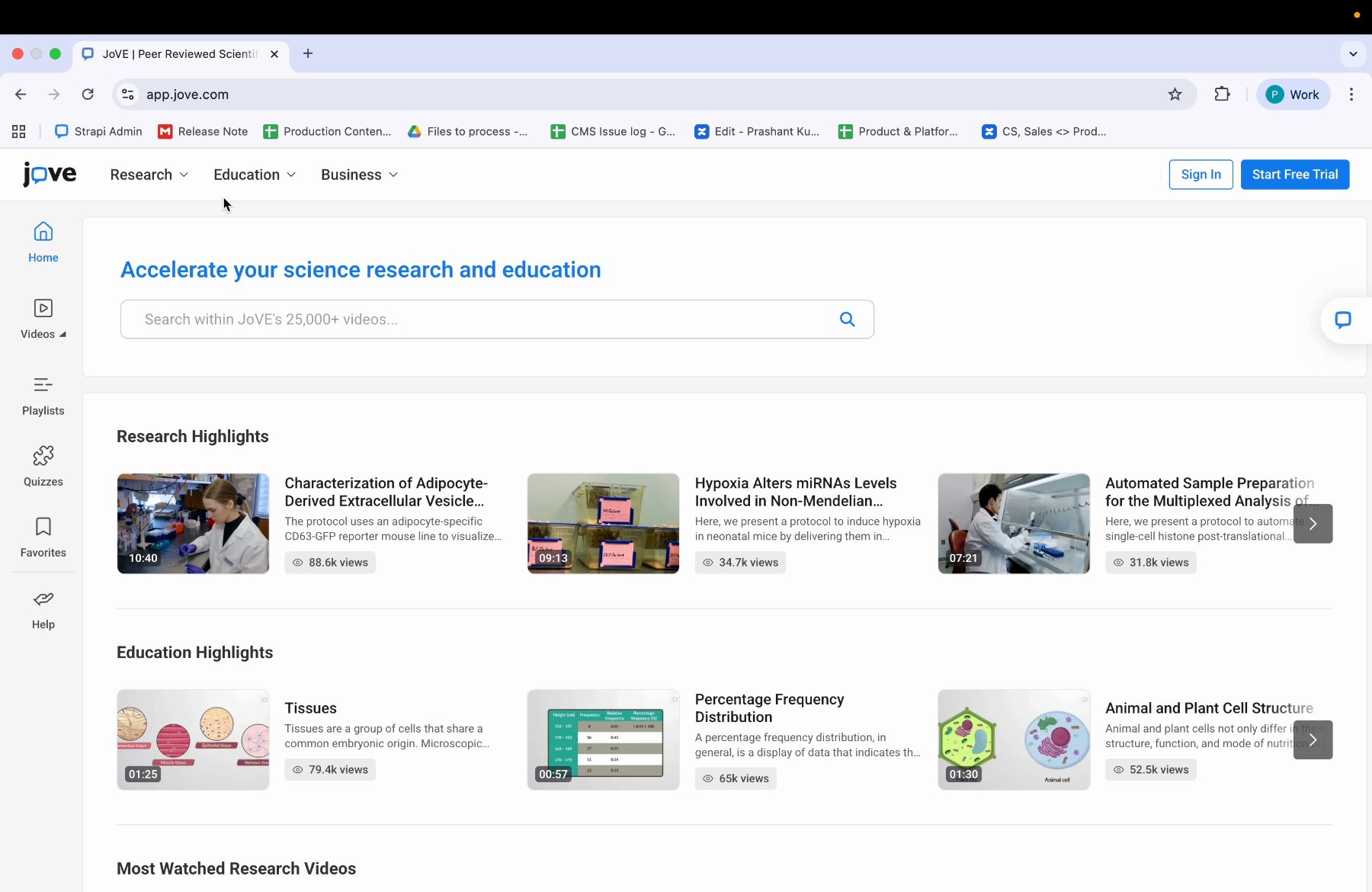
Once you land on the Jove website, you can see the Jove homepage. On the Jove homepage, locate the sign in button. The sign in button is on the top right corner of the Jove homepage.
3. Click Sign In Button
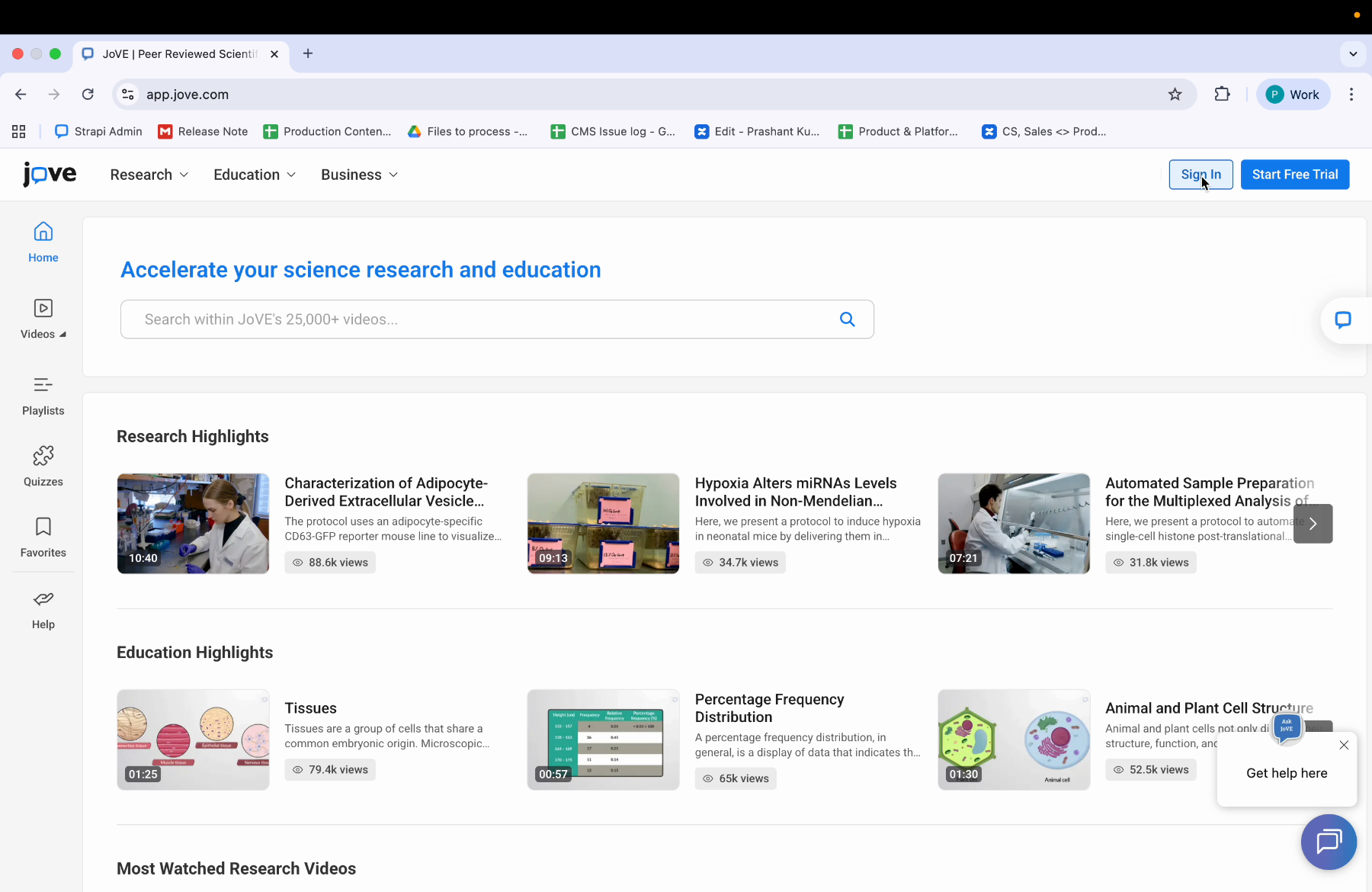
Click on the sign in button. After you have clicked the sign in button, you'll land on the sign in page.
4. Sign In Page Fields
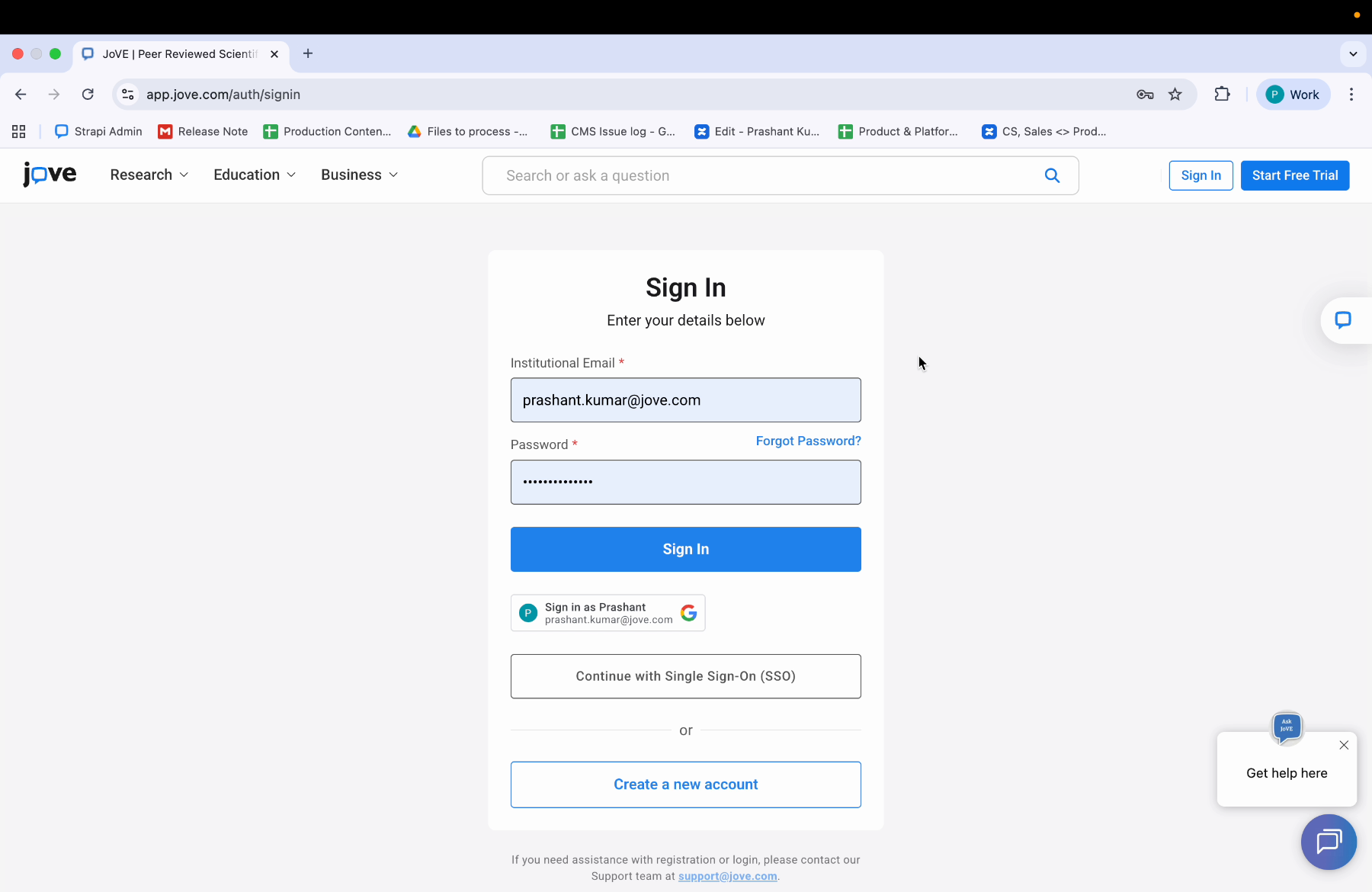
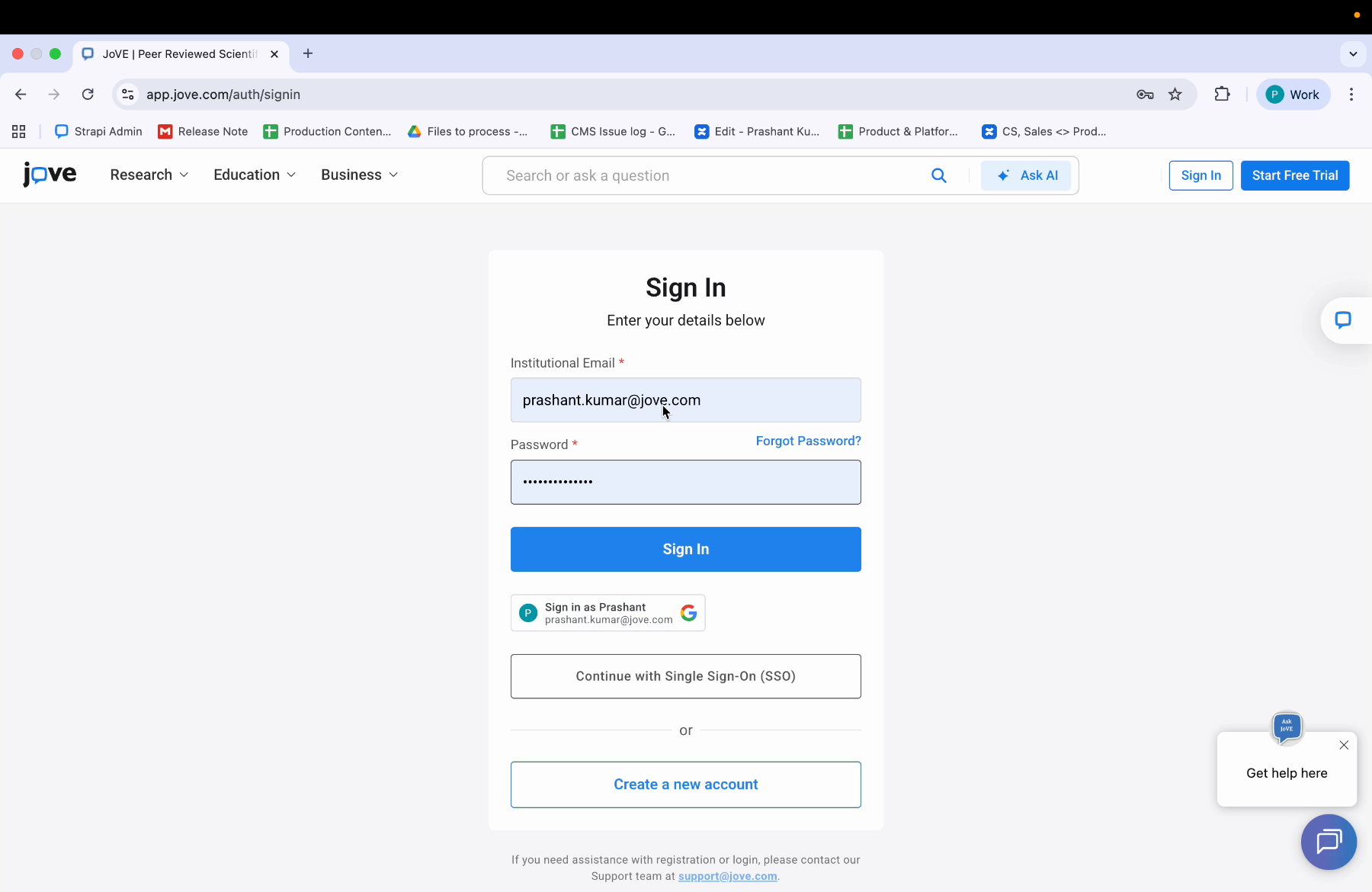
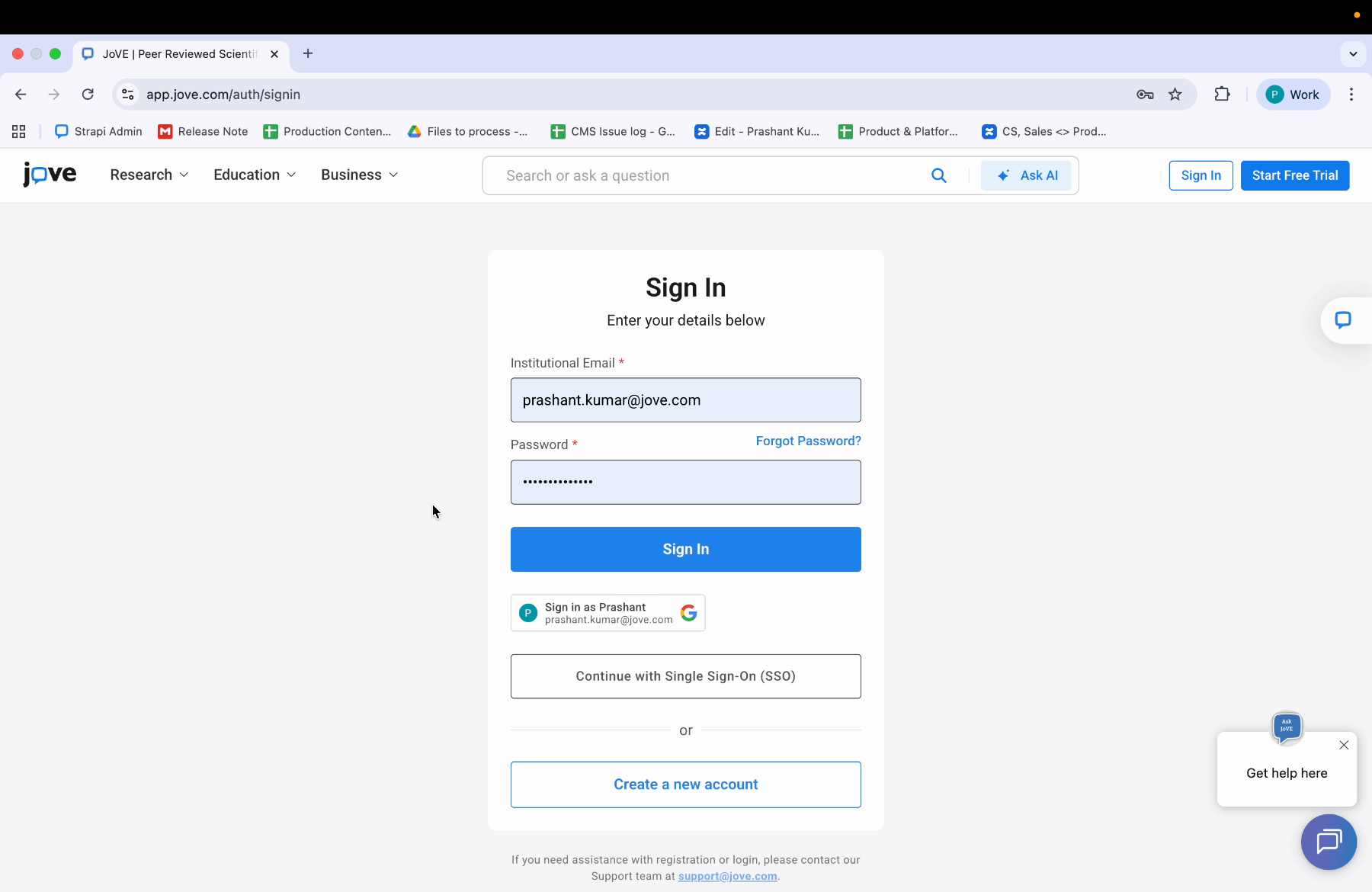
On the sign in page, you can see two fields. One is institutional email, other is password.
5. Enter Email And Password
In the institutional email, type the email address that you used to create your Jove account. And in the password field, enter your password.
6. Submit Sign In Credentials
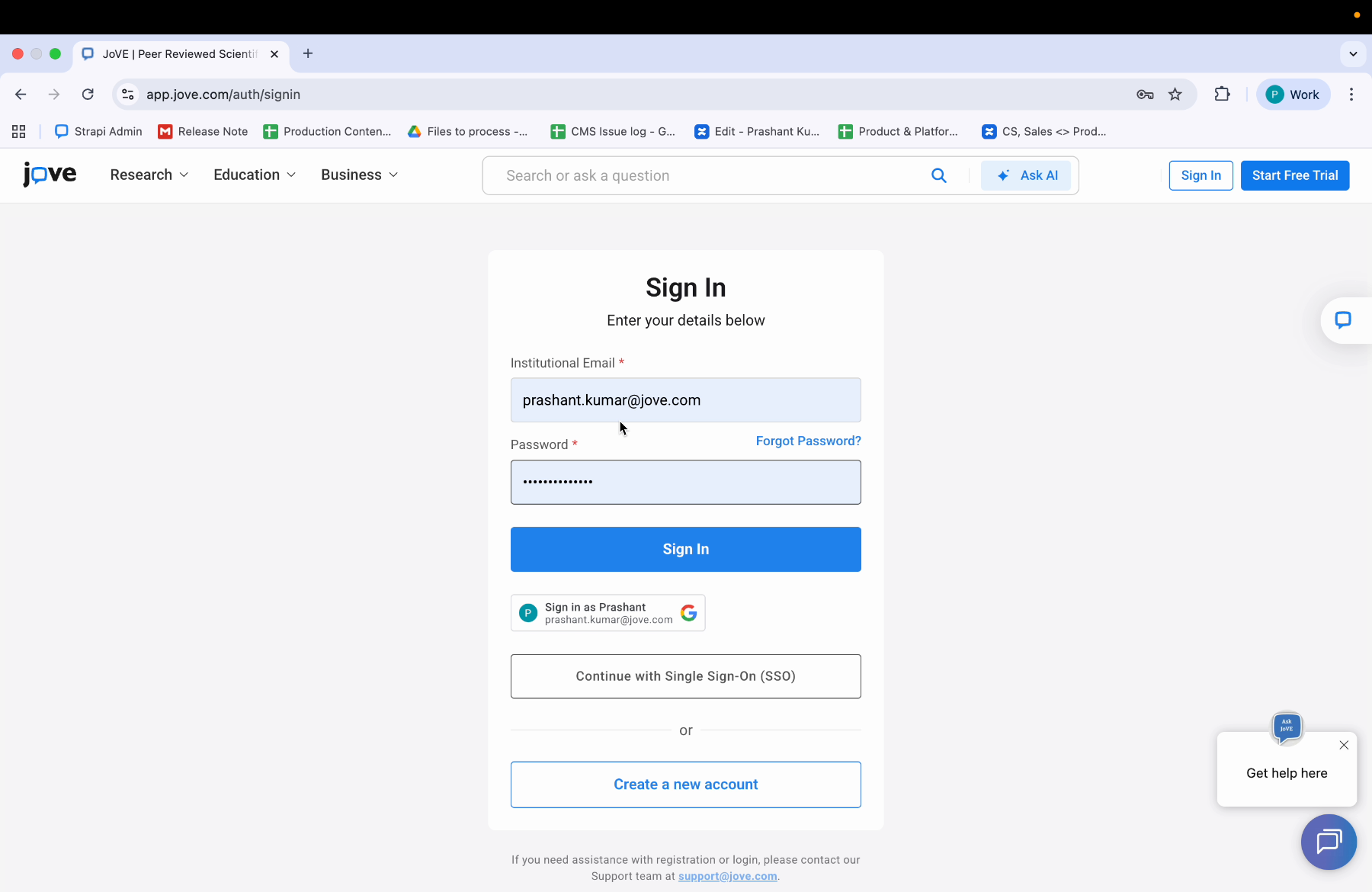
After you have entered both your institutional email and your password, you can click on the sign in button.
7. Landing On Jove Homepage
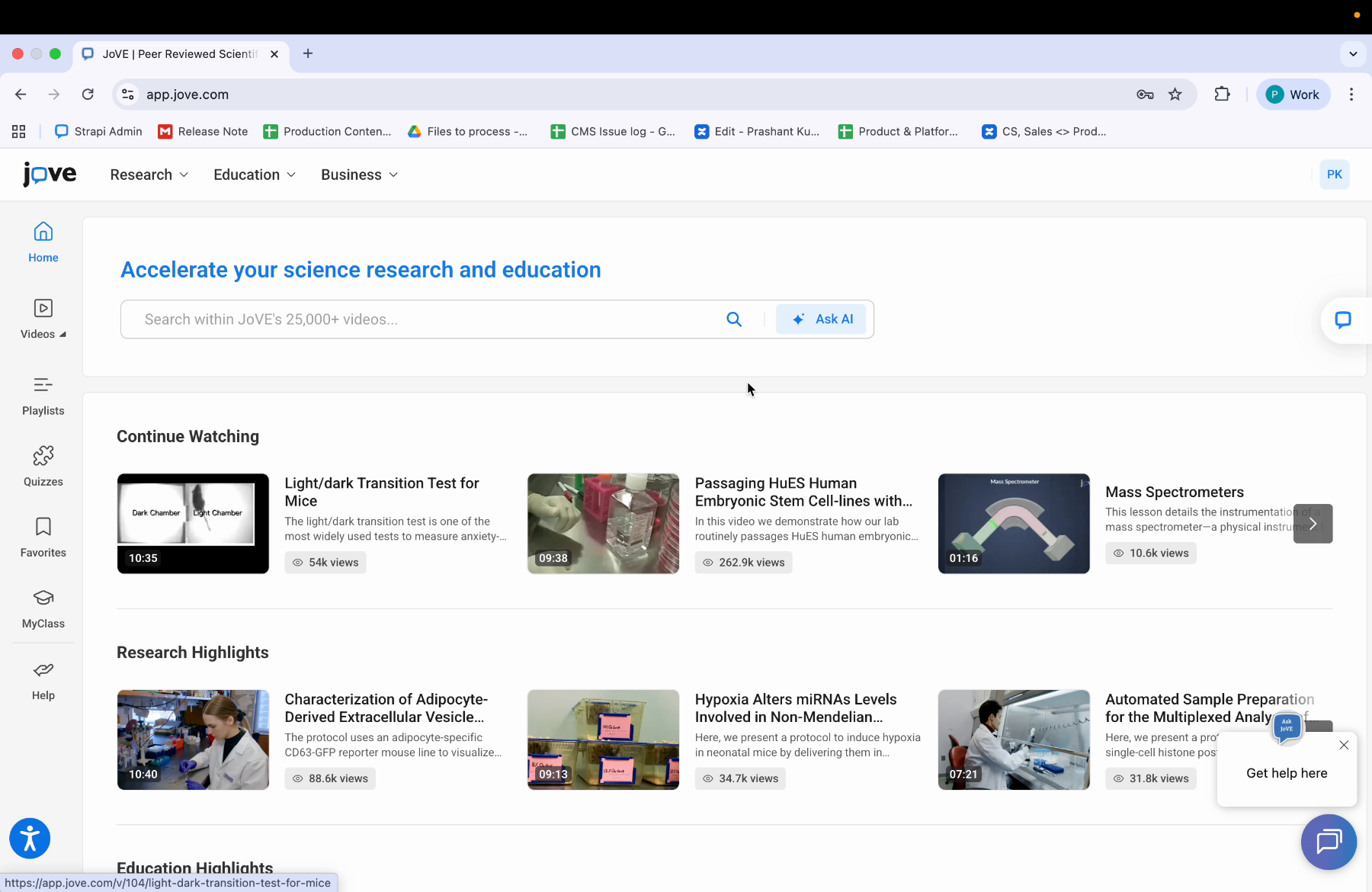
After clicking on the sign in button, you will land on the Jove homepage and you will be signed in to your account.
8. Mandatory Fields And Case Sensitivity
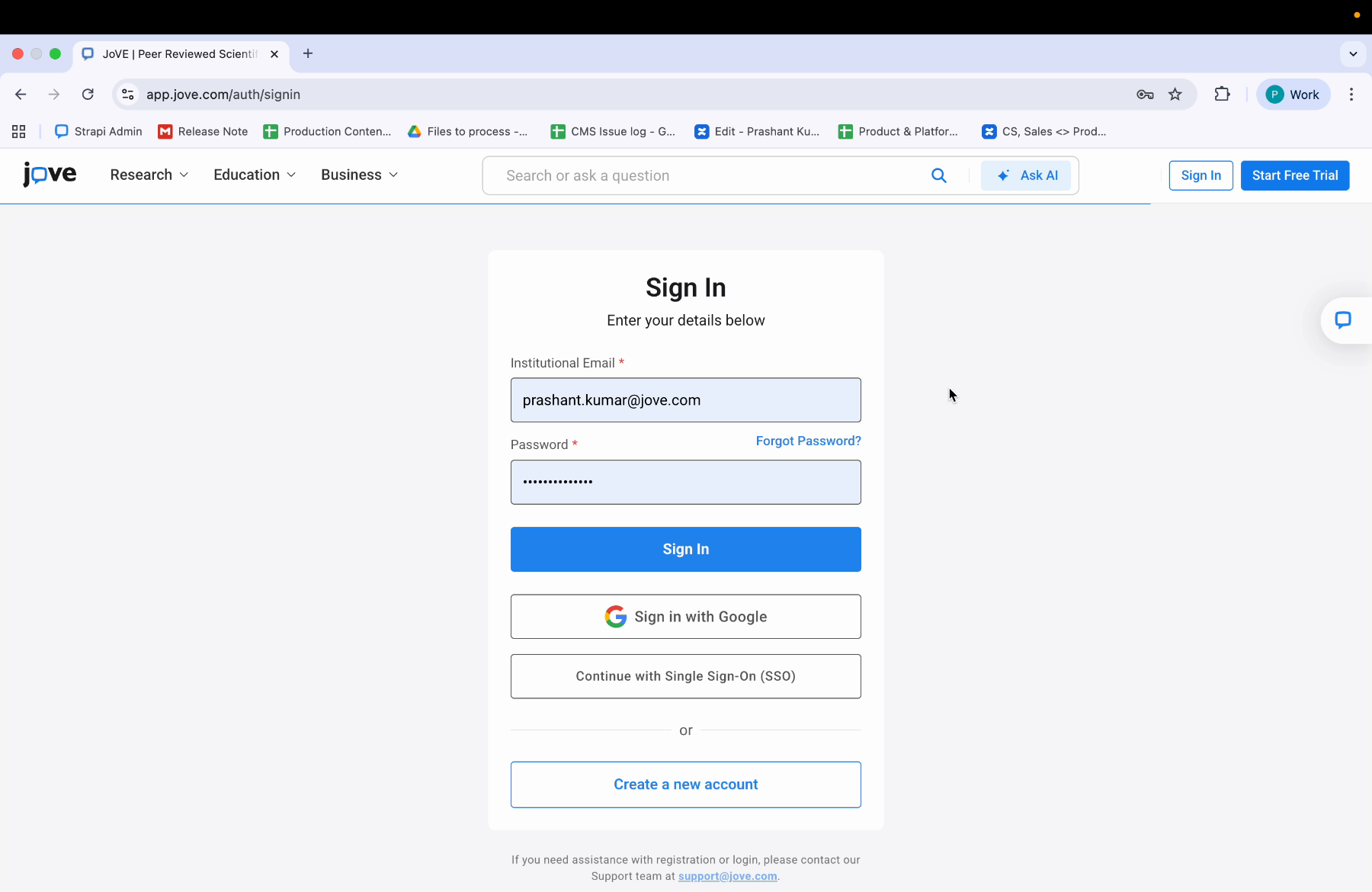
You can see that both institutional email address and password are mandatory. Make sure your email and password are correct. The password is case sensitive.
9. Forgot Password Option
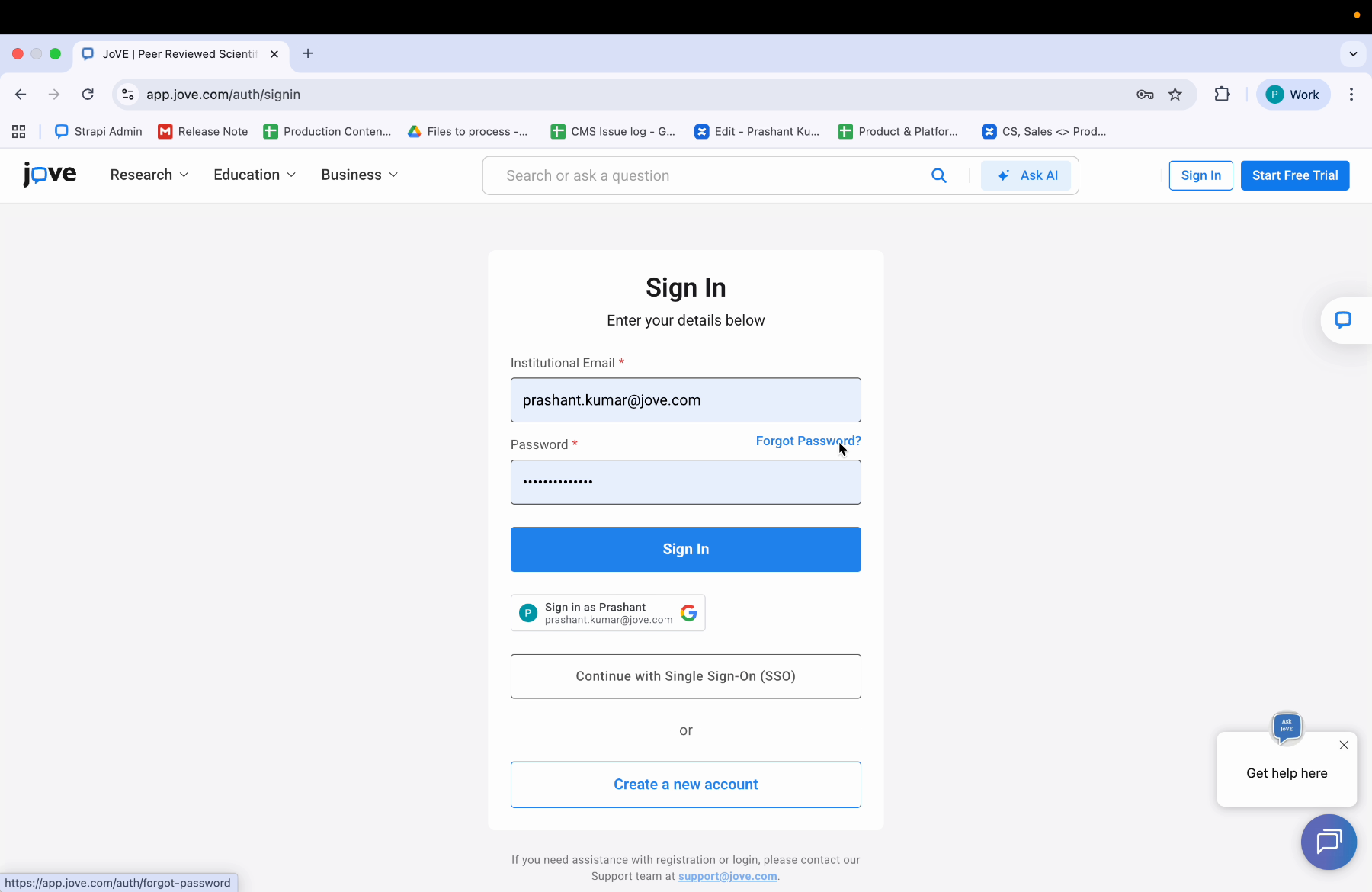
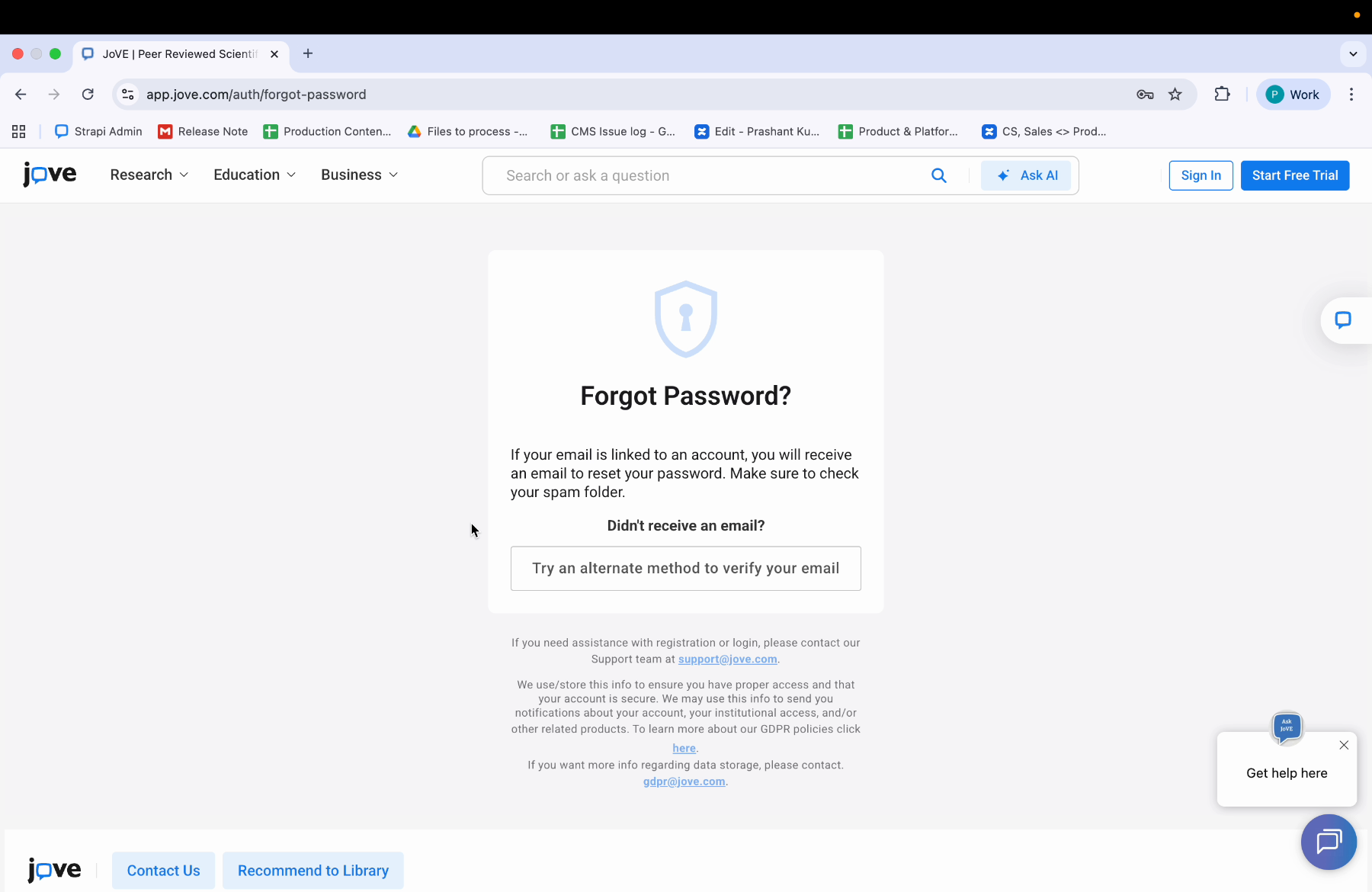
In case you cannot remember your password, click on forgot password.
10. Enter Email For Password Reset
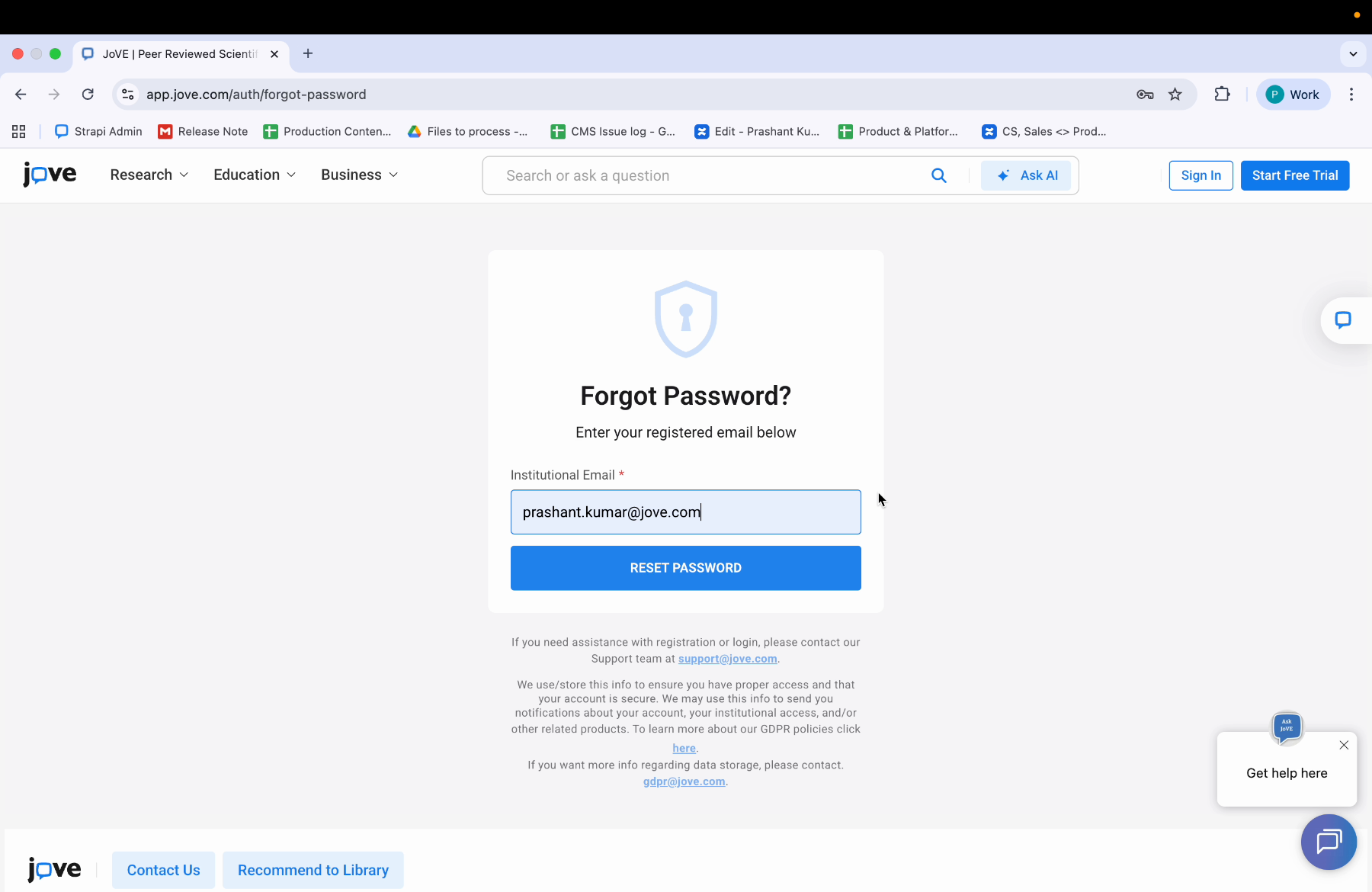
After clicking on forgot password, you will be prompted to enter your email address. Enter your institutional email address.
11. Password Reset Instructions
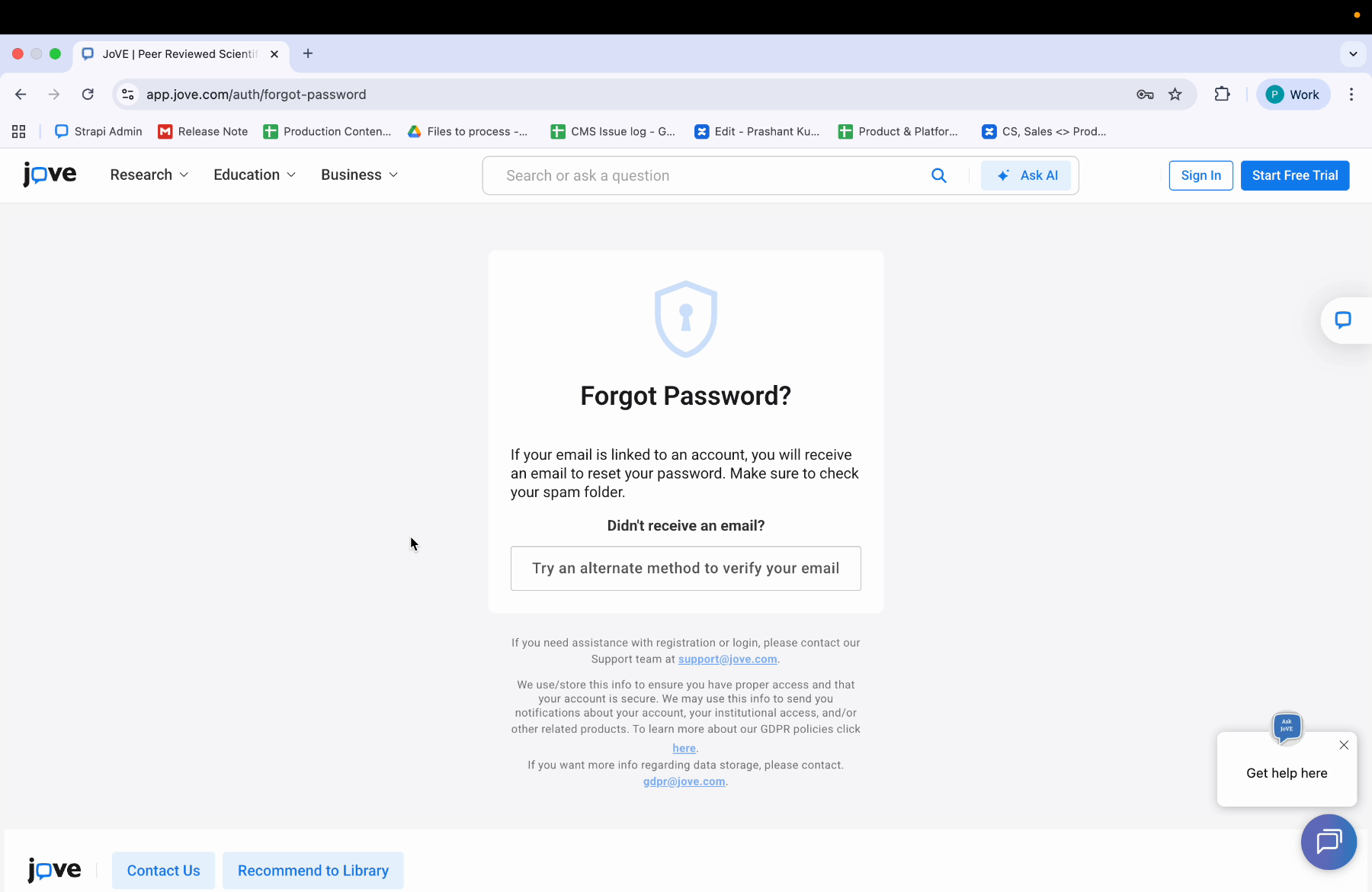
You will get instructions on resetting the password after you click on the reset button.
12. Receive Reset Email
You will get an email on your registered mail address.
13. Password Reset Article
To learn more about resetting your password, you can visit the article "How do I reset my password."
14. Sign In Issues
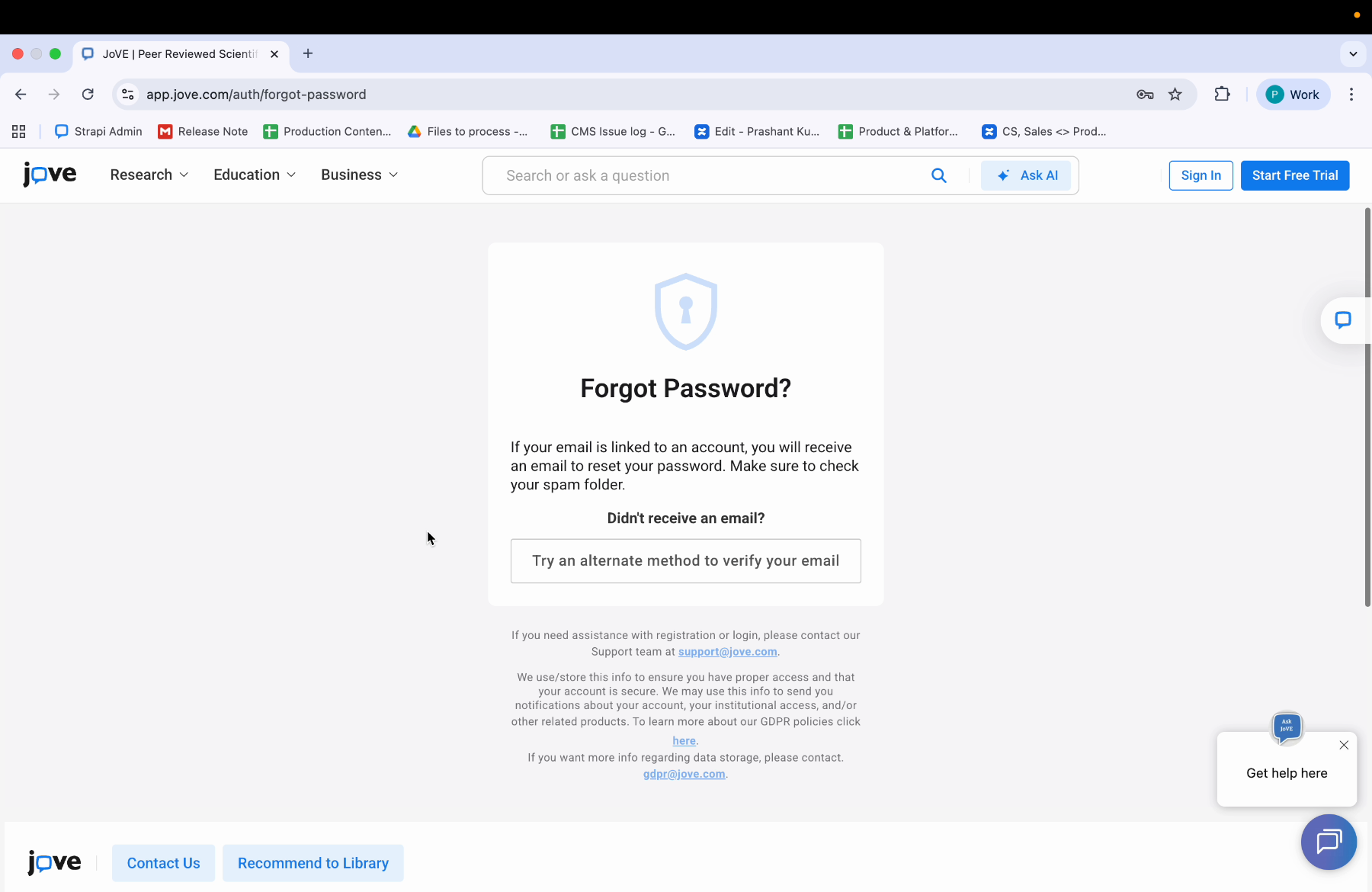
And if you are still facing issues, or if you cannot sign in or face other difficulties,
15. Contact Jove Support
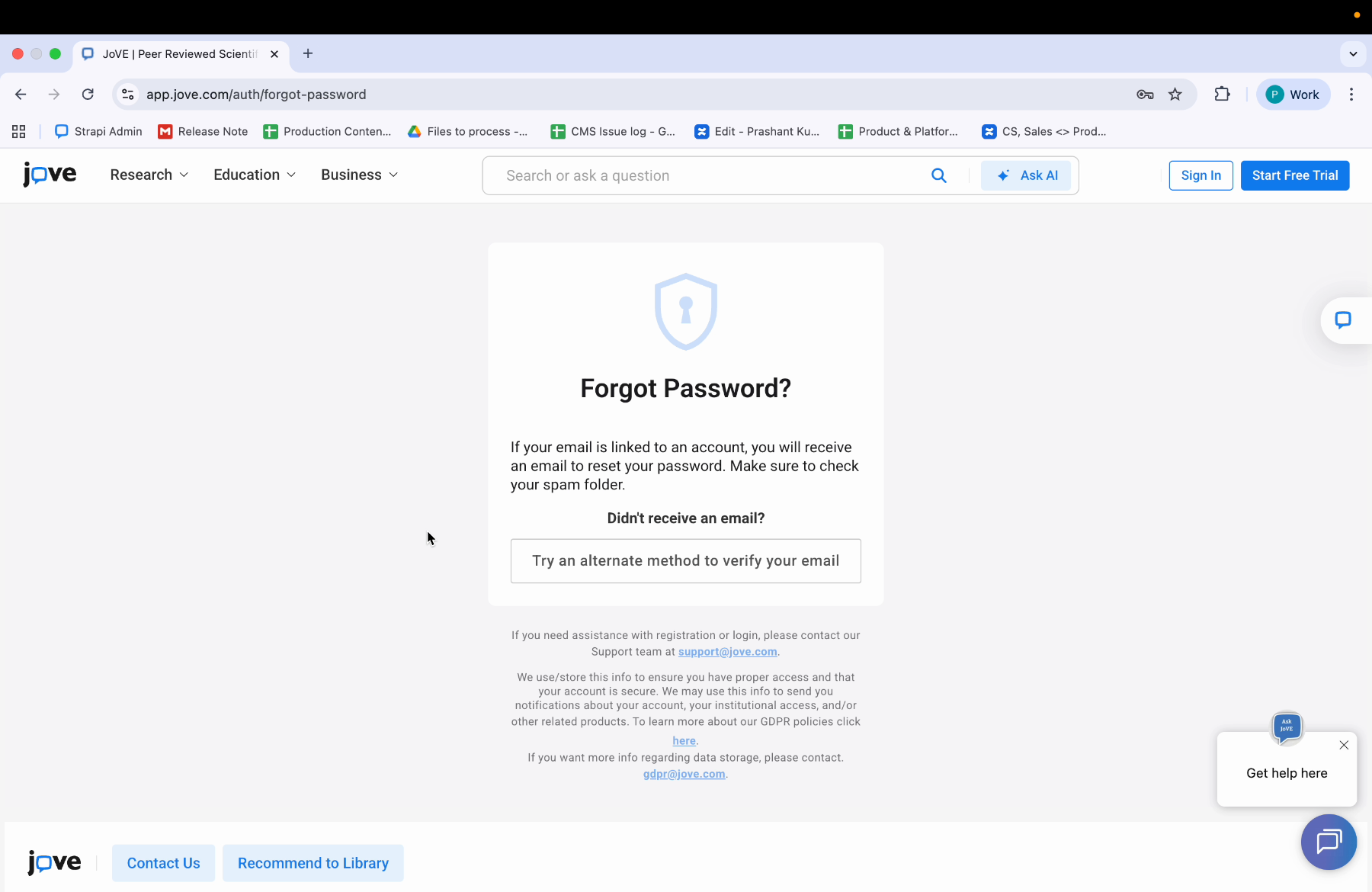
you can contact Jove support at support@jove.com.
Learn how to access the Joab platform by signing in with your institutional email and password, including steps for password reset and support contact information.