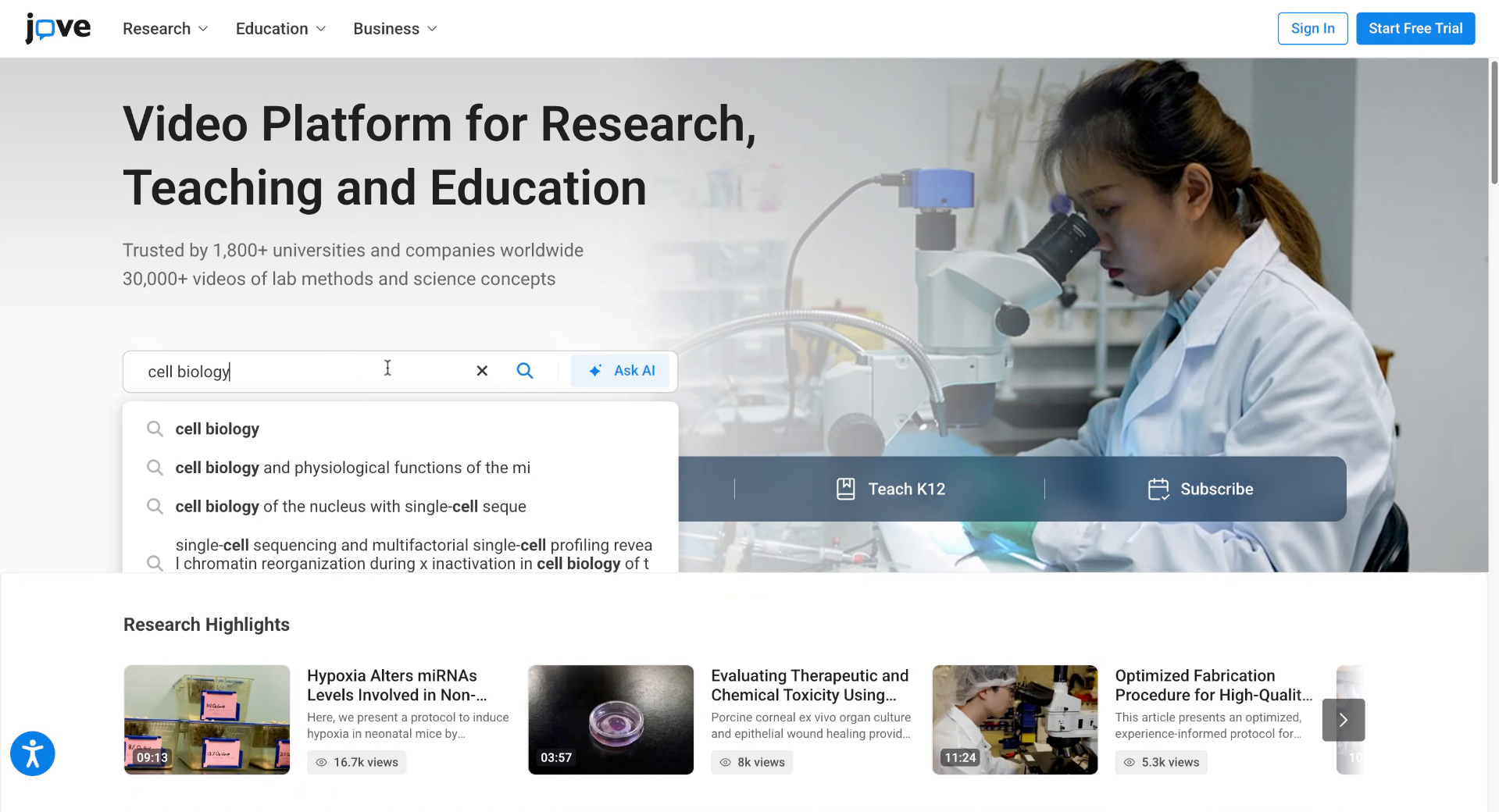
Navigate JoVE Platform To Access Research And Education Content
Go to www.jove.com
1. Explore Jove Platform Navigation
JoVE offers multiple ways to find the research and education content you need. Whether you're searching for peer-reviewed video articles, teaching materials, lab protocols, or concept videos, you can quickly explore the platform using the top navigation menu.
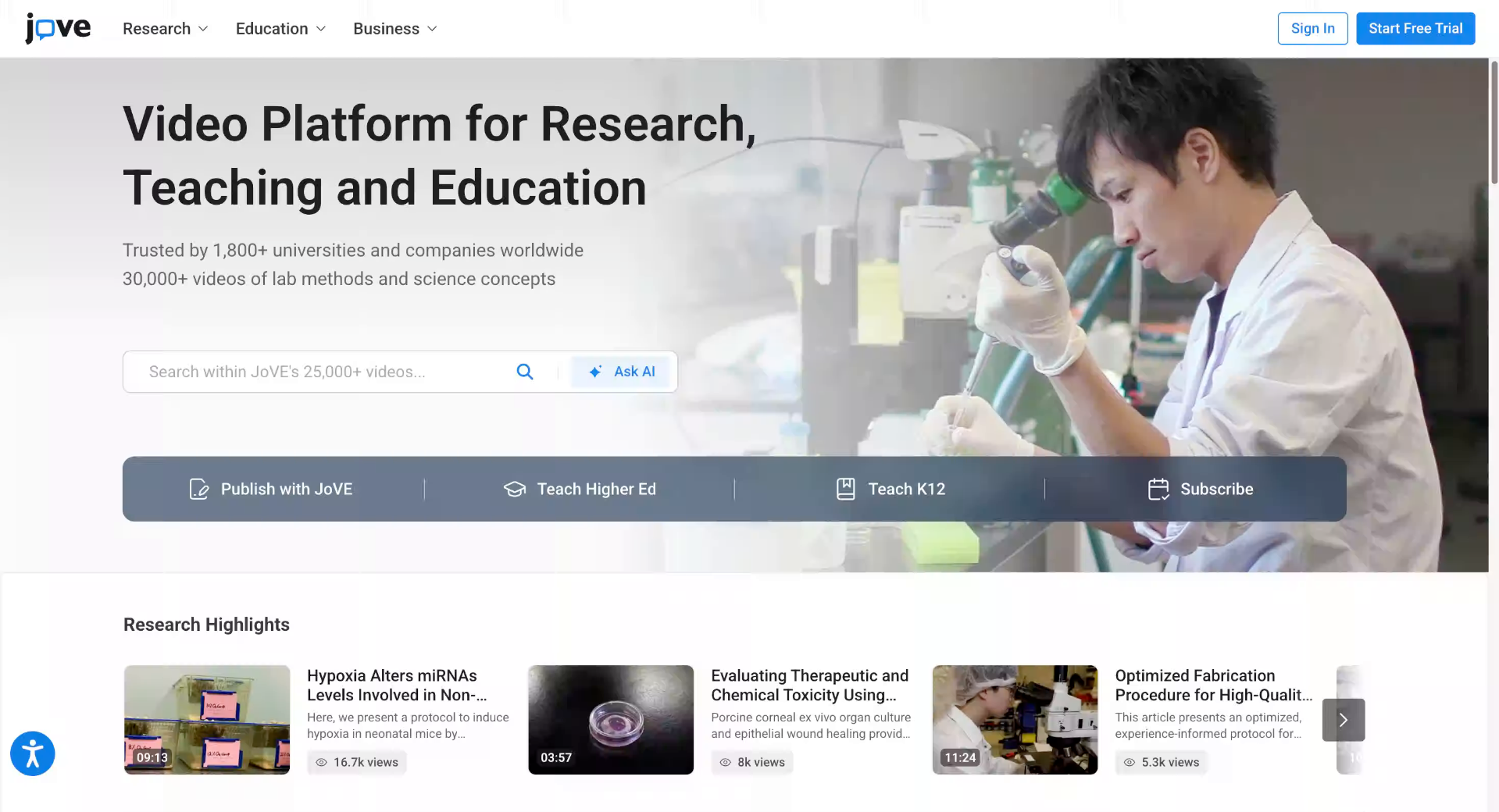
2. Navigate To Research Products
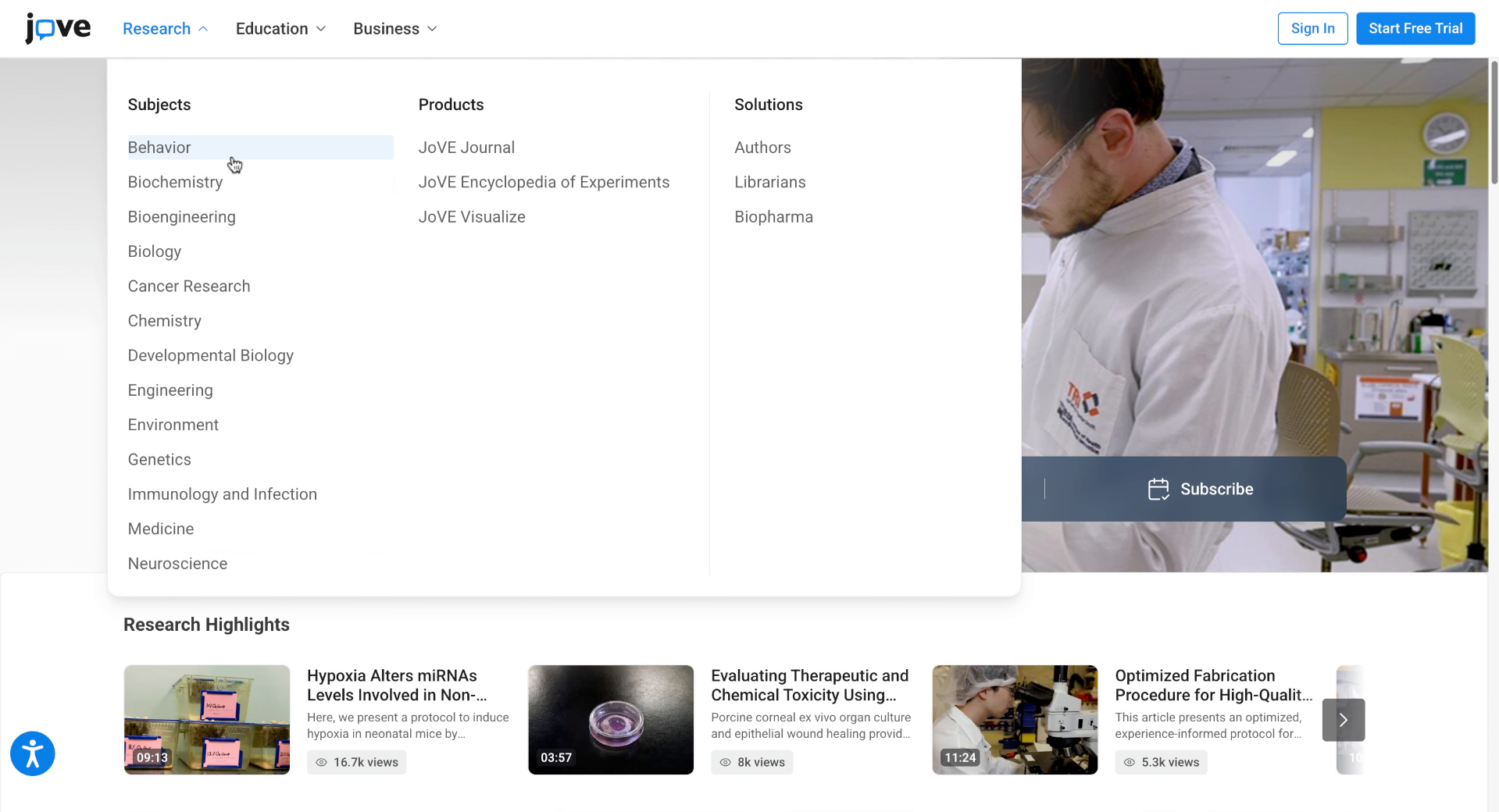
3. View Jove Journal And Protocols
Jove journal offers peer-reviewed scientific video articles across multiple disciplines.
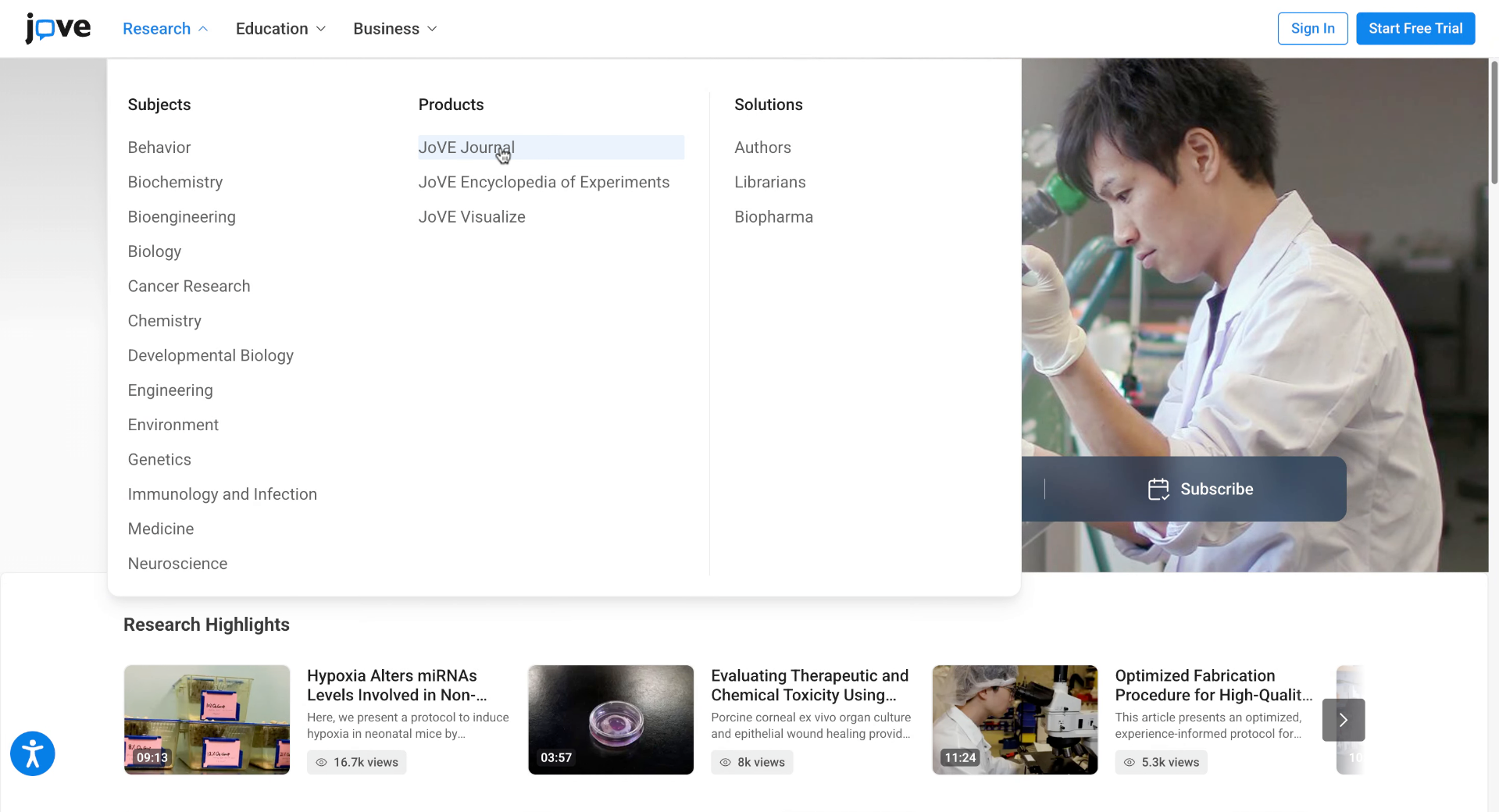
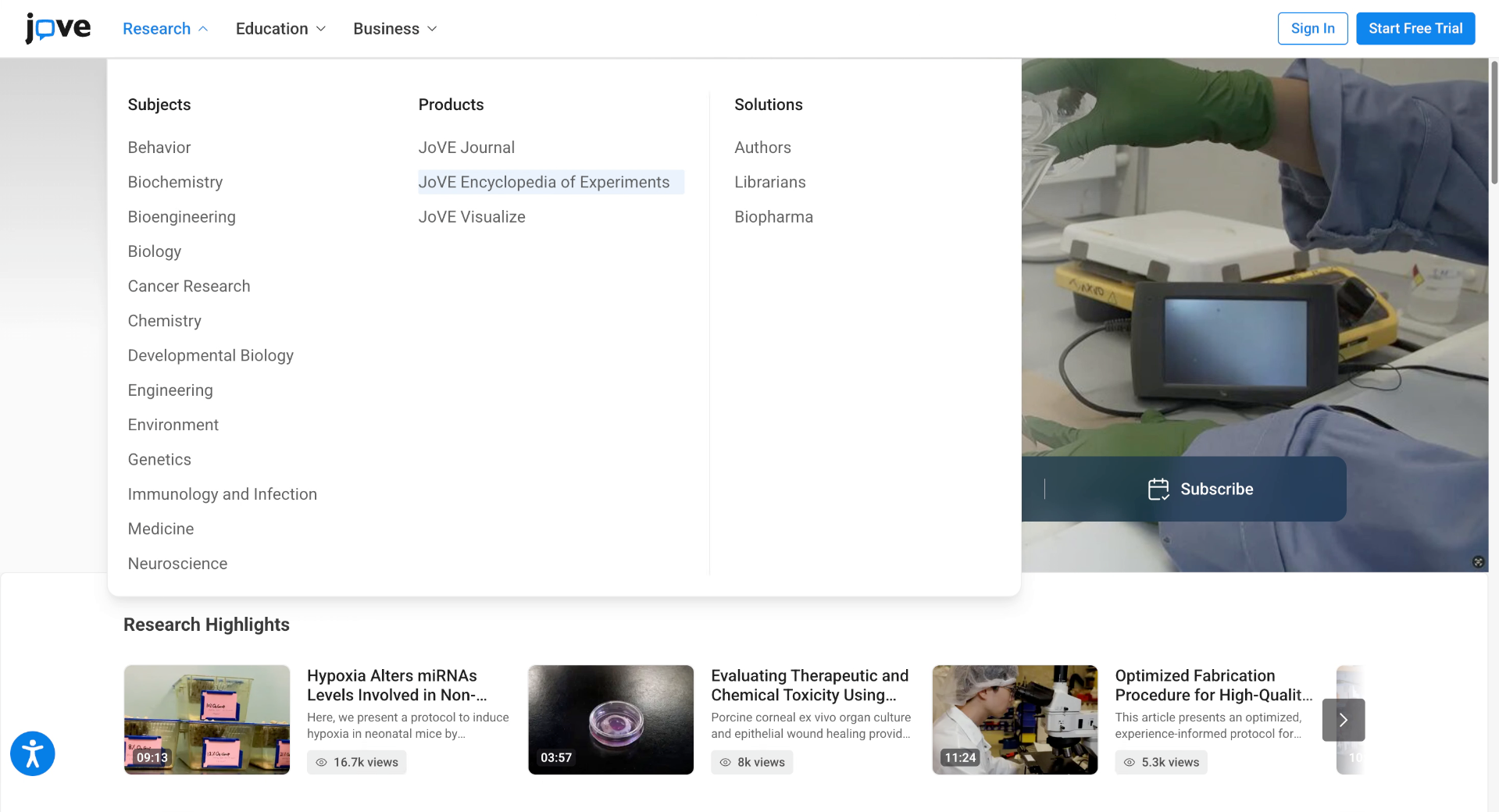
4. Explore JoVE Encyclopedia of Experiments
Jove EoE provides a collection of video protocols and experiment-based resources.
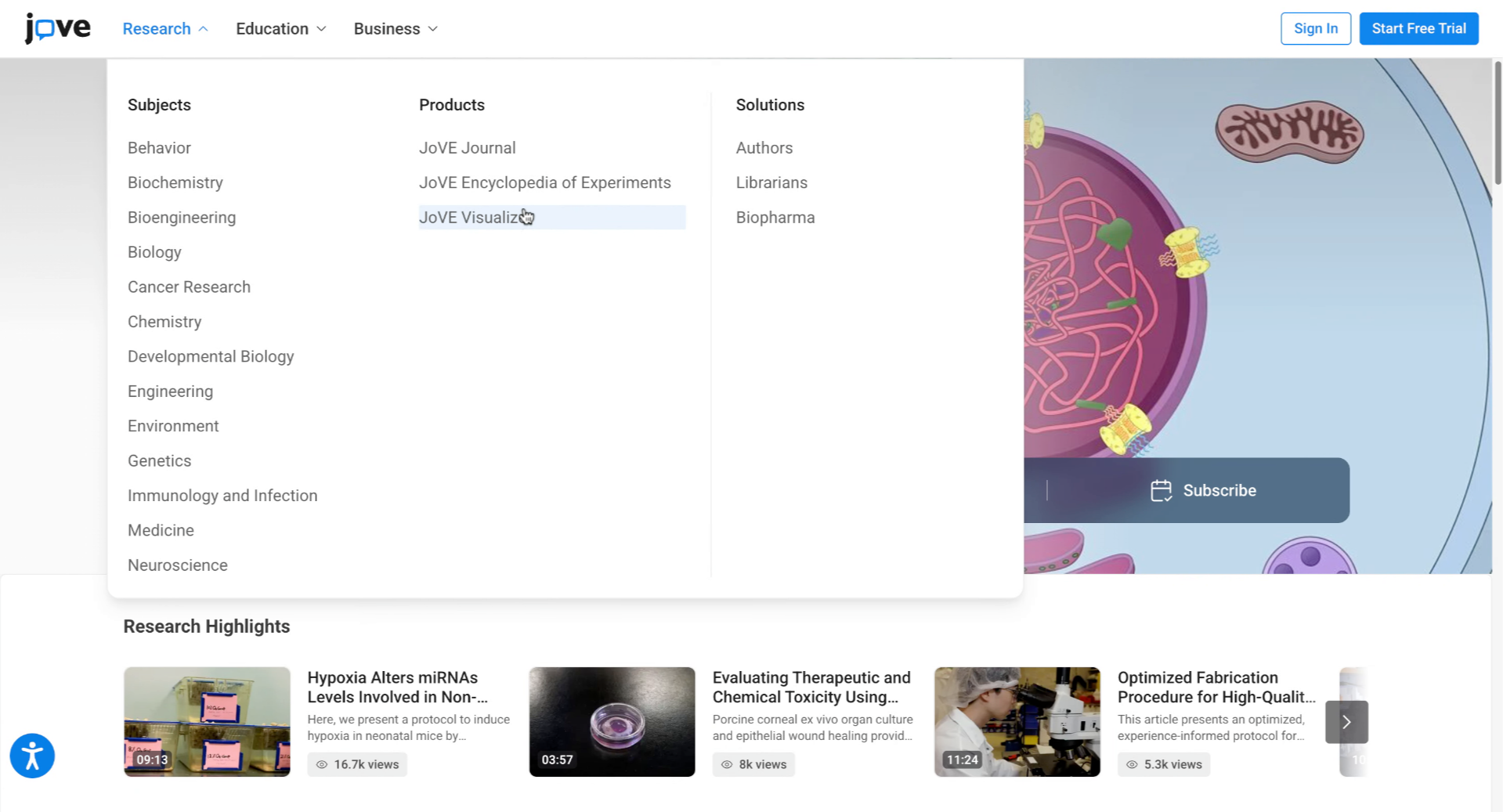
5. Explore JoVE Visualize
Jove visualize features scientific animations and visual learning tools to enhance your understanding.
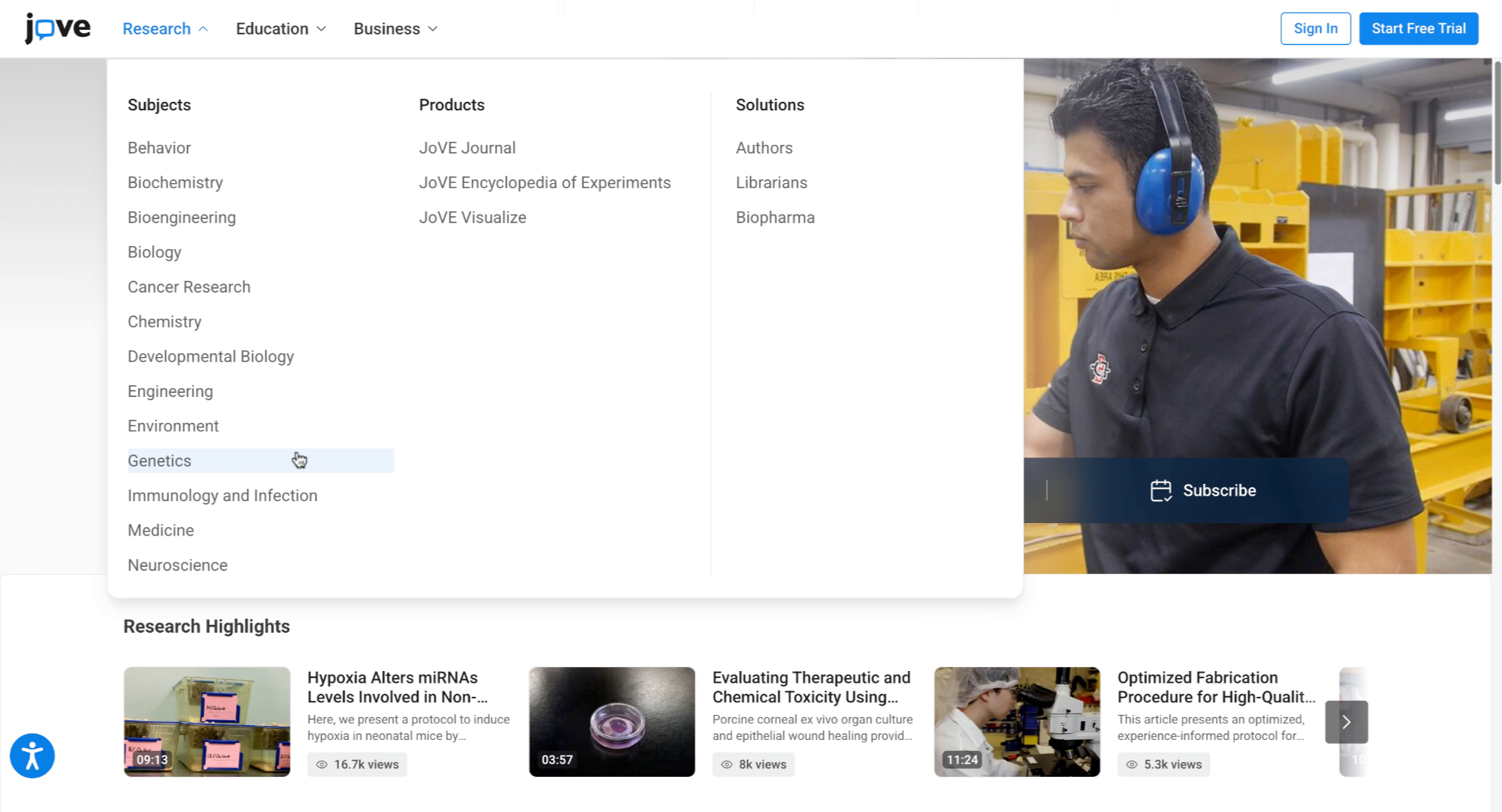
6. Browse Research By Subject
If you are not sure exactly what you are looking for, select the subject to explore all available research content in that area.
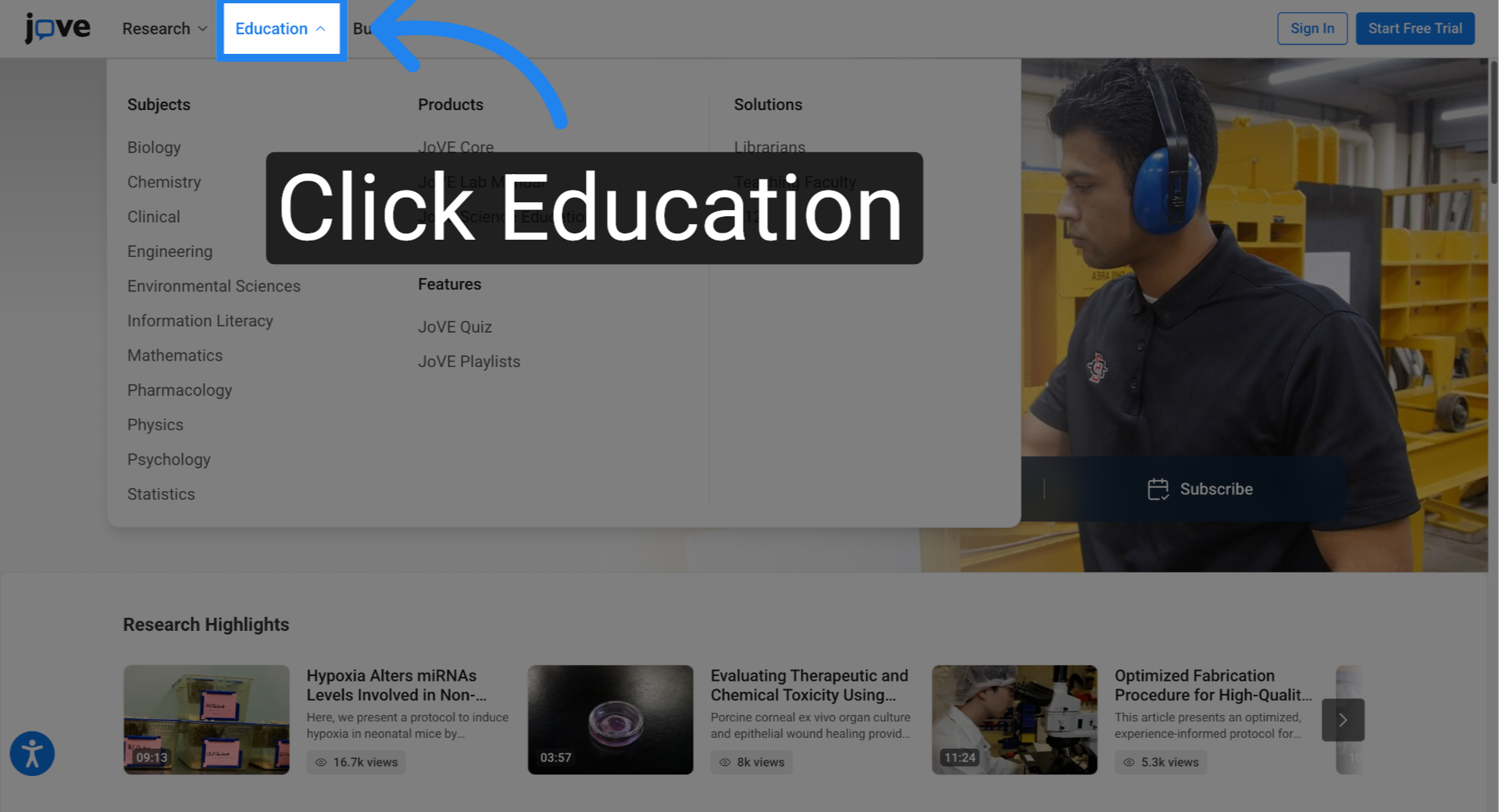
7. Open Education Menu
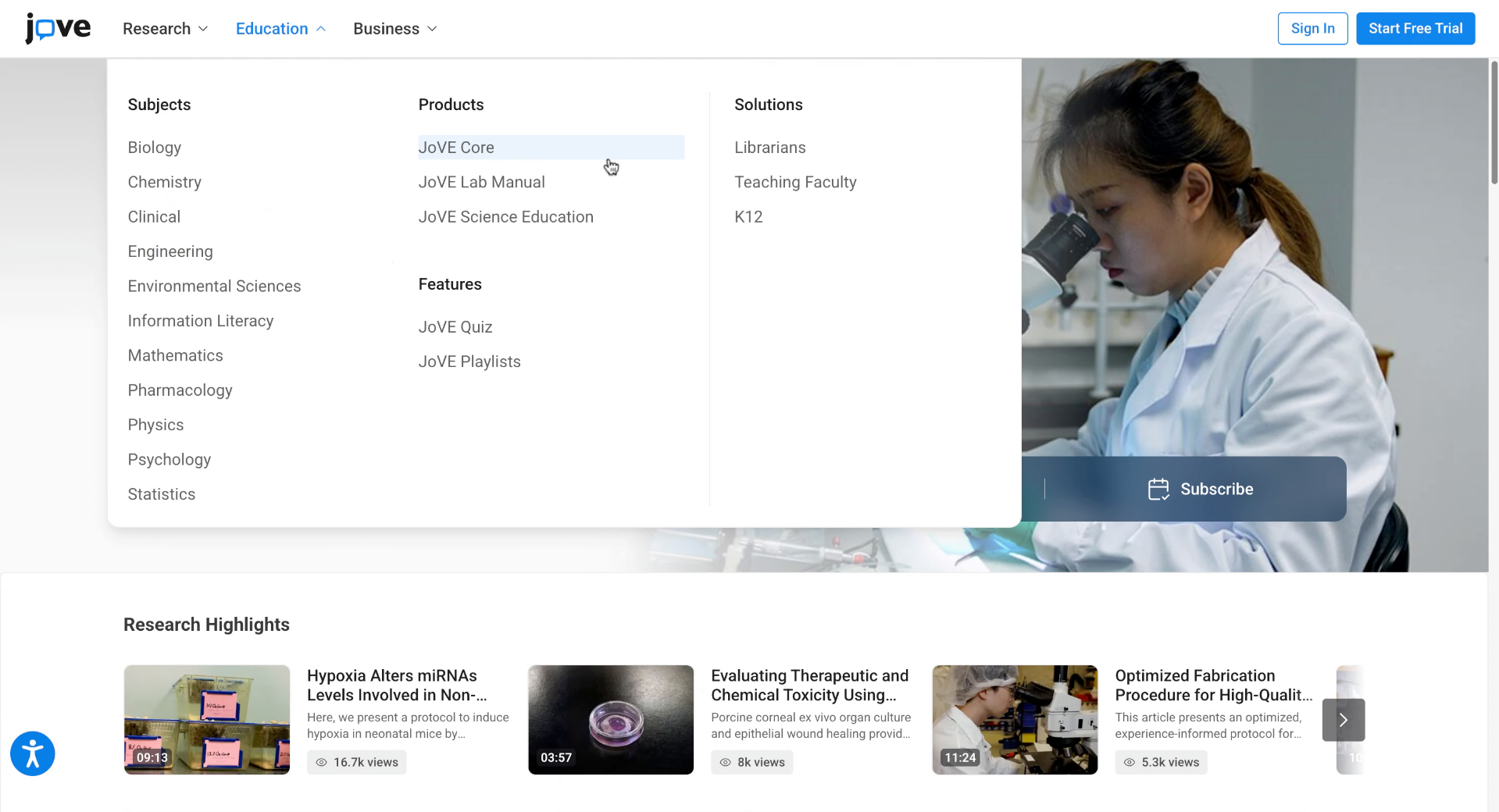
To find education content, click Education in the top navigation bar to open the Education drop-down menu. From this menu, you can browse JoVE Core products.
8. Explore JoVE Core Products
JoVE Core offers visual learning resources for foundational scientific concepts.
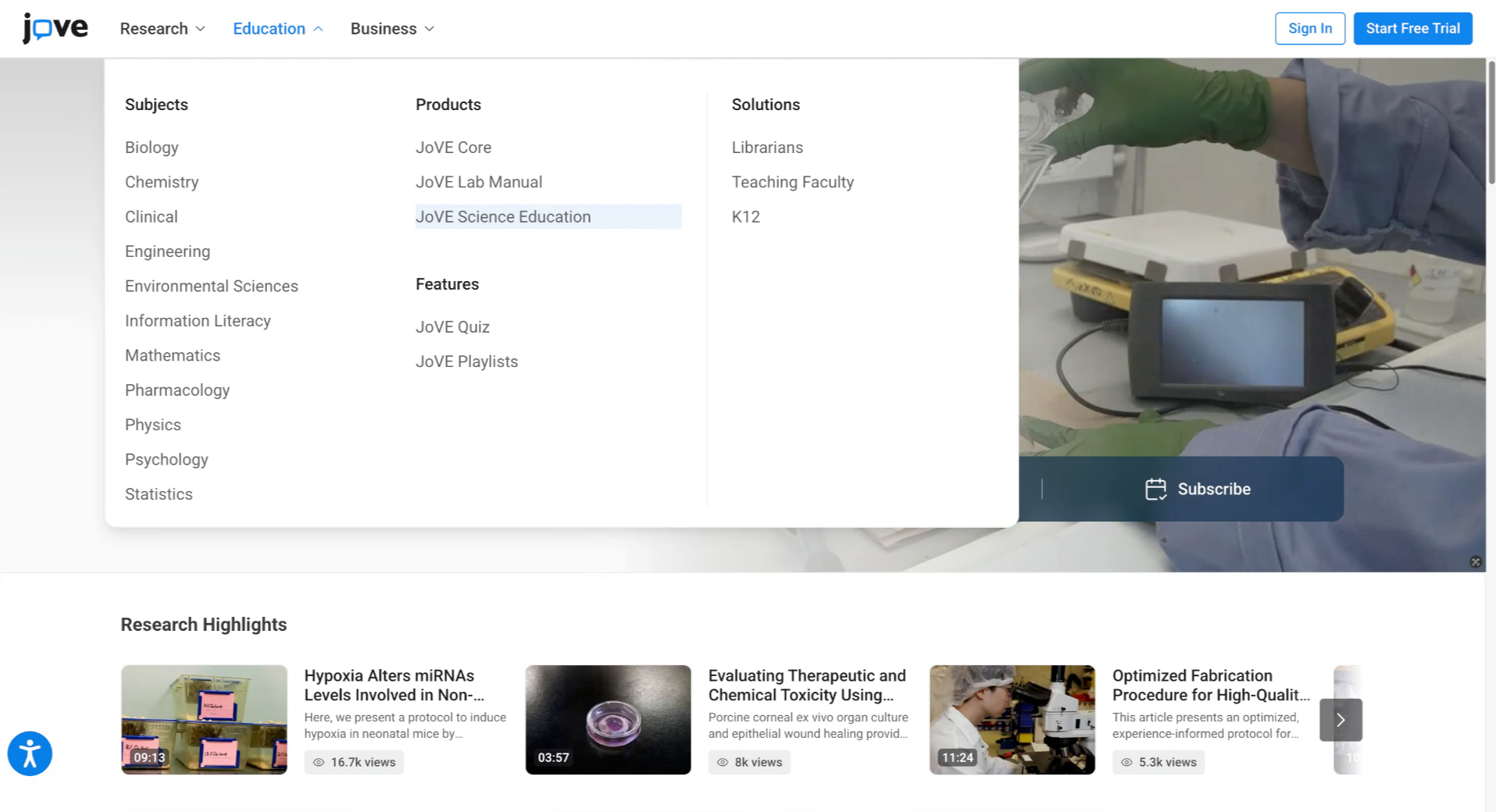
9. Explore JoVE Science Education Product
Jove Science Education includes educational videos for basic and advanced topics.
10. Explore JoVE Lab Manual Product
JoVE lab manual provides step-by-step laboratory protocols for students, and
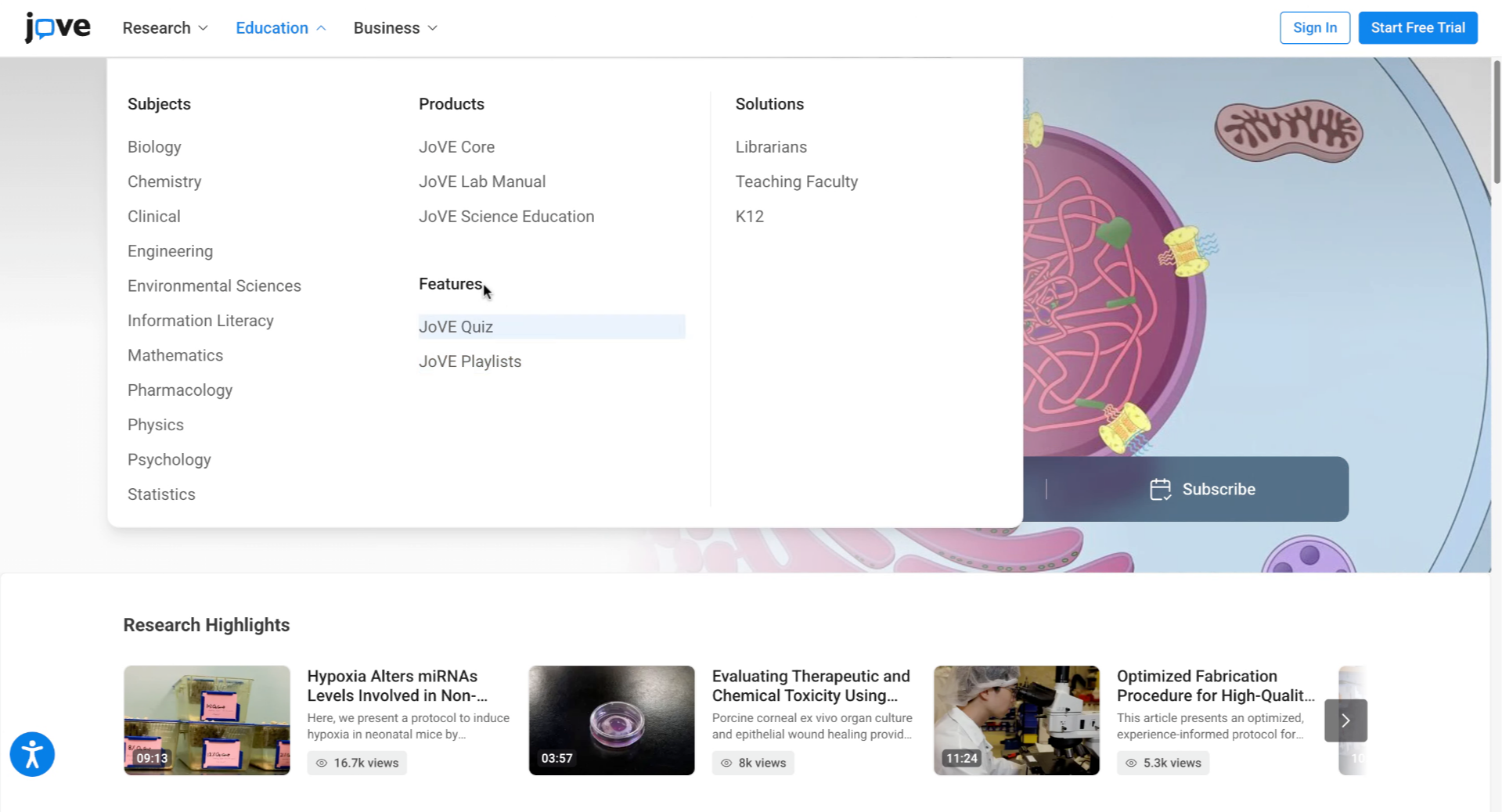
11. Browse Additional Education Features
You can also browse additional features for education like Jove Quiz and Jove Playlists to enhance learning.
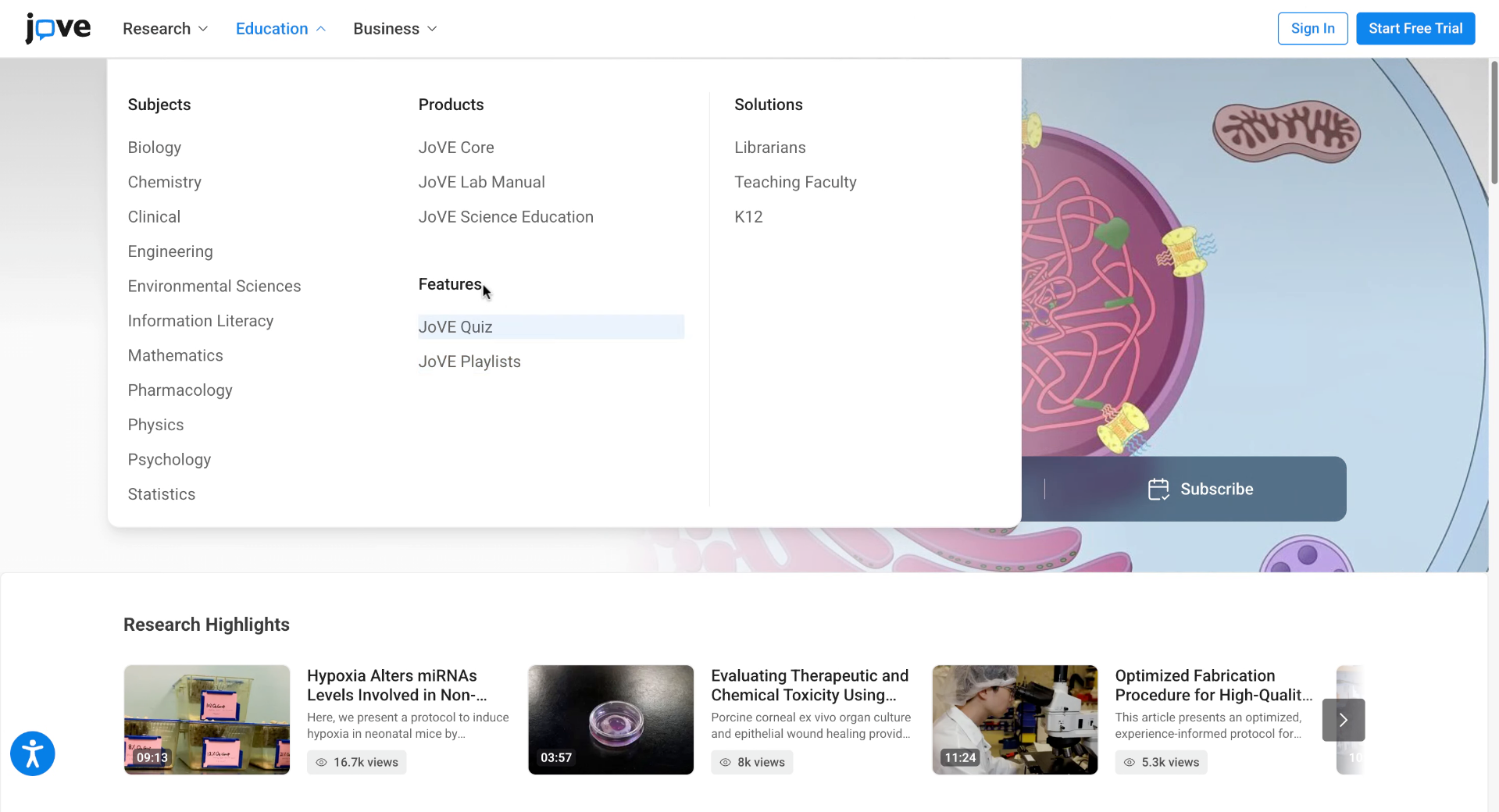
12. Browse Educational Content By Subject
If you do not know which product to use, click a subject to view related educational content across available selections.
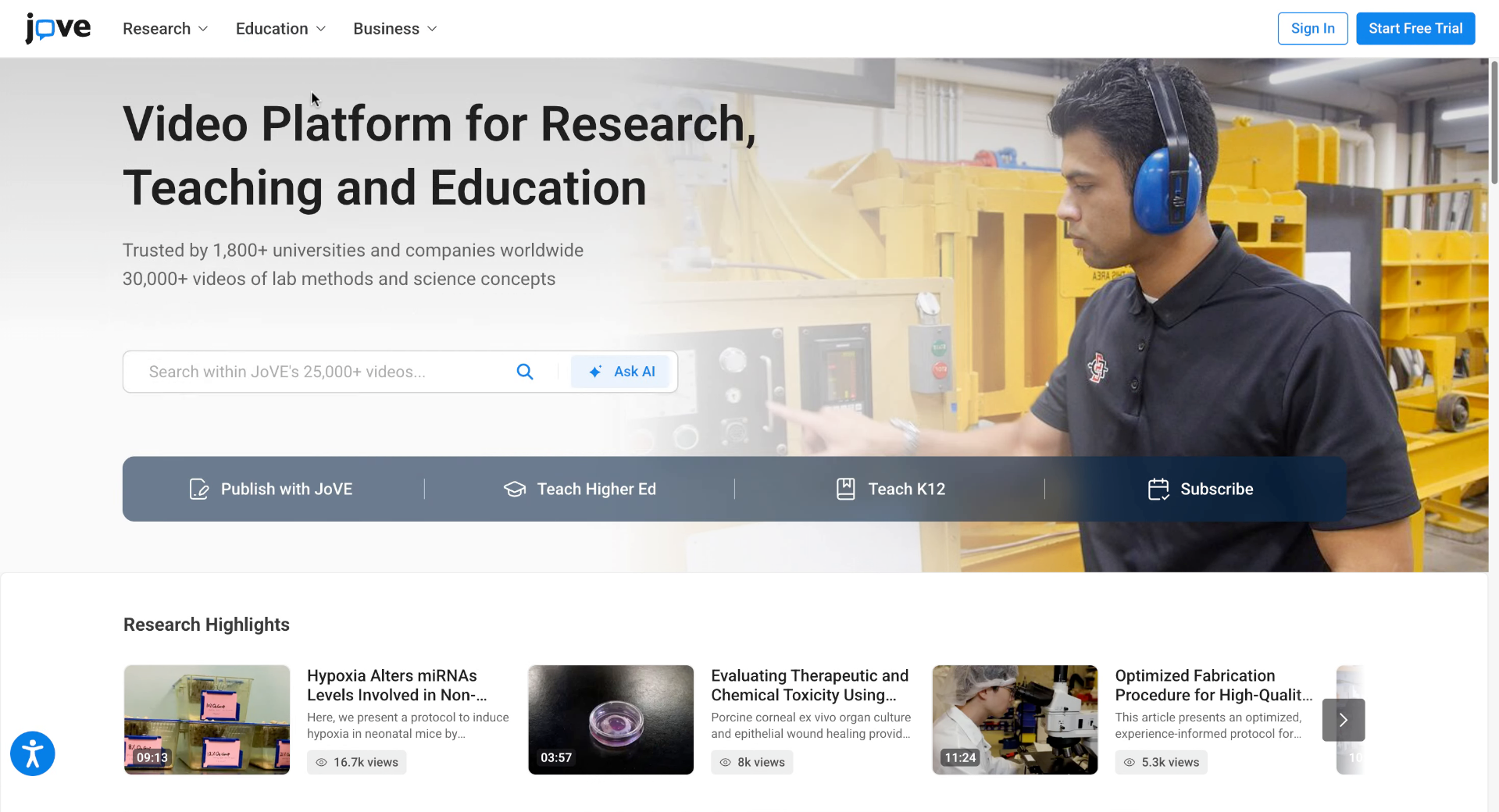
13. Use The Search Bar
Additionally, you can use the search bar to find specific research or education content quickly.
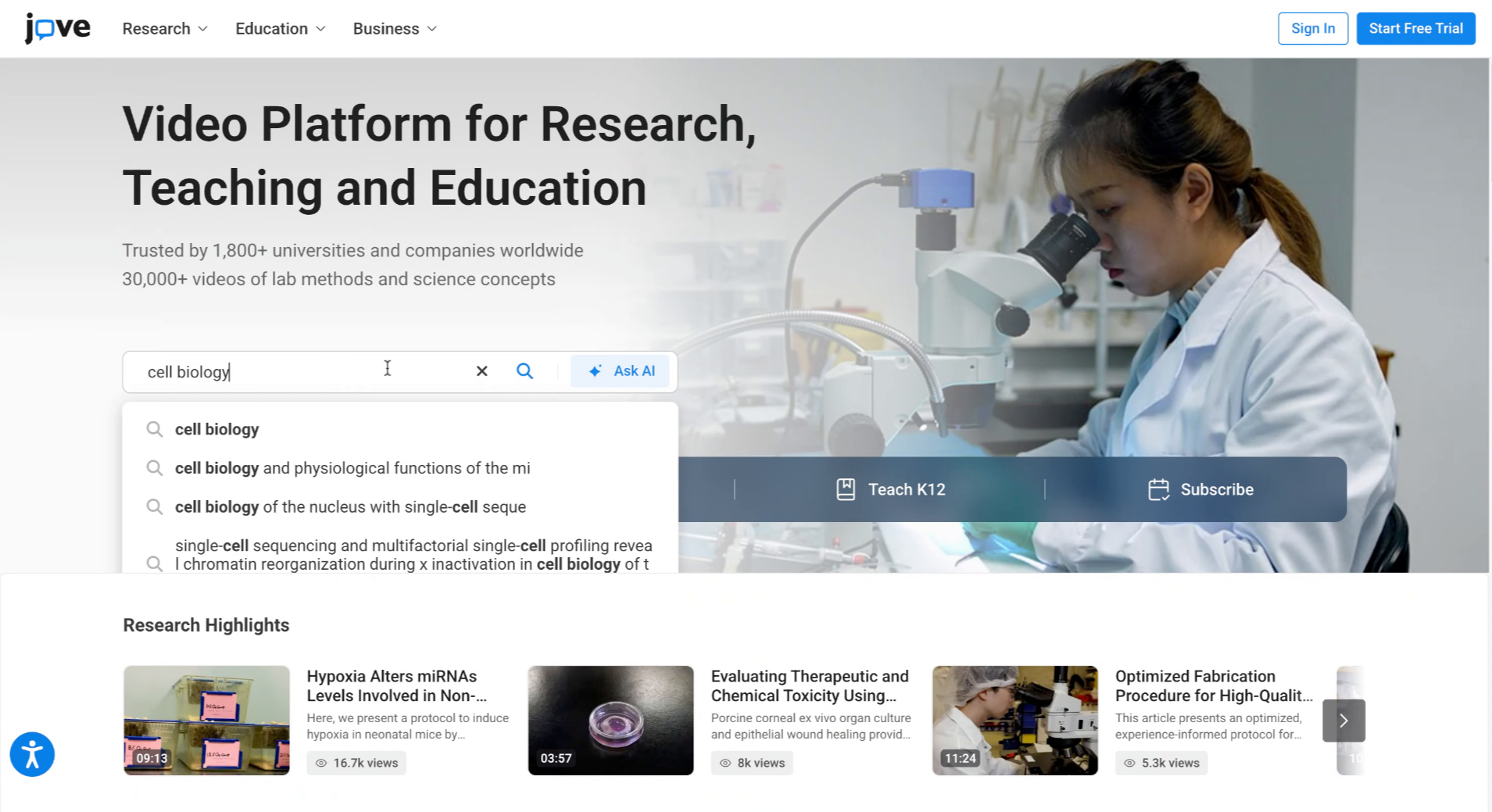
14. Enter Search Query
If you're looking for something specific, enter your query in the search bar to search for that particular concept.
15. Use AI Overview And Video Results