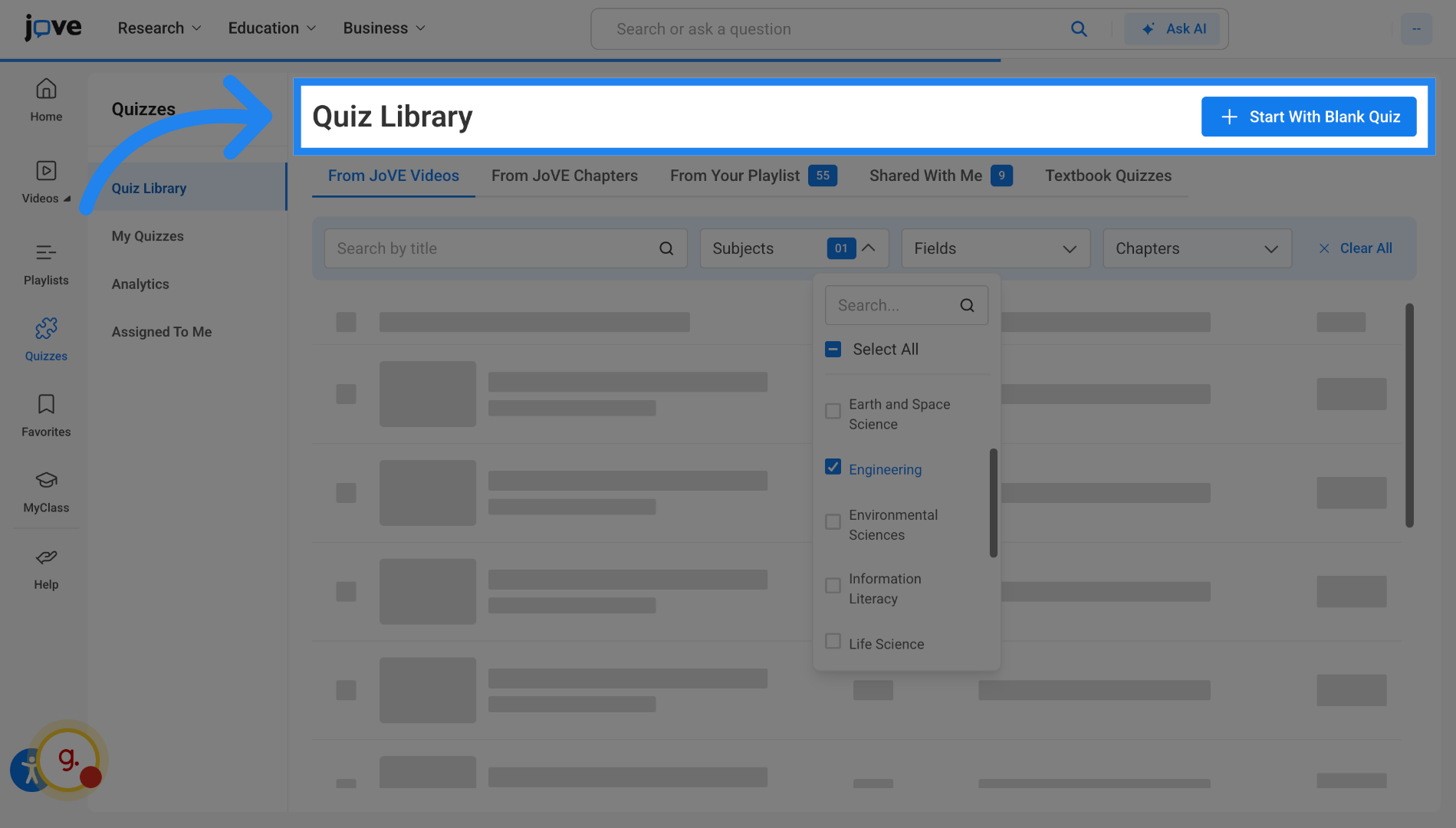
Accessing Jove Quizzes
This video explains how to access Jove Quiz and understand the constraints involved.
Go to www.jove.com
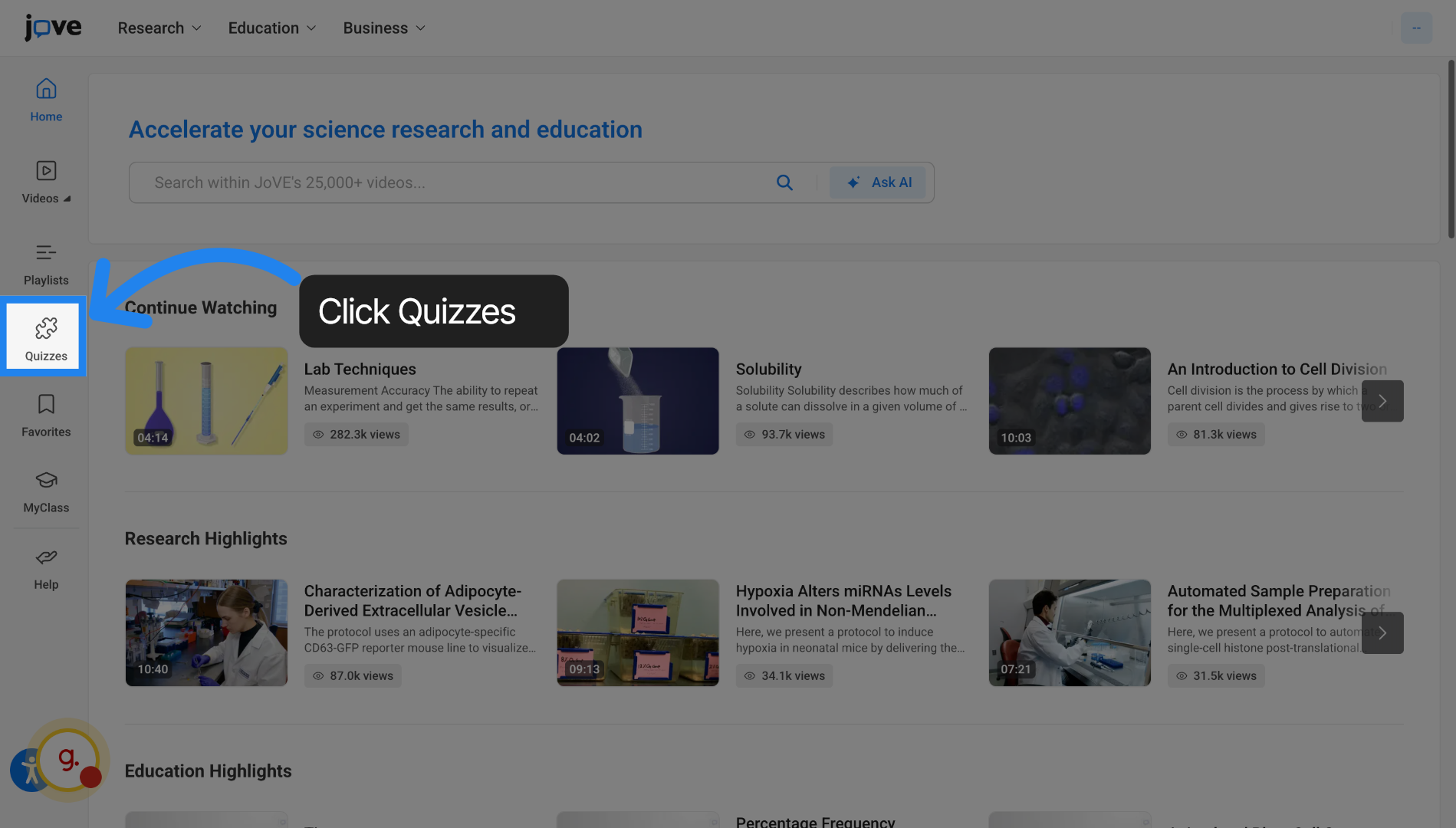
1. Entry Point 1 - Left Side Navigation
The first entry point is the left-hand side navigation pane that you see here. Click "Quizzes" to begin.
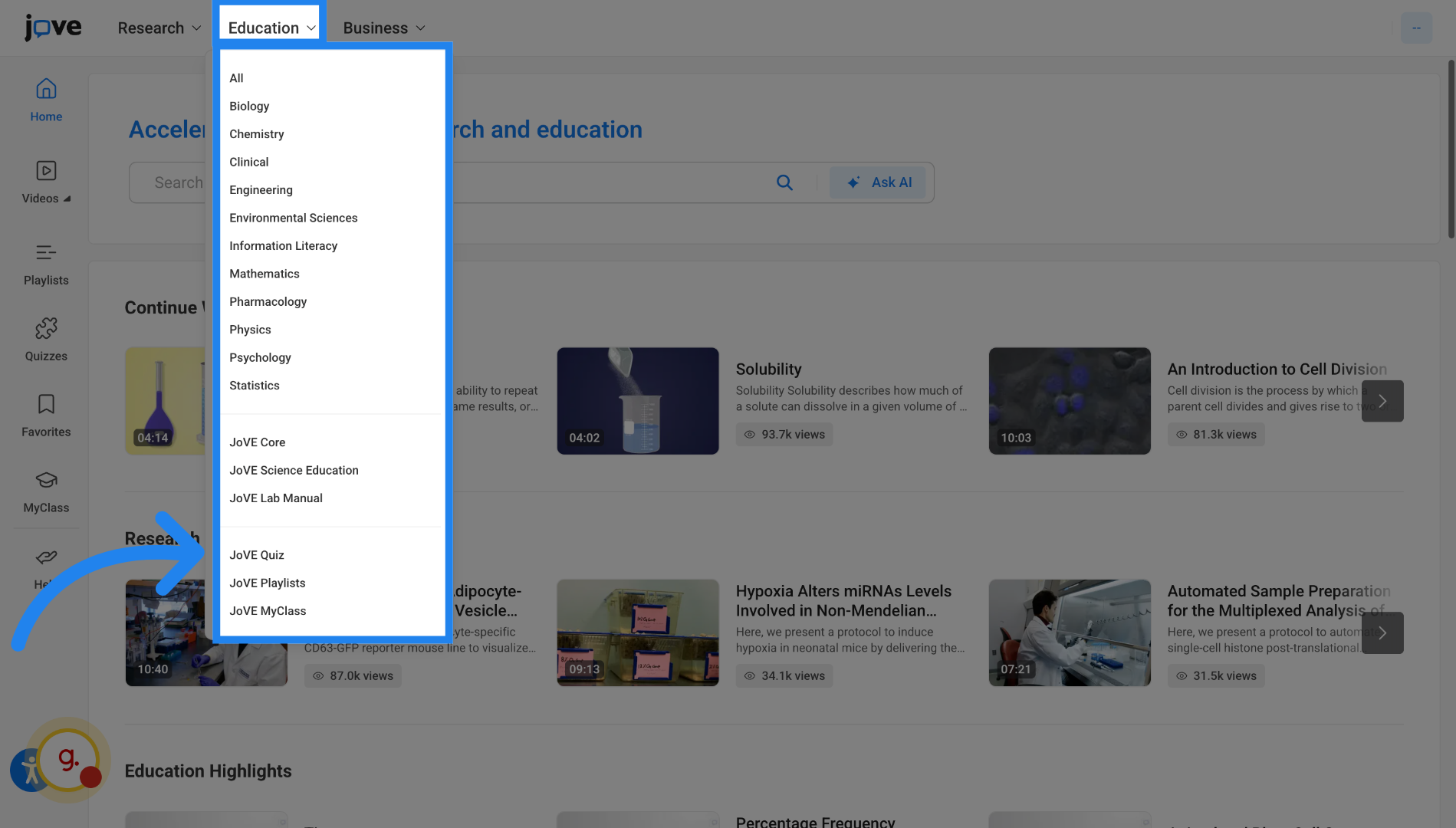
2. Entry Point 2 - Education dropdown
Another entry point is the education dropdown where you will find Jove Quiz listed.
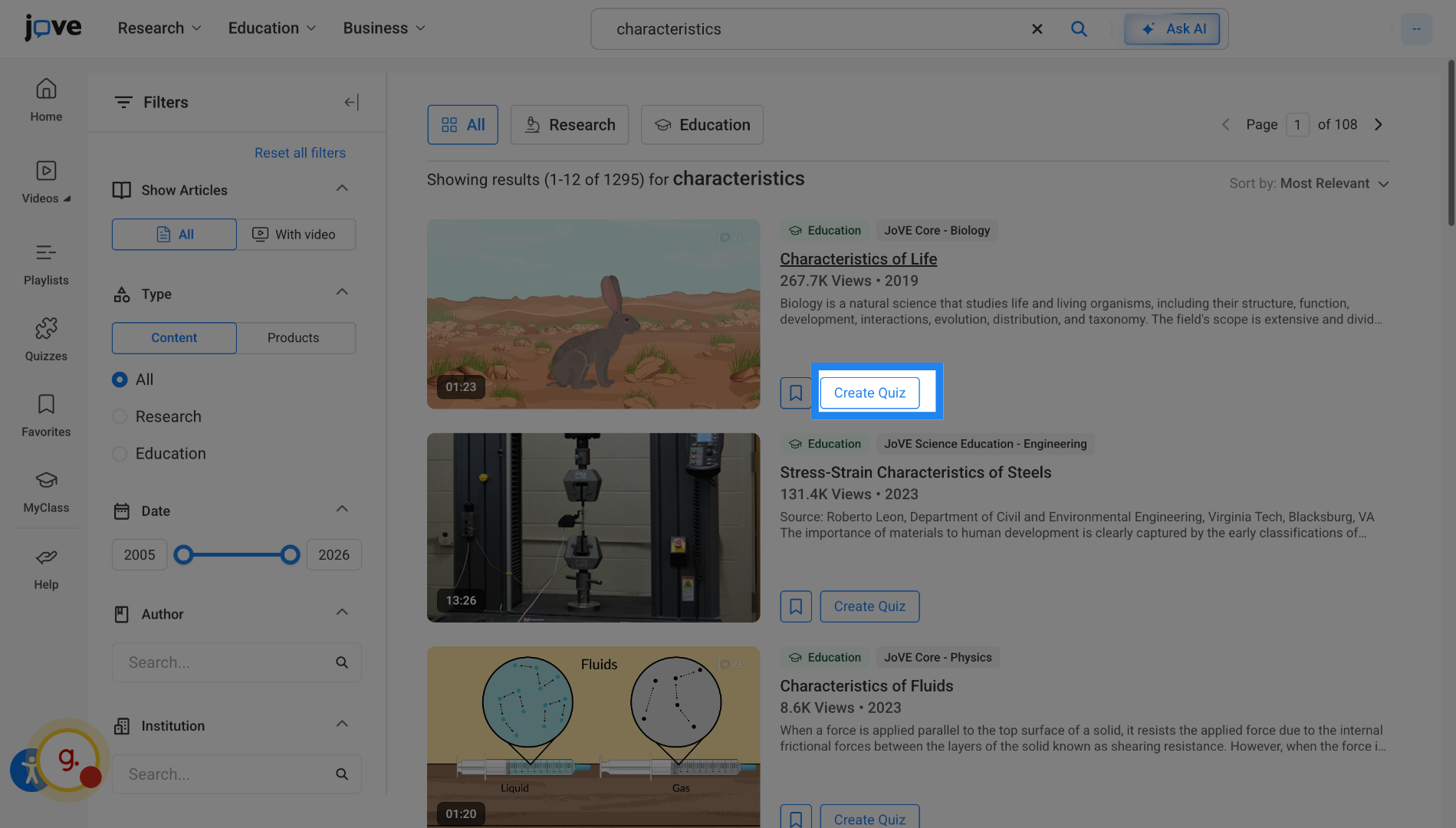
3. Entry Point 3 - Search Page
You will find the Jove Quiz entry point on the search page for all Education videos.
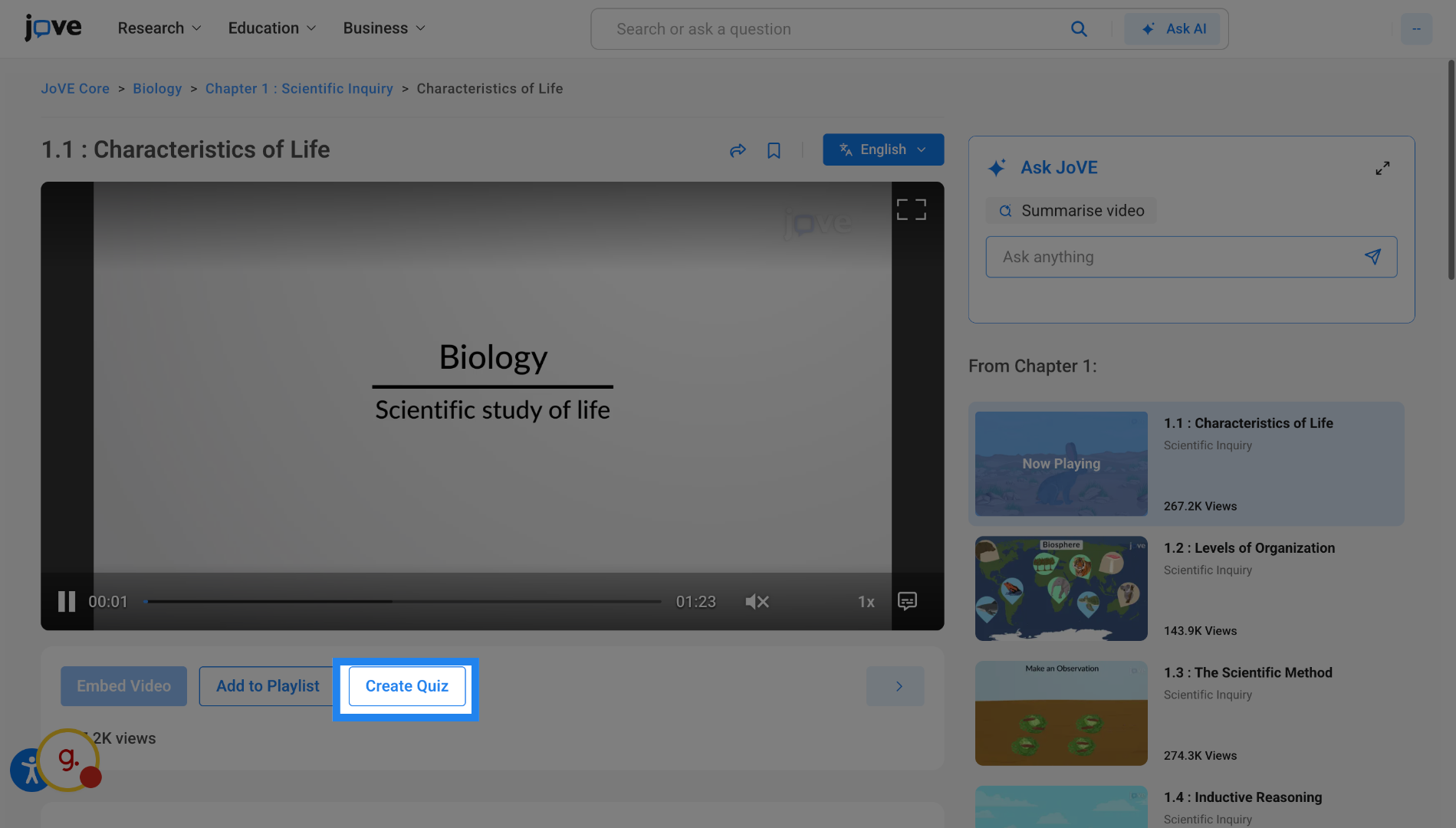
4. Entry Point 4 - Access Video Page
You'll also be able to access Jove Quiz through video page. The entry points for search page and video page are shown only to professors or instructors or librarians.
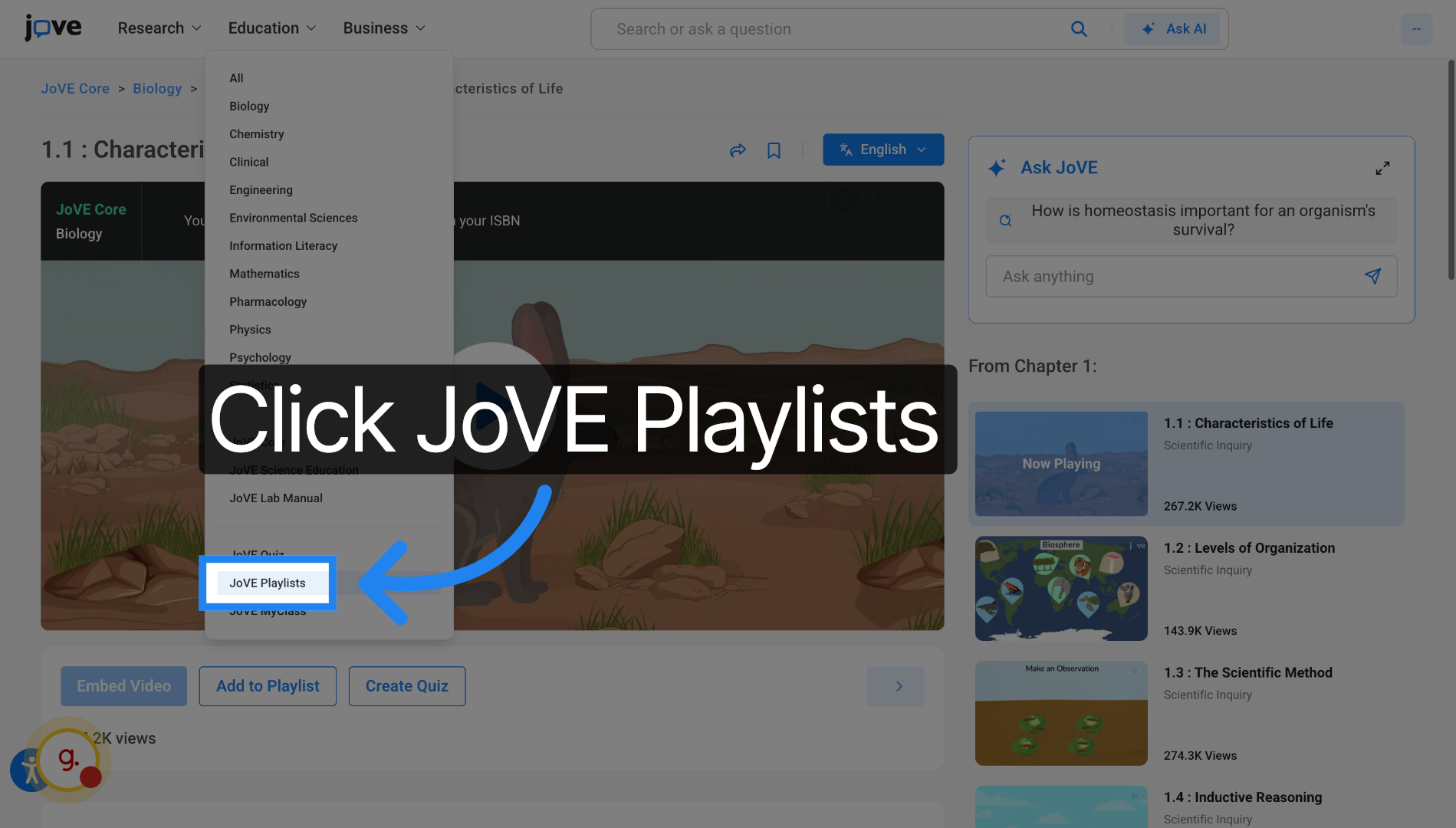
5. Open Playlists Section
You can also access Jove Quiz through "Jove Playlists".
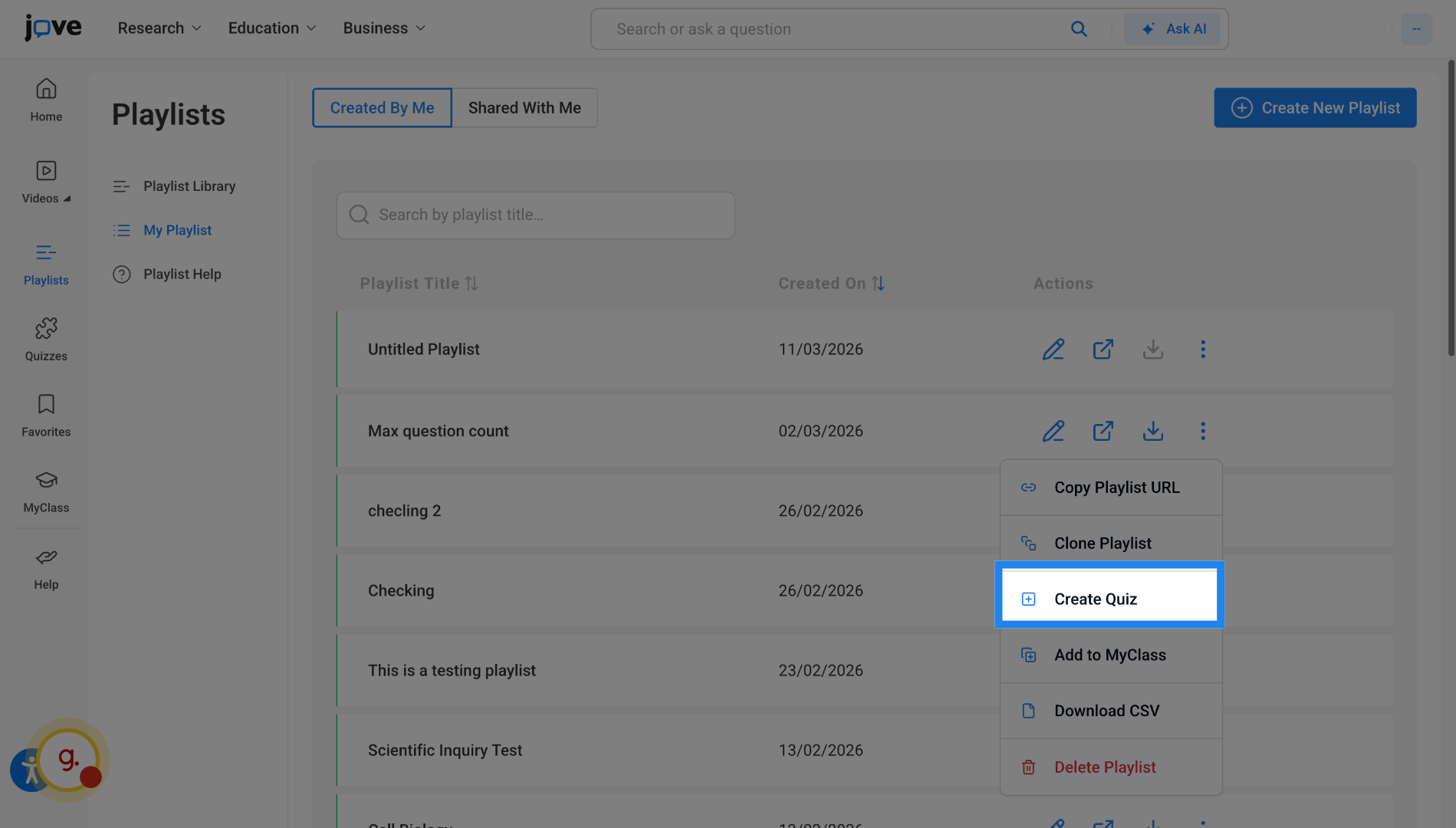
6. Entry Point 5 - Creating quizzes from your playlists
You can create quizzes from your playlists.
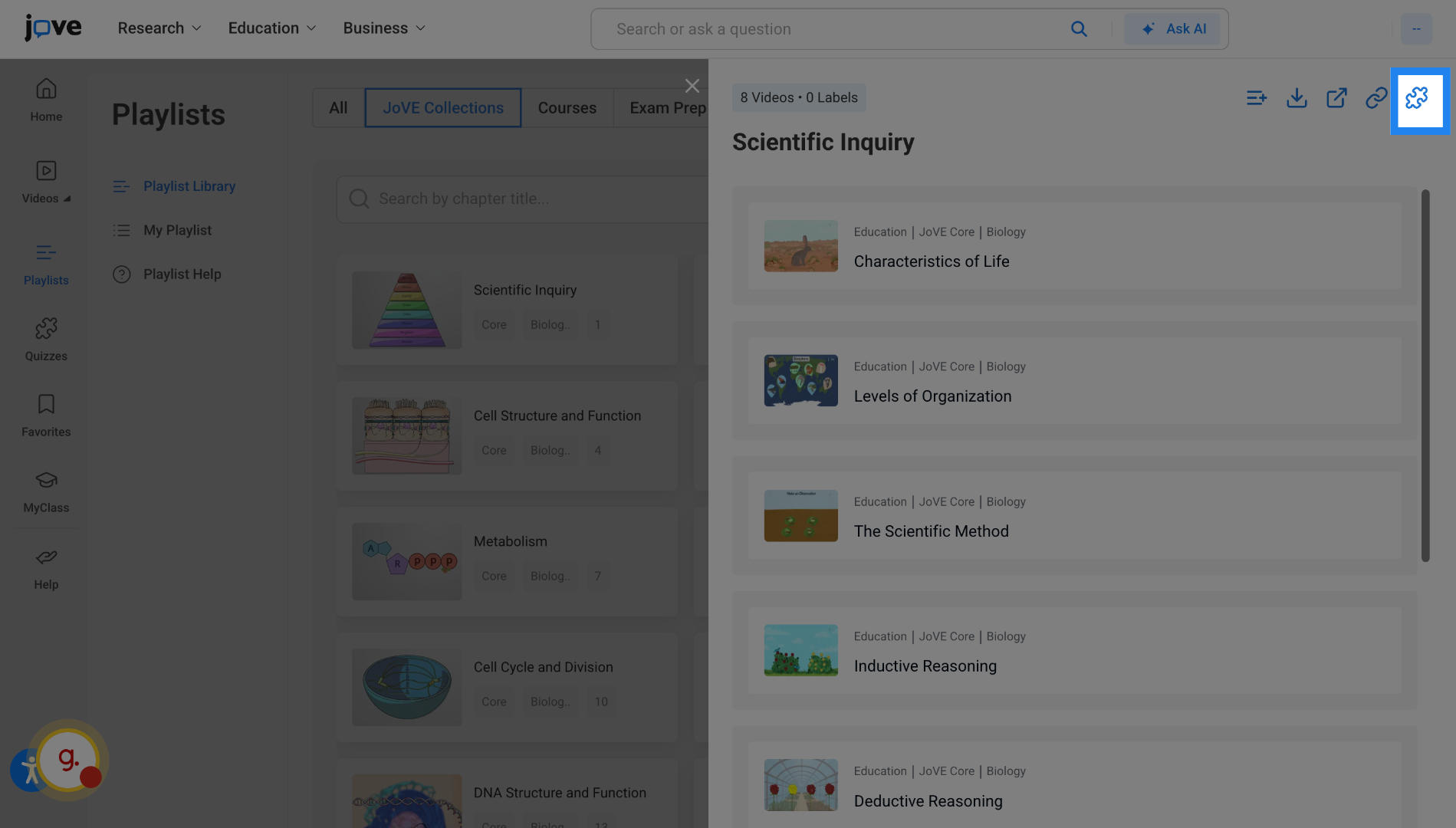
7. Entry Point 6 - Creating quizzes from playlist Library
You can also create quizzes from the template playlists enlisted in playlist library.
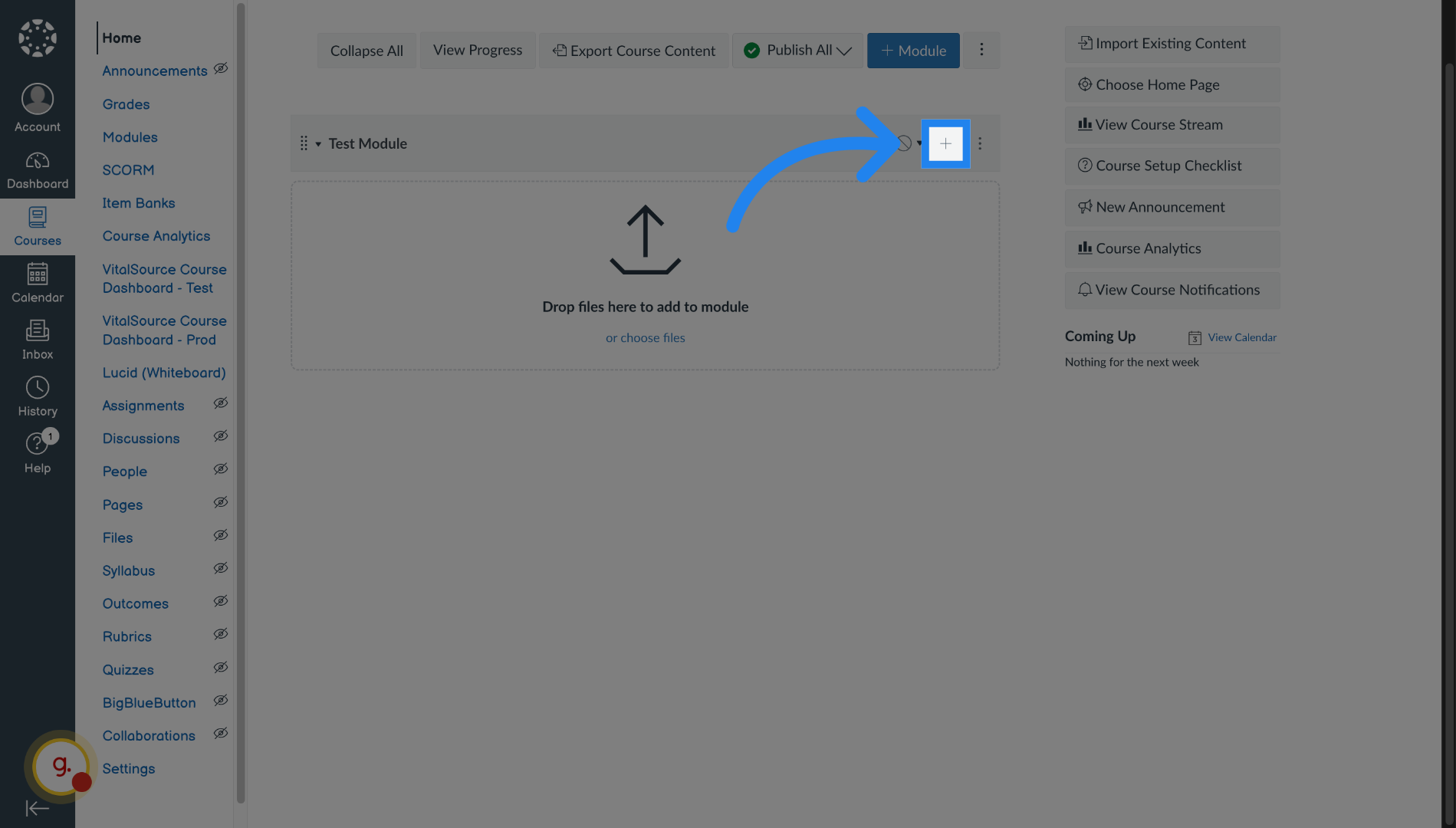
8. Entry Point 7 - Accessing Quizzes through LTI - Open Course Module
You can also access Jove quiz through your LMS. Inside your course, click on add resources
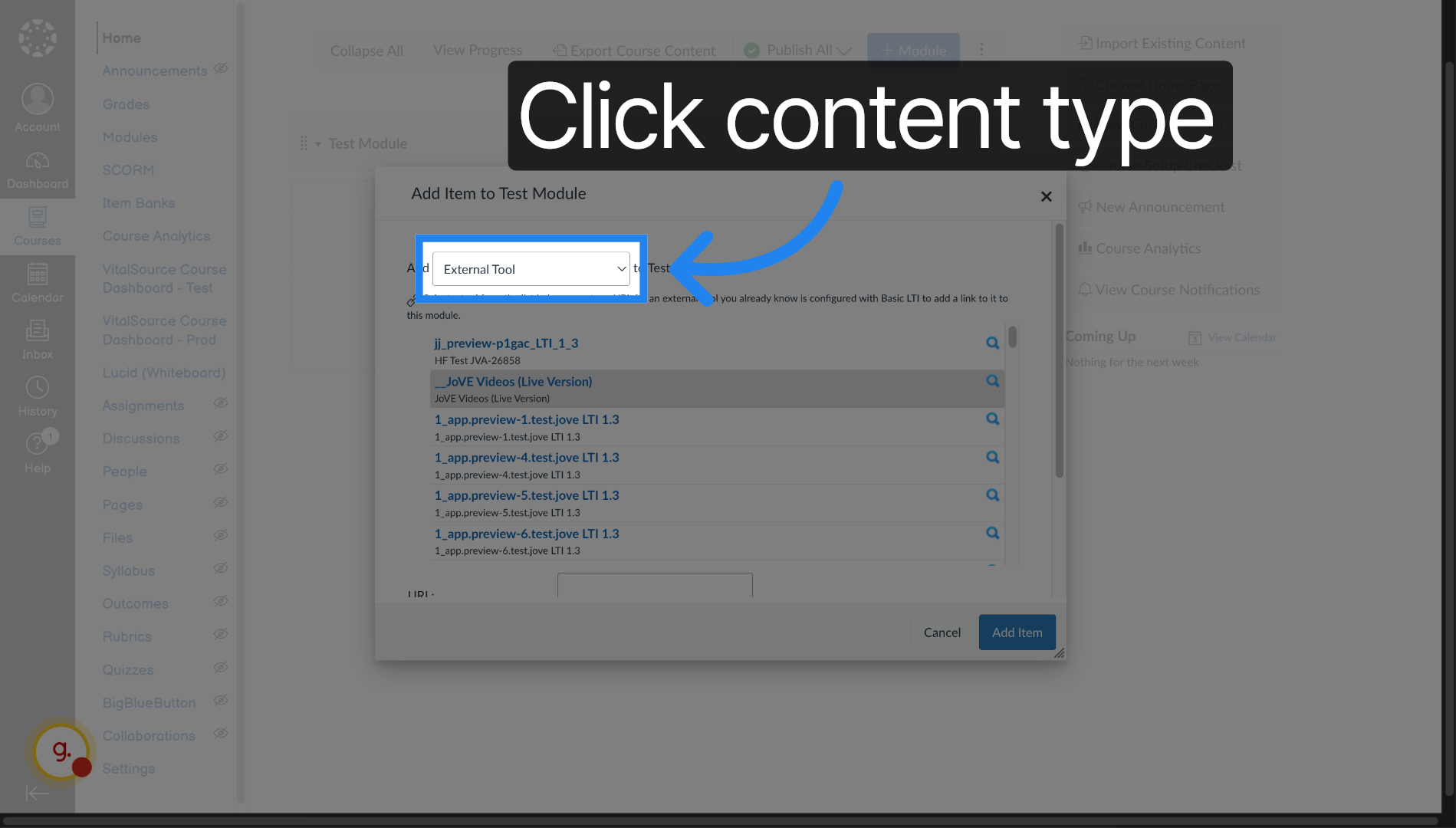
9. Entry Point 7 - Accessing Quizzes through LTI - Select Content Type
Click "External Tool" to choose the content type to add.
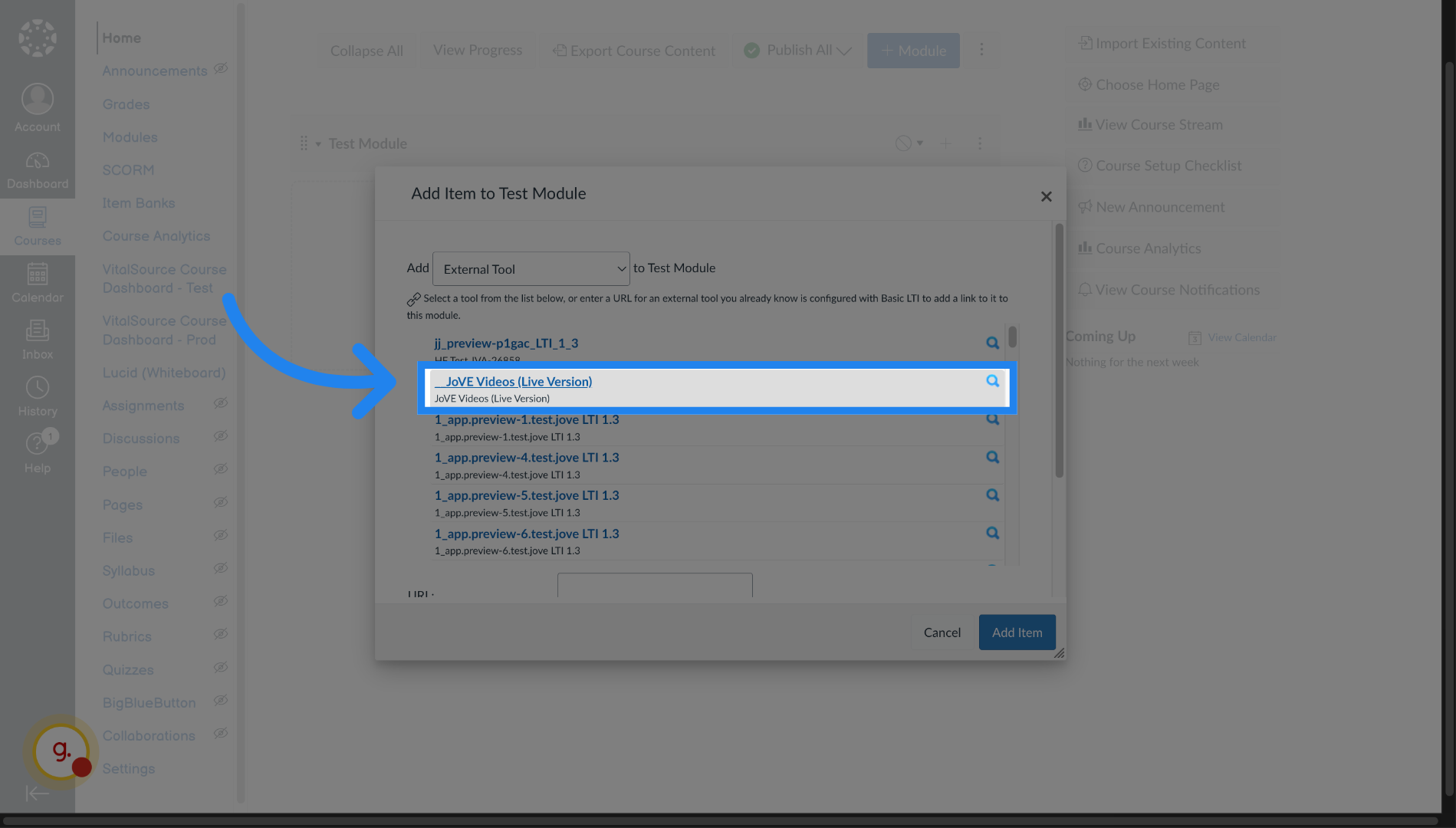
10. Entry Point 7 - Accessing Quizzes through LTI - Choose JoVE Videos
Click "Jove Videos" to add Jove video content
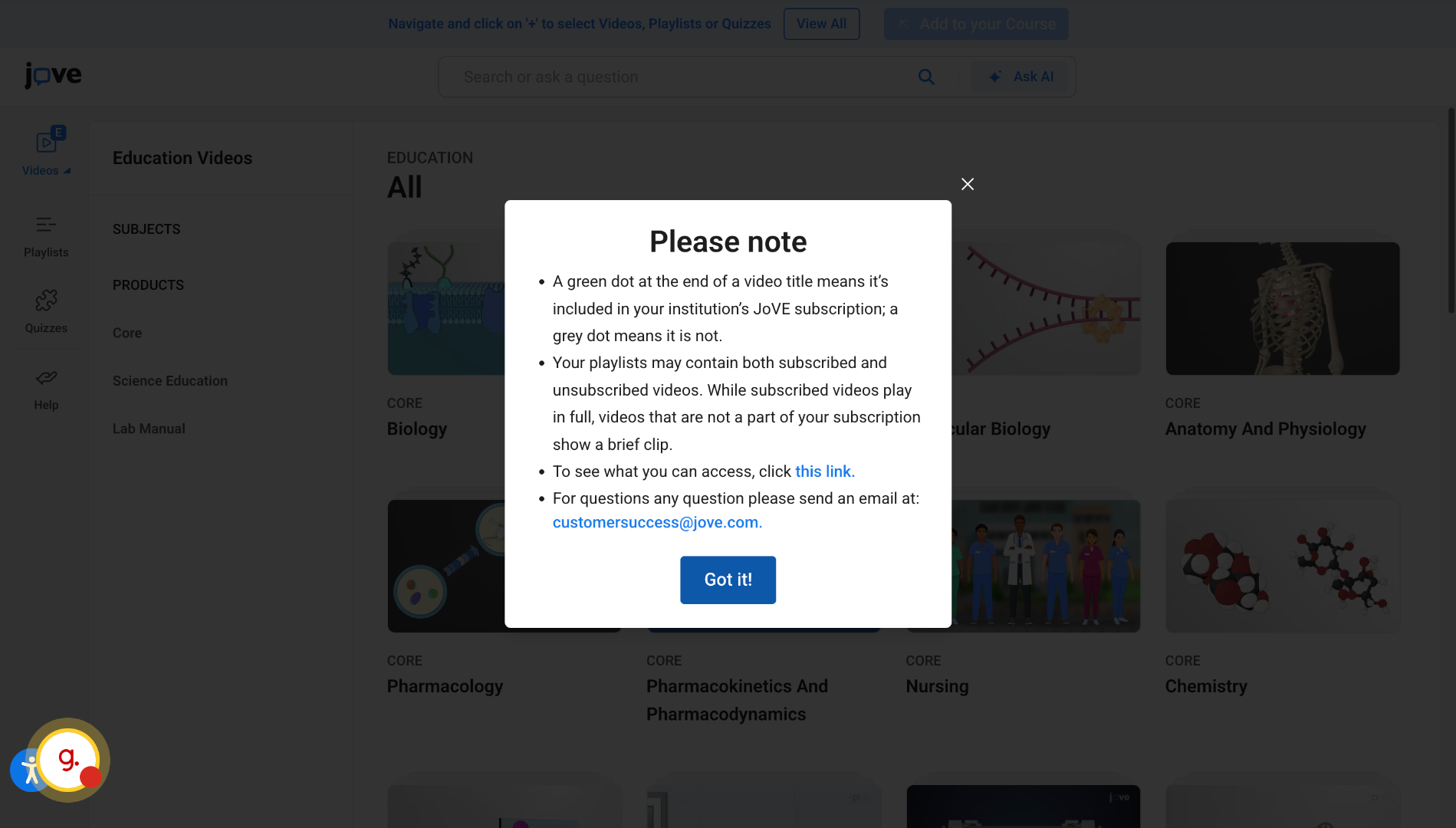
11. Entry Point 7 - Accessing Quizzes through LTI - Switch to JoVE Education
Launch the Jove LTI experience.
12. Entry Point 7 - Accessing Quizzes through LTI - Select Entry Point
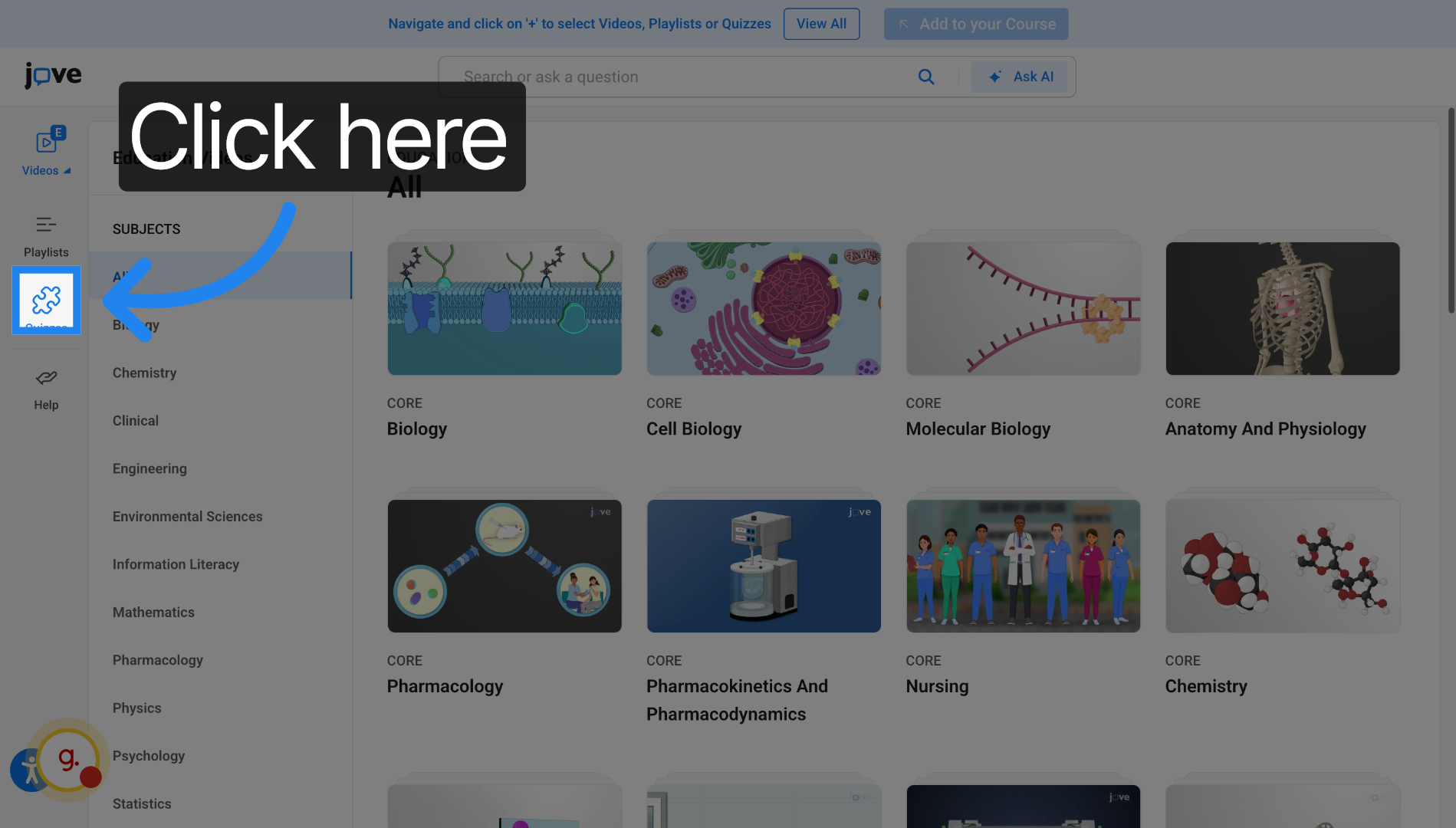
Click here to enter Jove Quiz.
13. Open Quiz Library
Click "Start With Blank Quiz" to start a new quiz.