JoVE as Primary for Students
This video demonstrates how students can access published primary course materials within their LMS courses.
1. Accessing Published Course Material
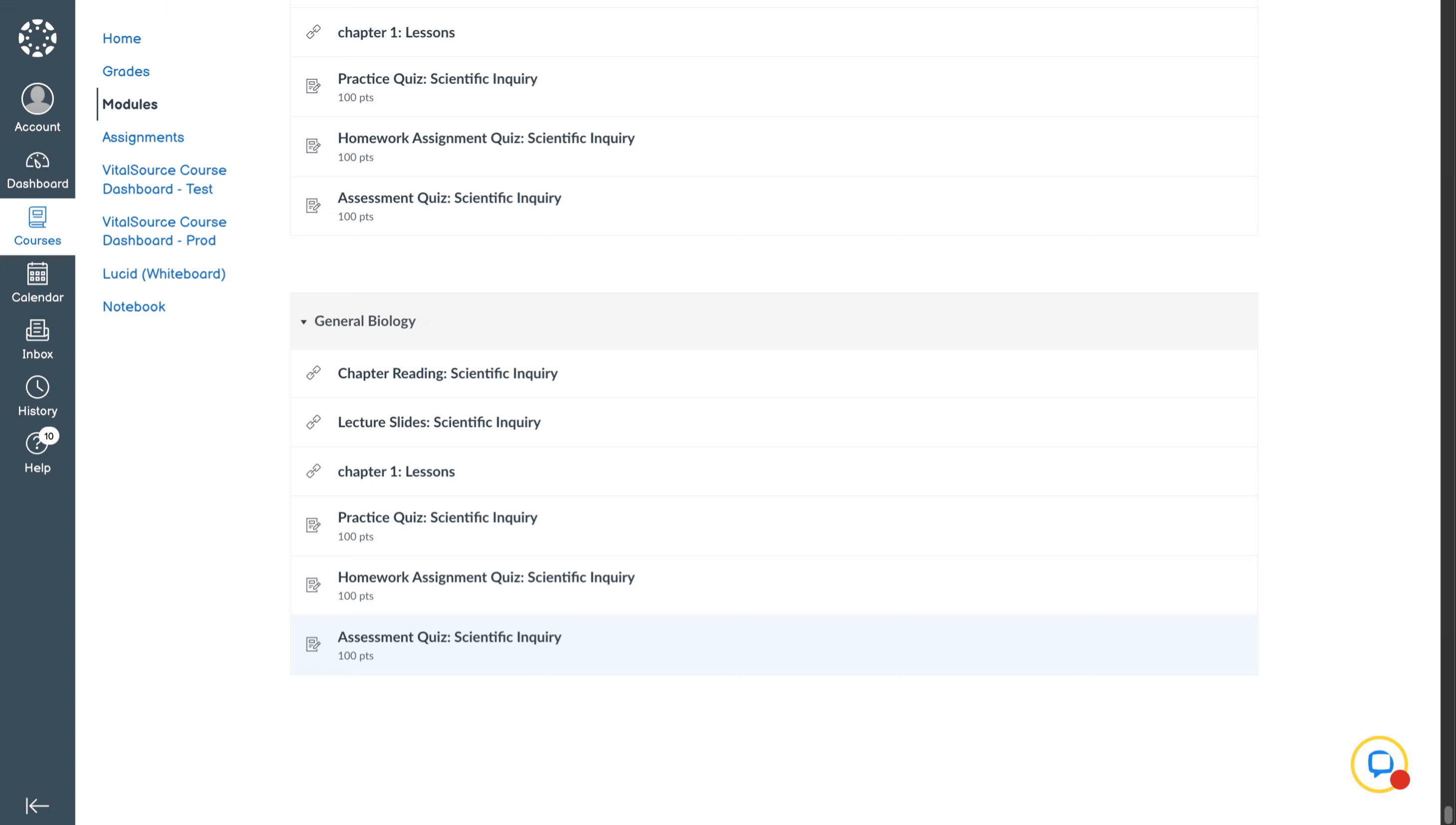
Once the professor has published all of the course material into the LMS course, the student will see those course materials listed in their respective courses like this. They can then access the course by clicking on the course material.
2. Redeeming Course Access Code
If the student has not redeemed the access code or the institute does not have integrations with willolabs or vitalsource, the student will come across this page while accessing for the first time. Here they will have to put in the access code to redeem the course and then access the material inside it.
3. Access Code Redemption Process
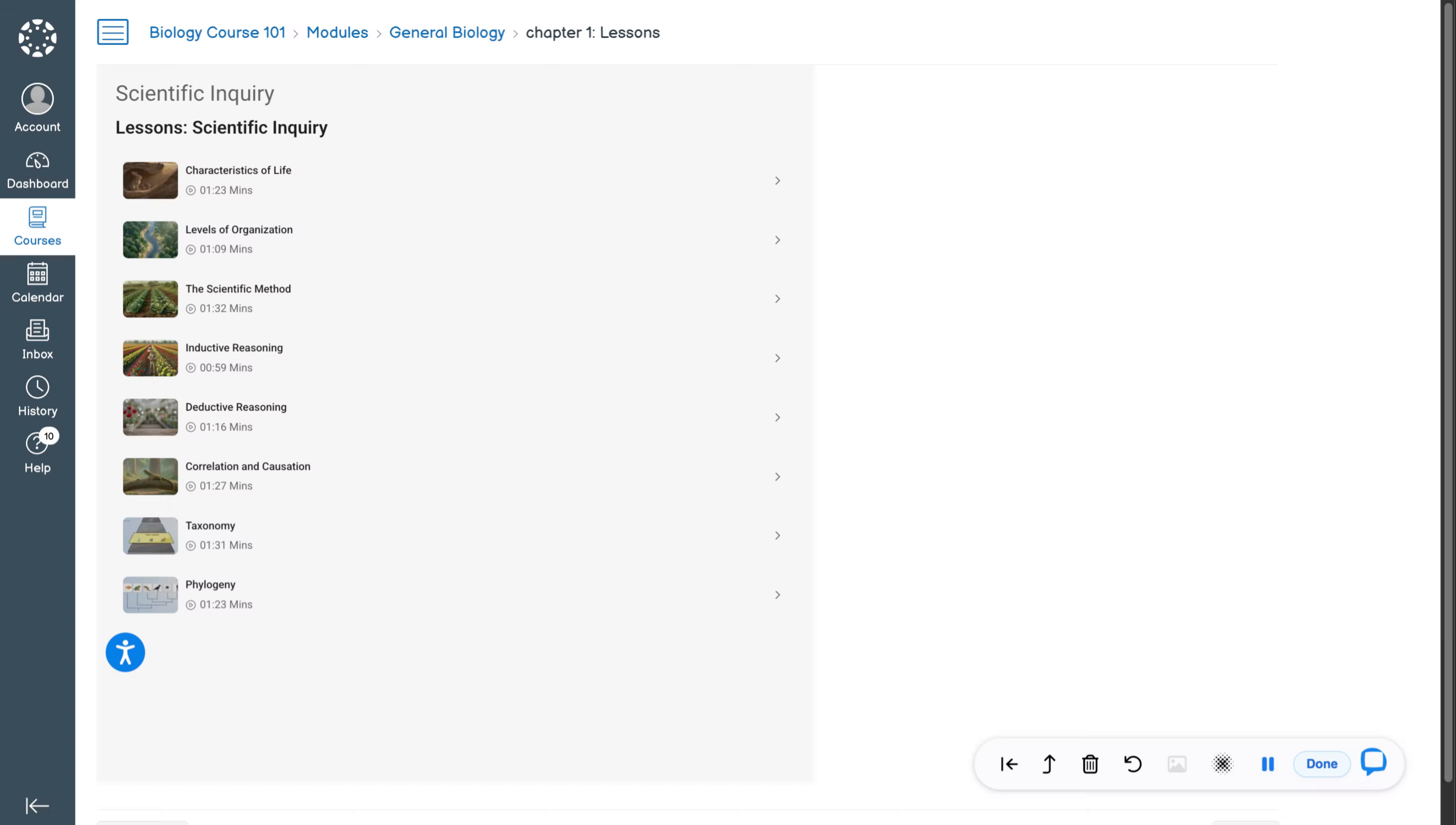
Once the student has redeemed the access code, he will be able to access the course material of this particular course from here on.
4. Course Playlist Overview
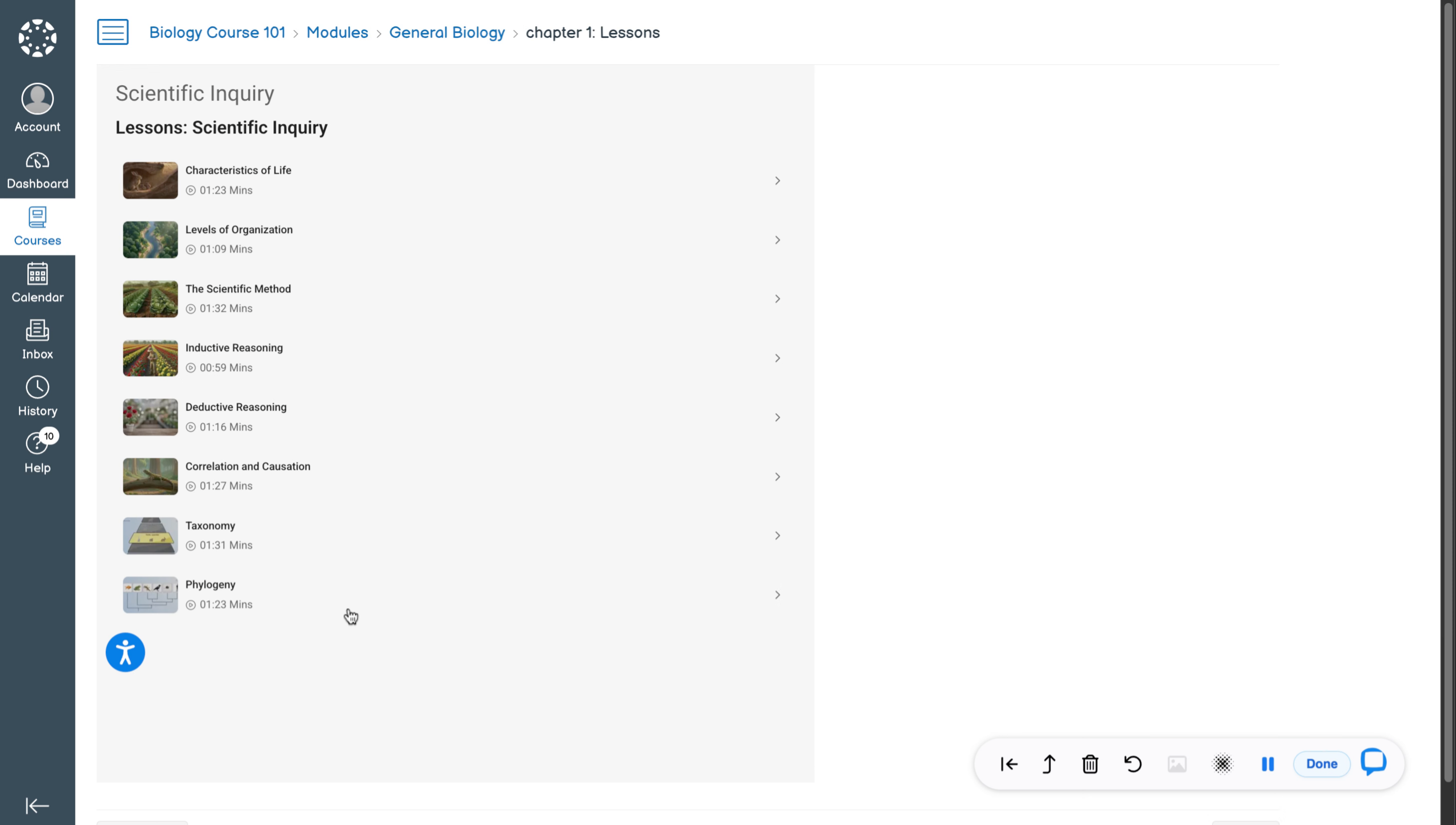
Here’s how the videos of the course chapters will appear when the professors add them as part of the playlist
5. Video And Quiz Access
The user can click on any of the videos and access it. You can even attempt quizzes instantly.
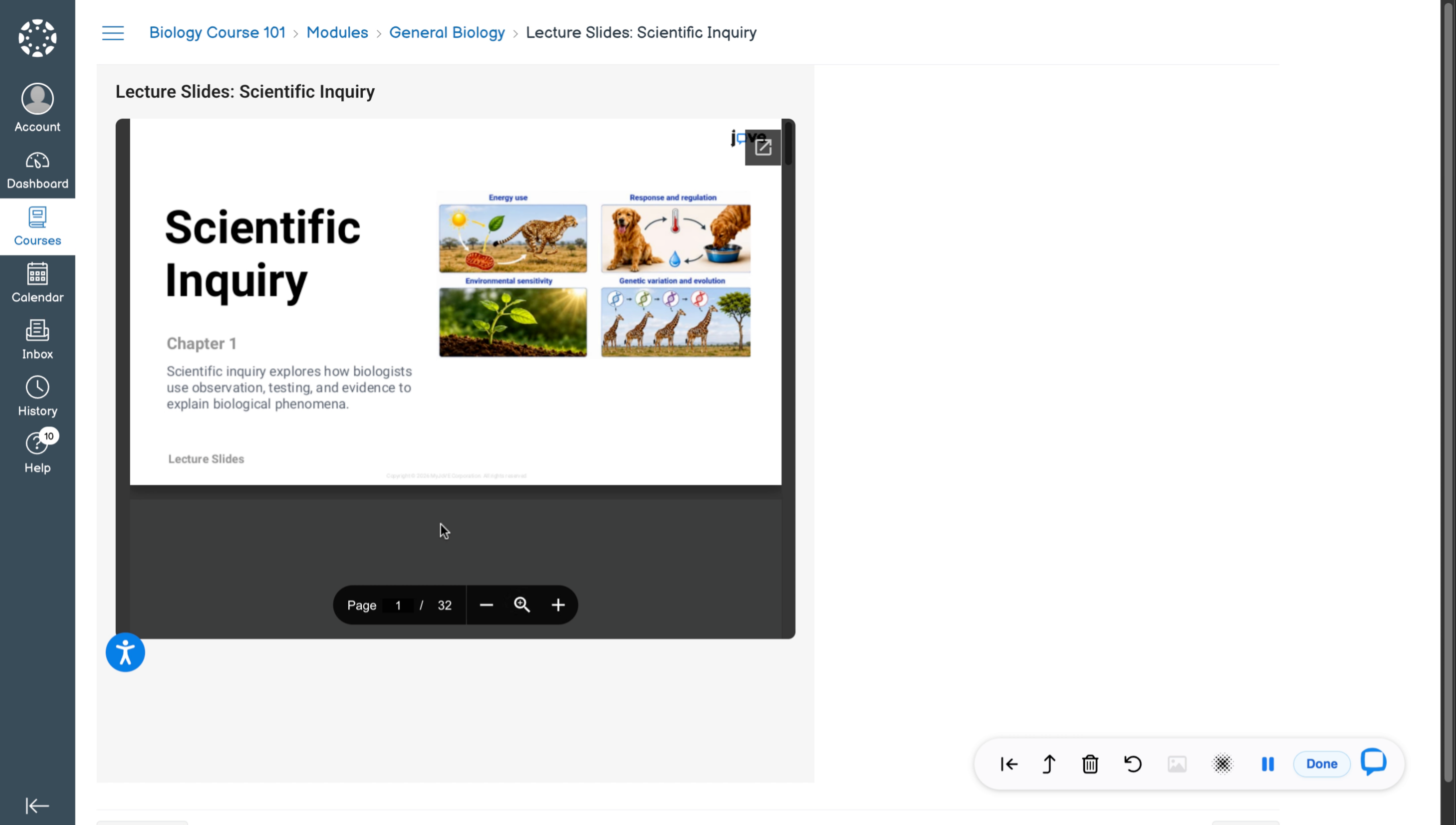
6. Lecture Slides Appearance
The course will also have lecture slides for the student which will look like this.
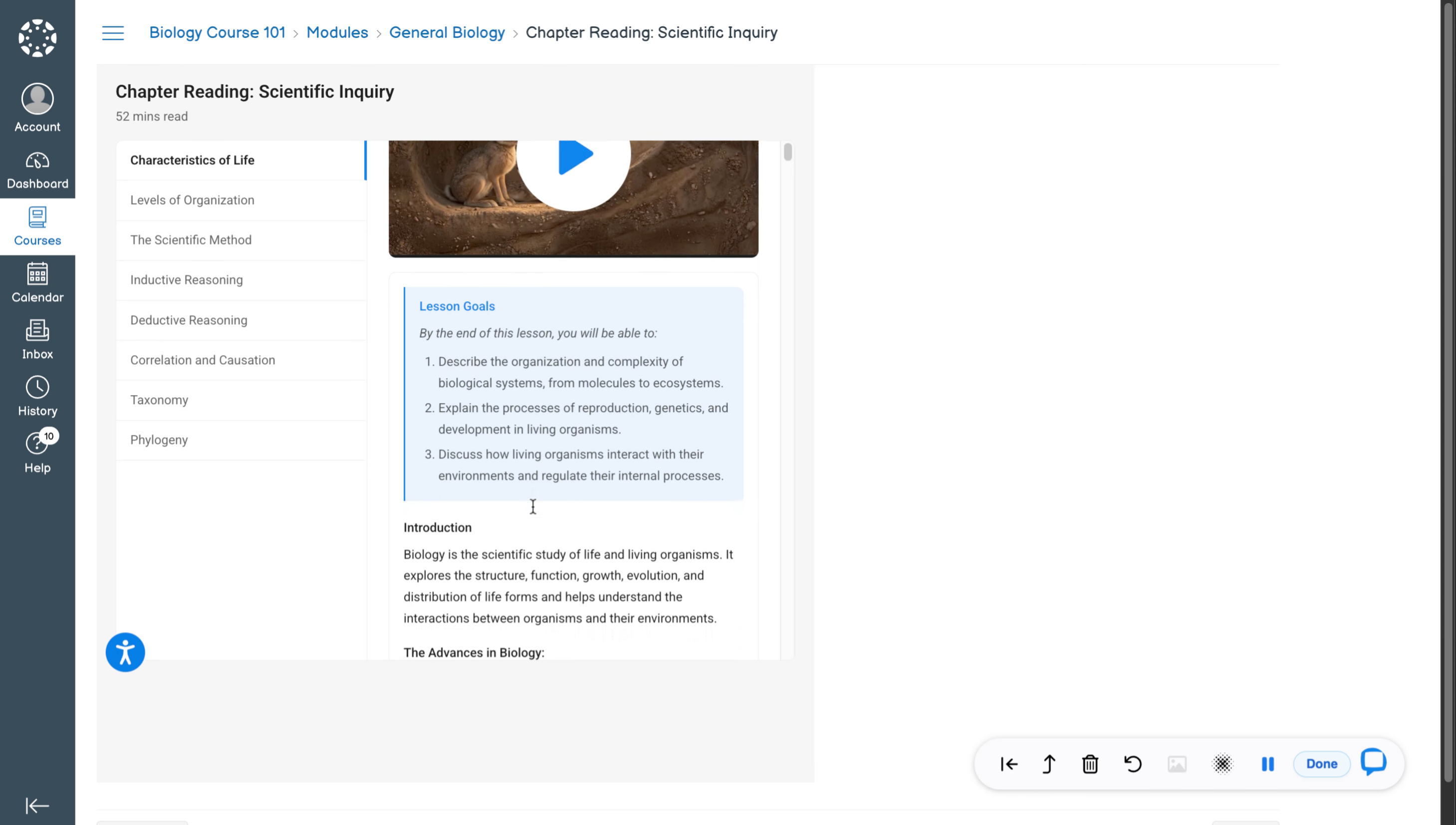
7. Detailed Chapter Reading Intro
Here is how the detailed chapter reading of the course will look like.
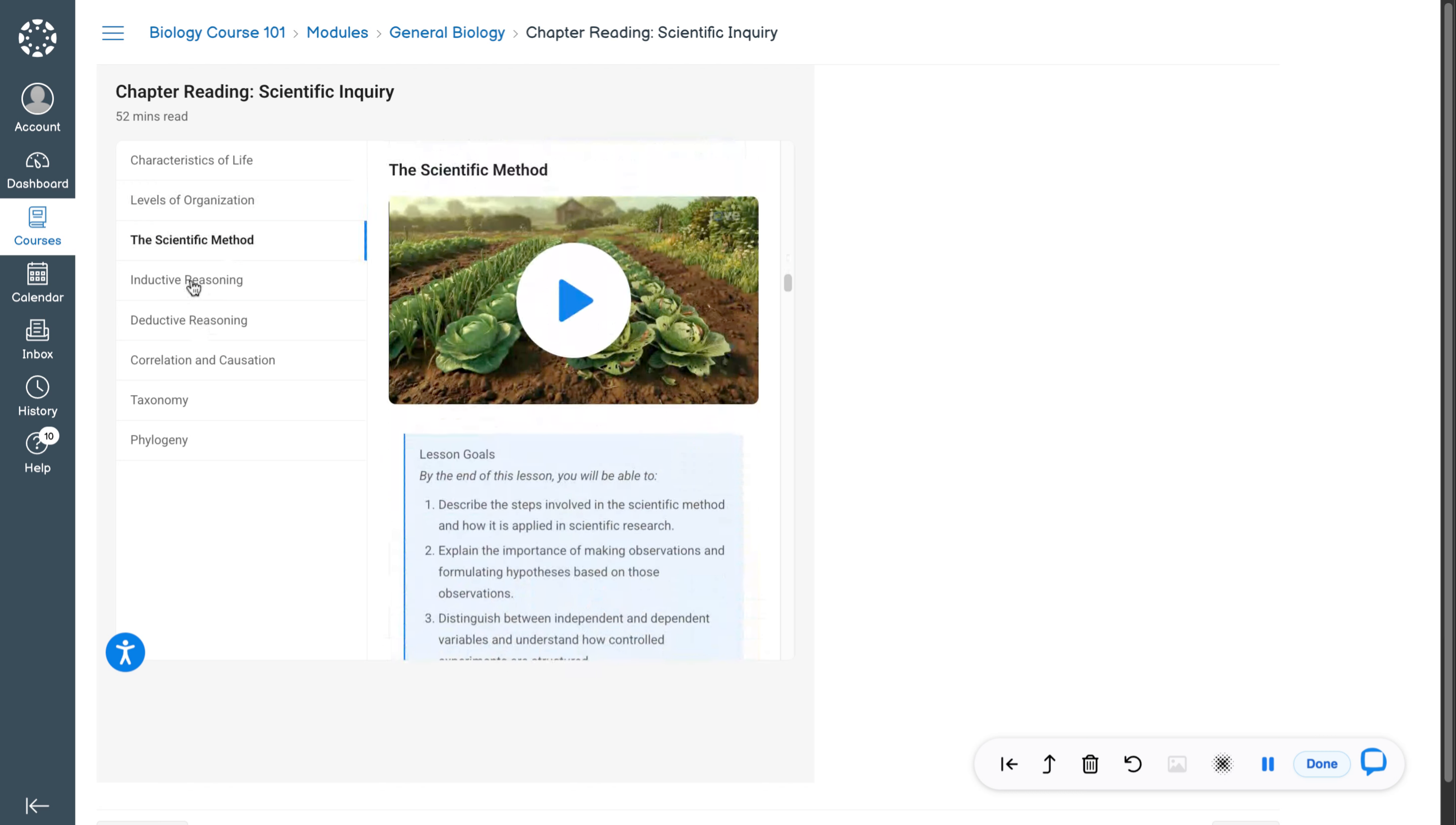
8. Chapter Reading Content Description
This will have all the chapter reading for all the videos that are part of the chapter.
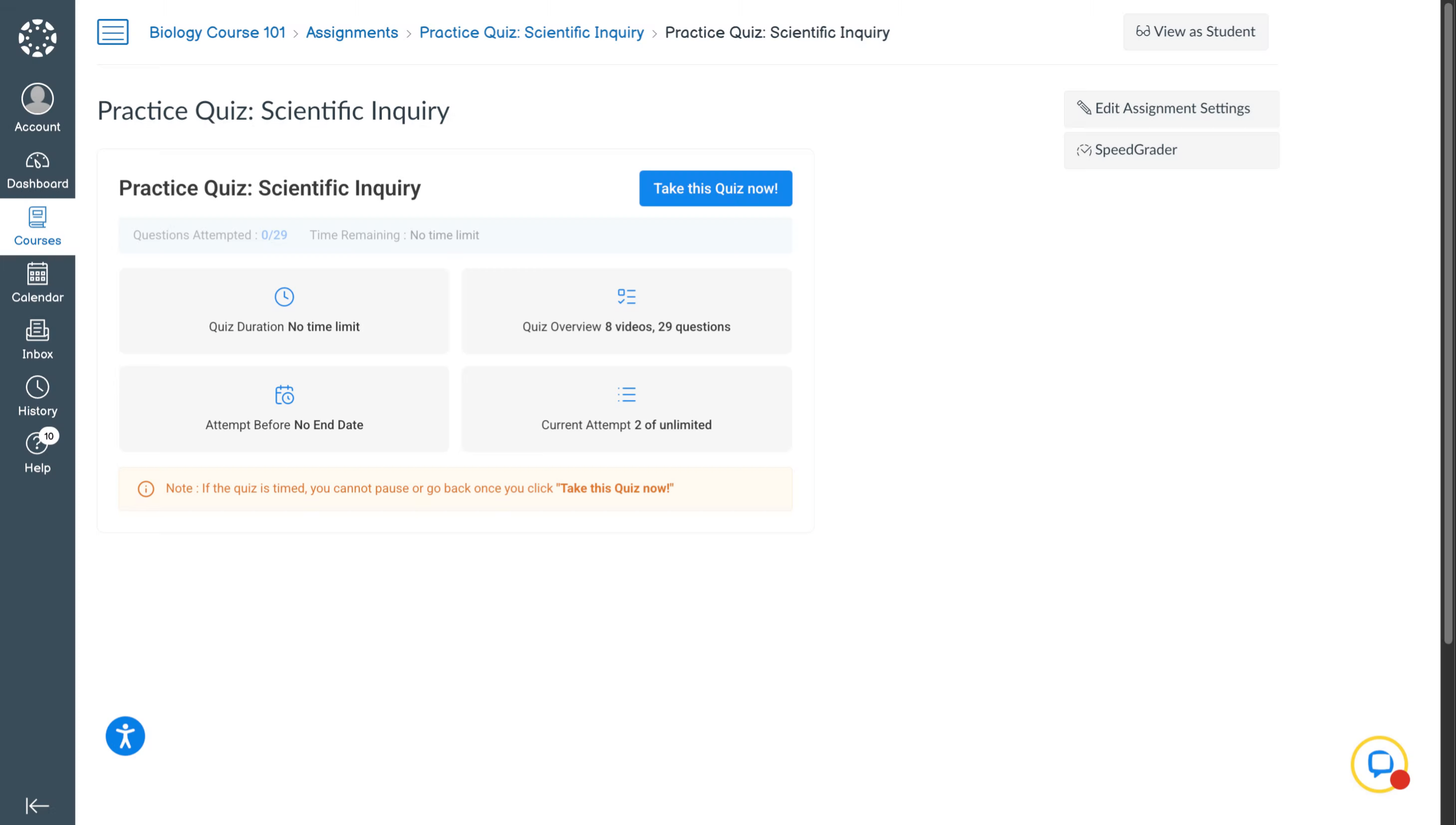
9. Student Quiz Access Page
When a student tries to access a quiz, he will land on this page. He can then click on this button to start attempting the quiz.
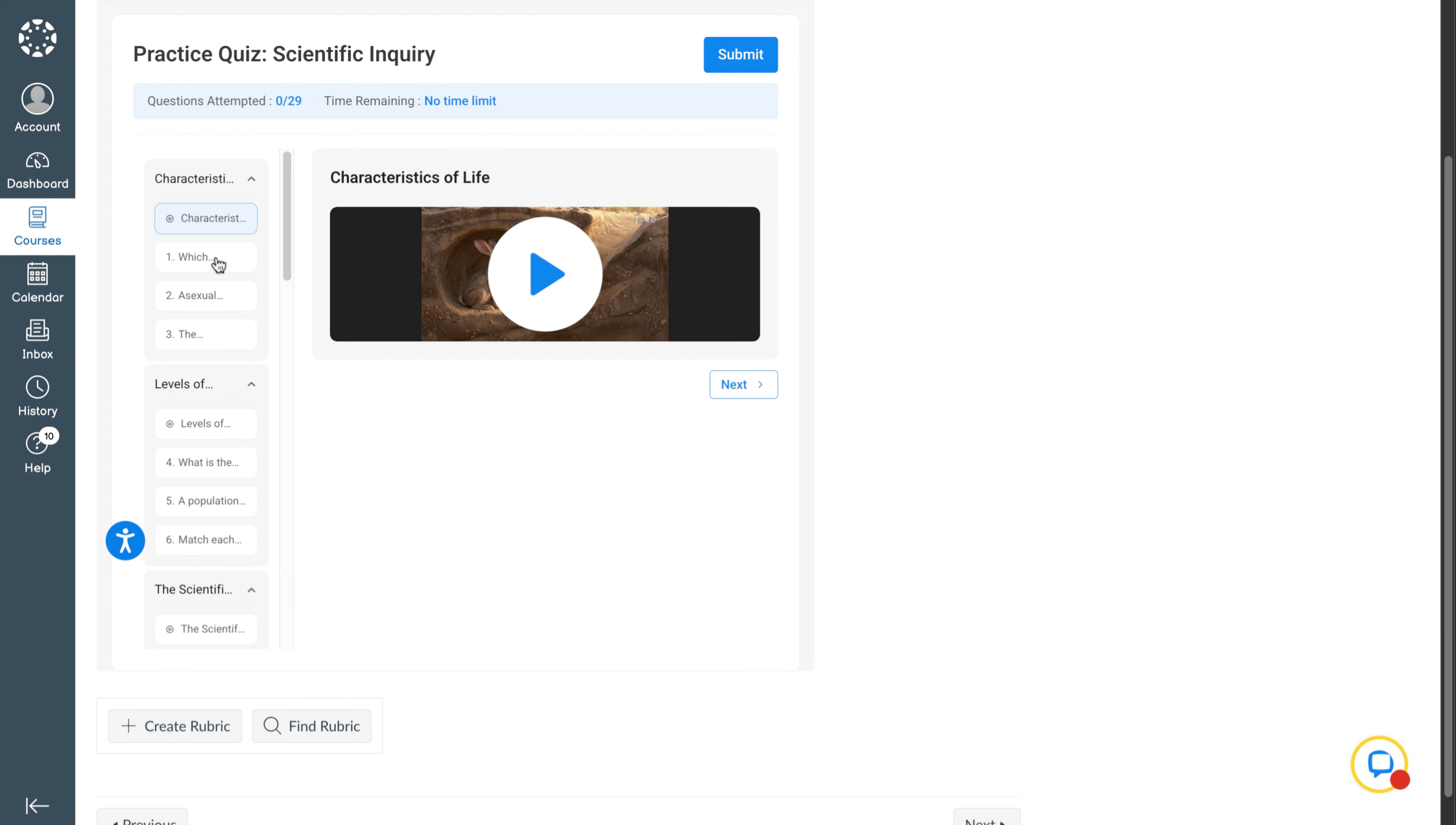
10. Quiz Attempt And Submission
This is the attempt experience for the student where he can start attempting the questions. Once he has attempted all the questions, the student can submit the quiz by clicking on this button.
Related to