Jove Playlist
This video demonstrates how to effectively use Jove's playlist feature to organize and manage educational videos. It covers accessing, creating, editing, and sharing playlists within the Jove platform.
1. Introduction To Jove Playlist
Welcome. In this video, I will walk you through how to use Jove's playlist.
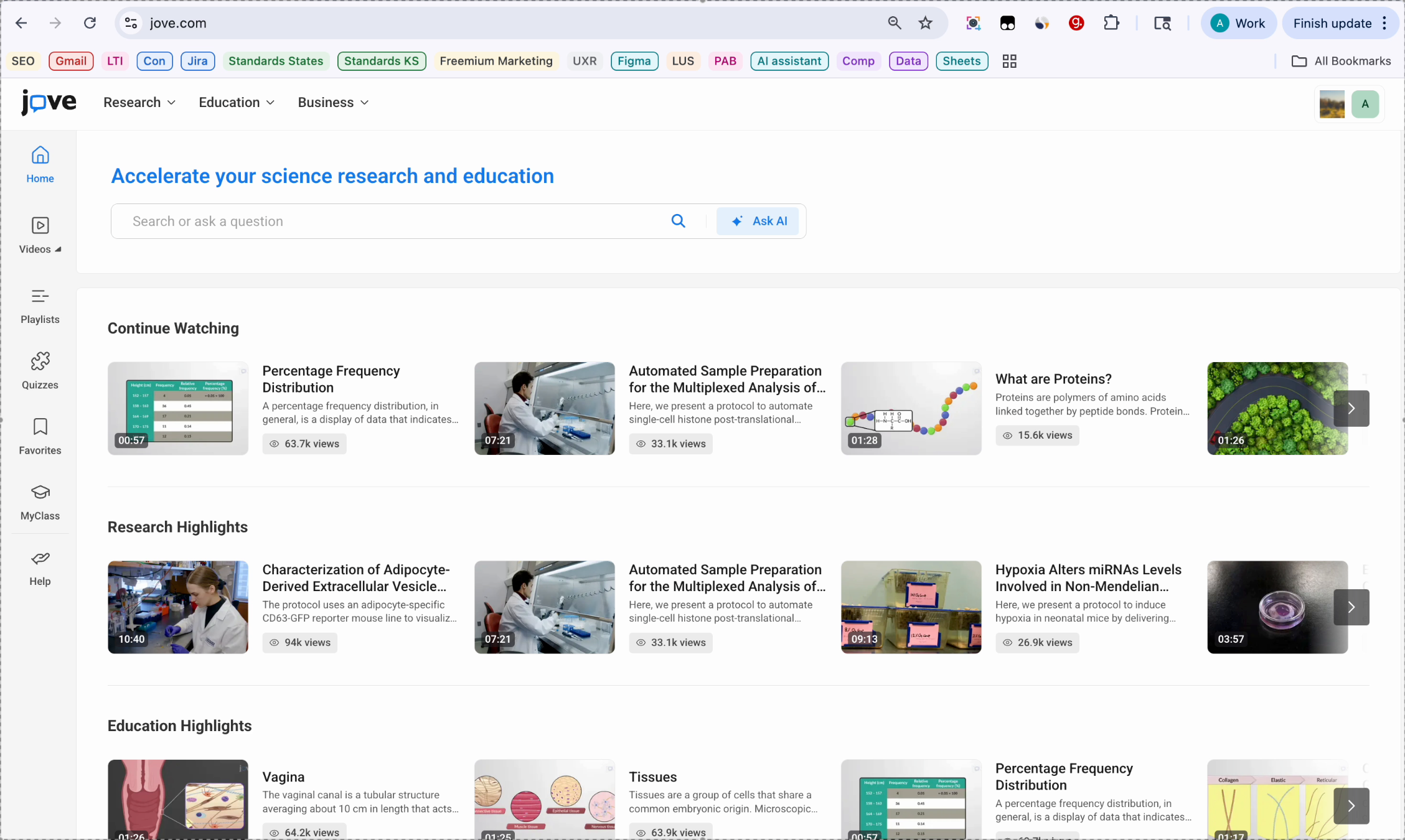
2. Playlist Features Overview
We will cover how to access playlists, create a new playlist, organize videos and labels, and manage your saved playlists.
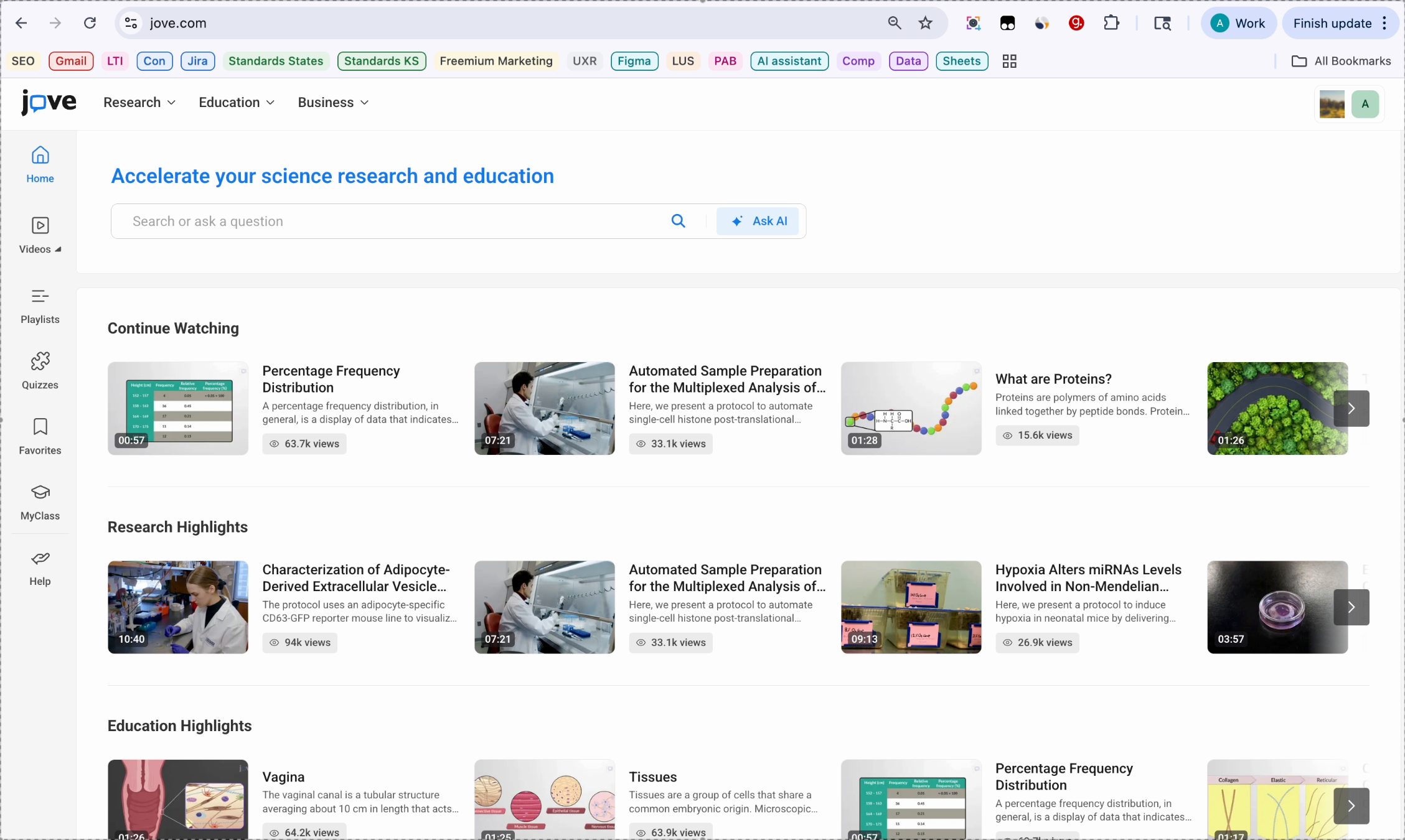
3. Accessing Playlist Panel
Once you have signed into your Jove account,. You can access your playlist from the left navigation panel.
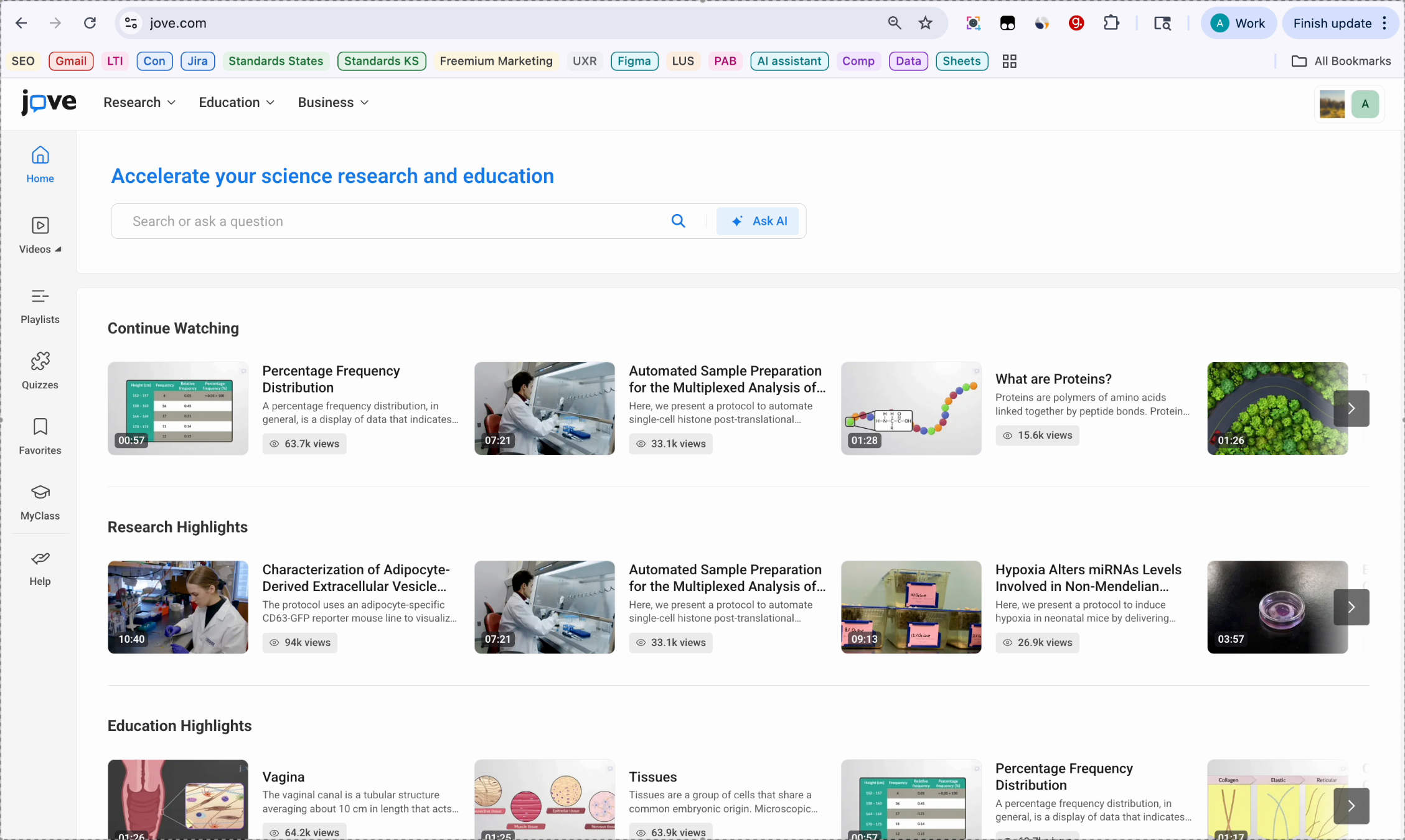
4. Opening Playlist Section
Click on the playlist. What you see is the playlist section, and this is your playlist library. Before creating your own playlist, let's explore the playlist library.
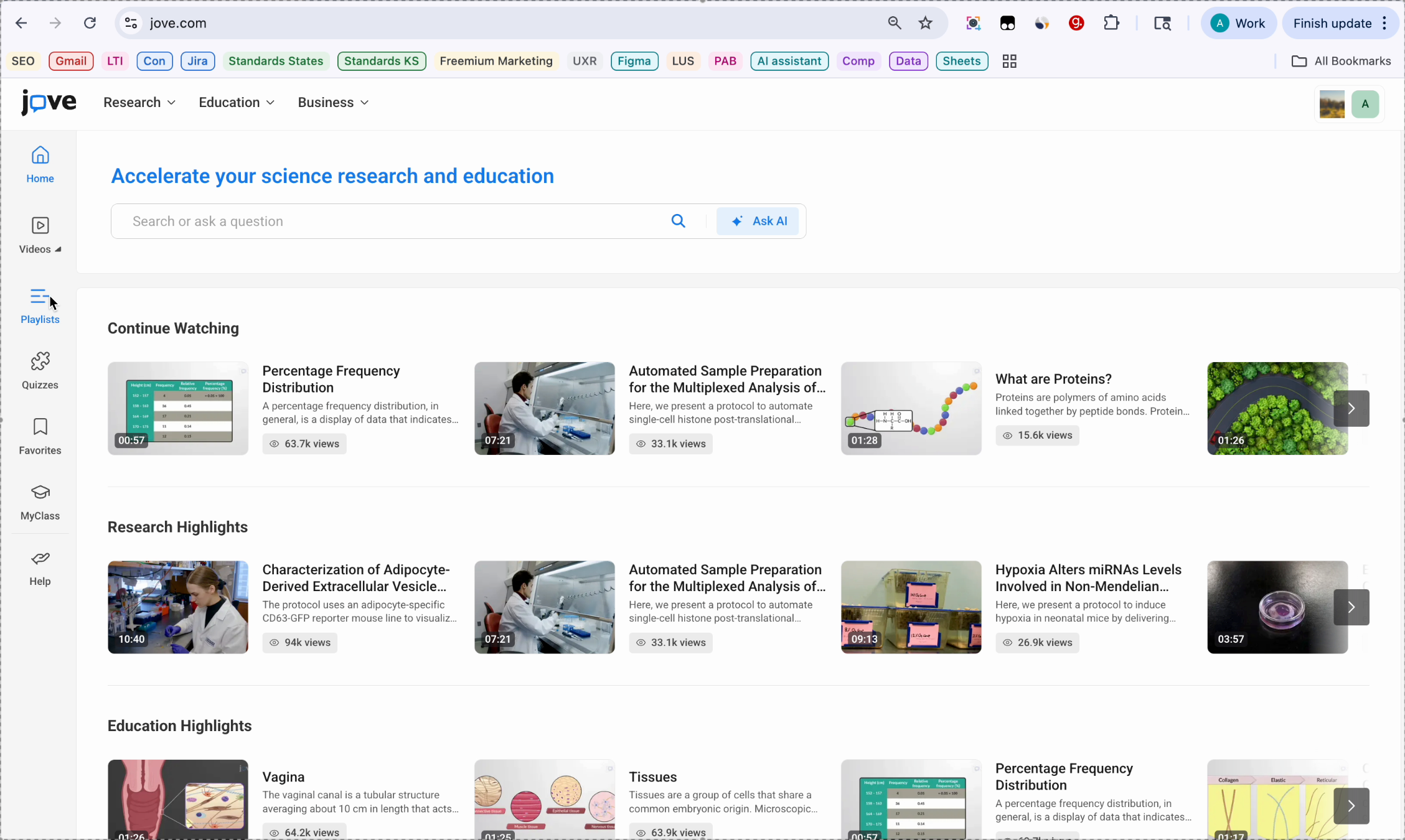
5. Exploring Jove Collection
This is Jove collection. The Jove collection section presents Jove chapters as playlists. You can select a chapter and edit it as your own playlist.
6. Jove Courses Description
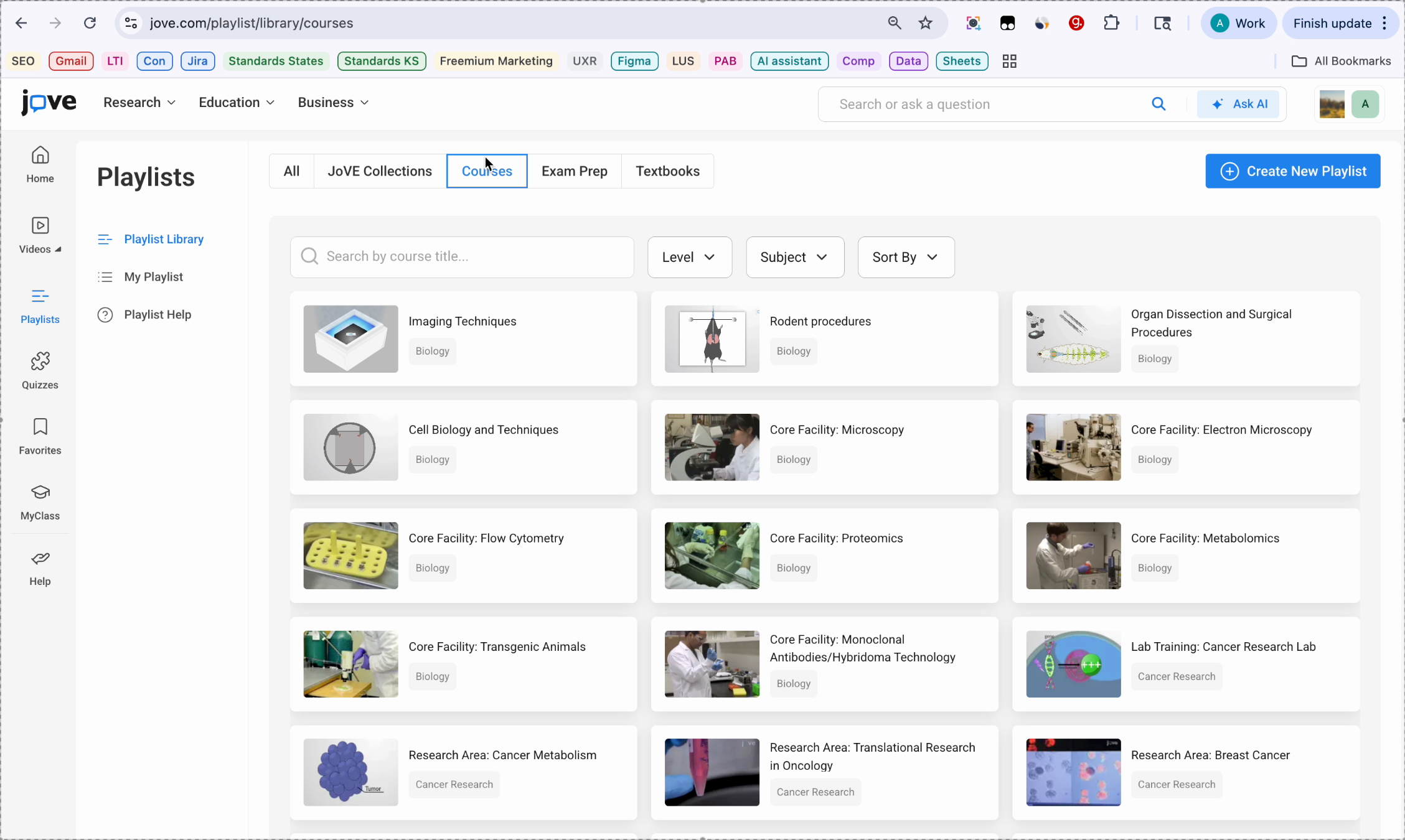
Jove courses. Courses contain expert curated Jove videos, playlists mapped to courses across a wide range of disciplines.
7. Exam Prep Playlists
Exam Prep. Exam Prep contains curated playlists for examinations.
8. Textbooks And Navigation
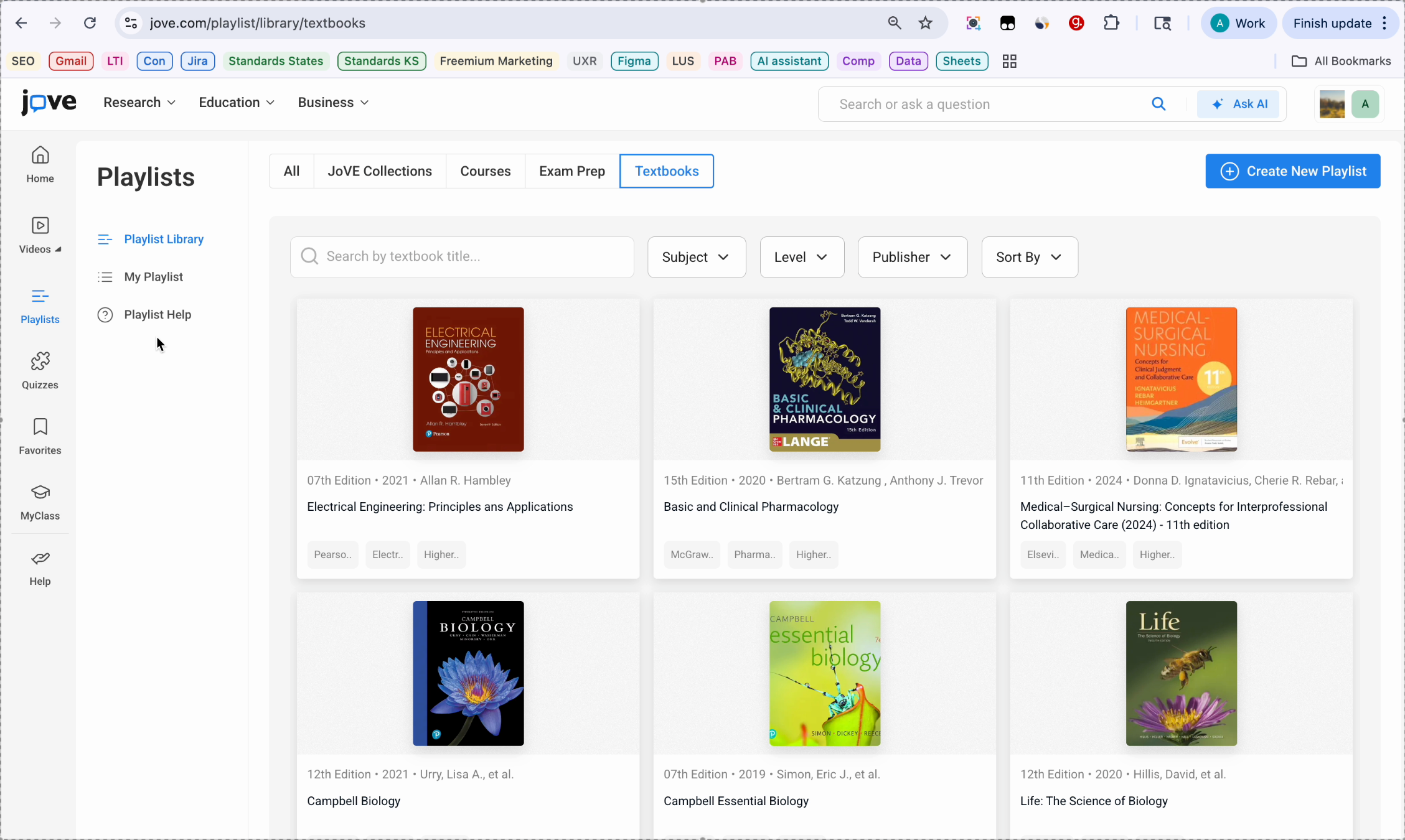
Textbooks contain Joves videos mapped to popular textbook chapters. You can navigate all these sections through these pages at the bottom of the screen.
9. My Playlist Library Tabs
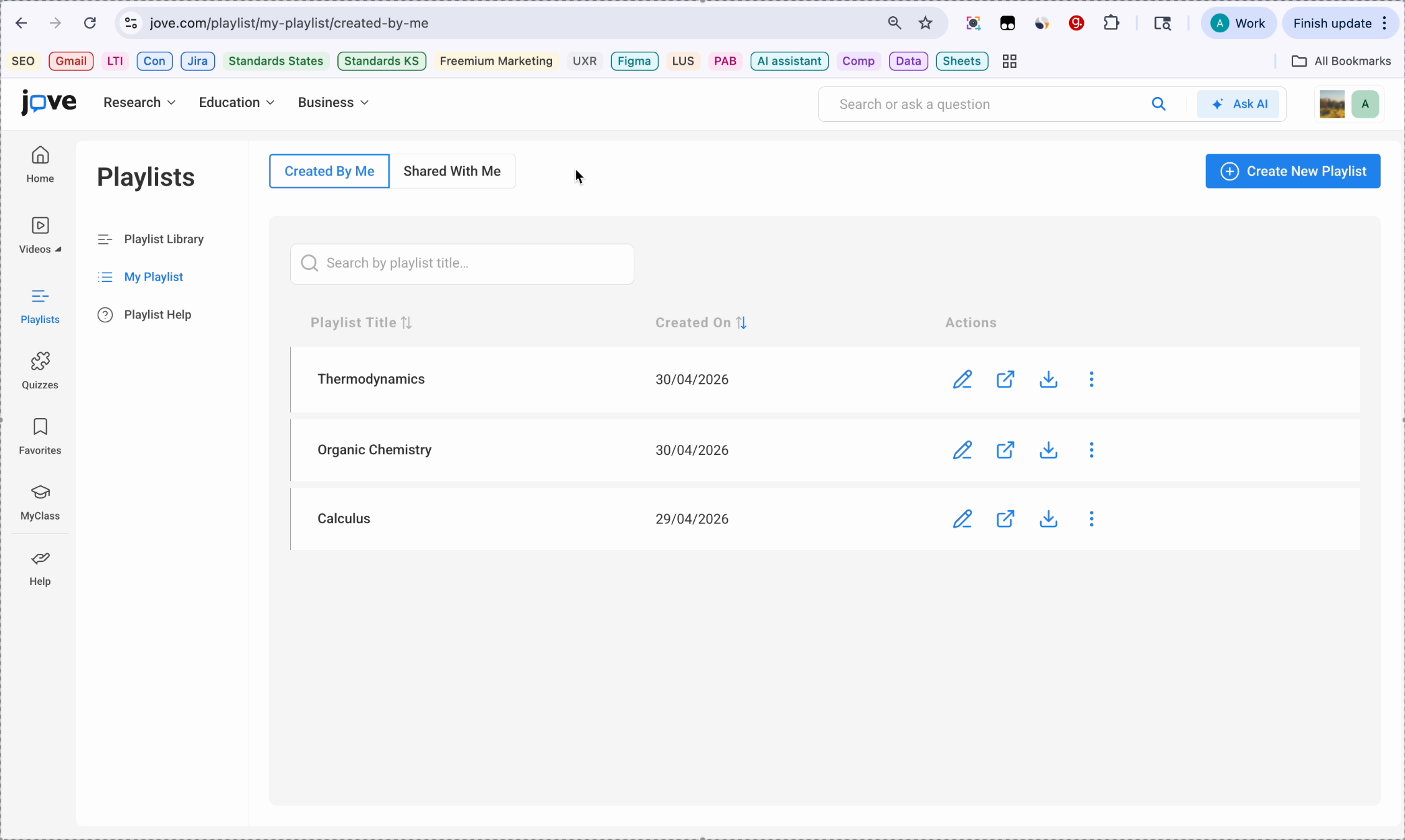
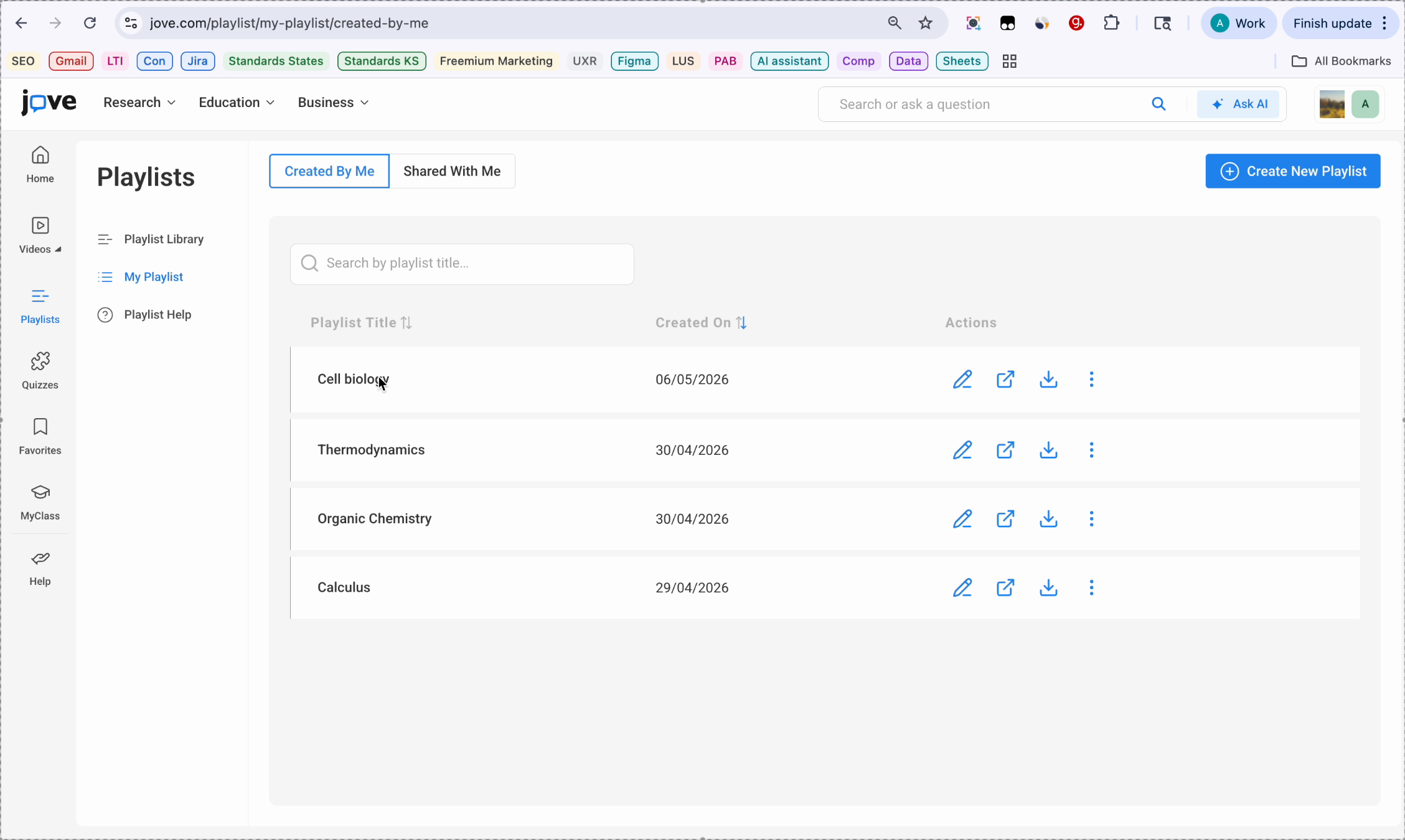
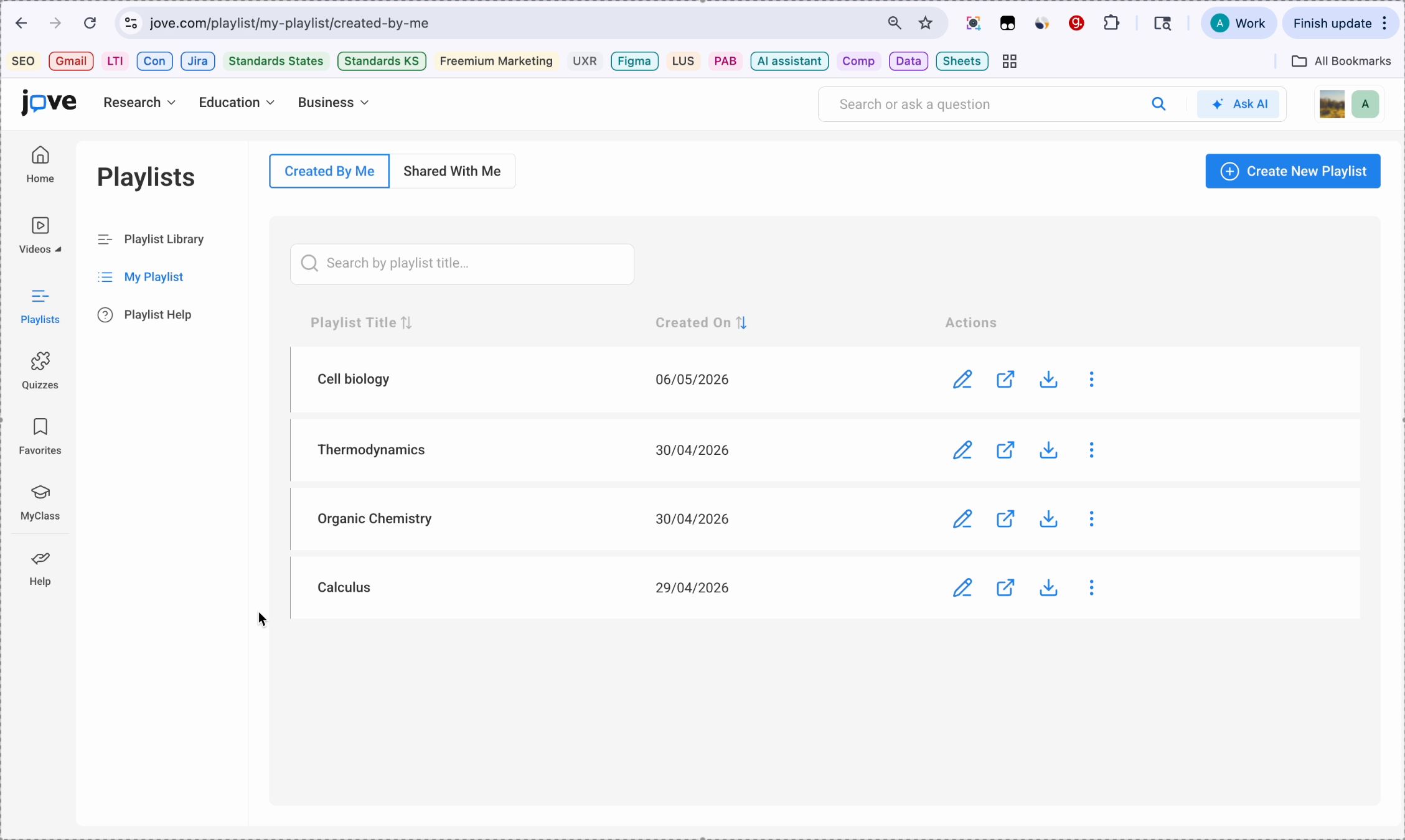
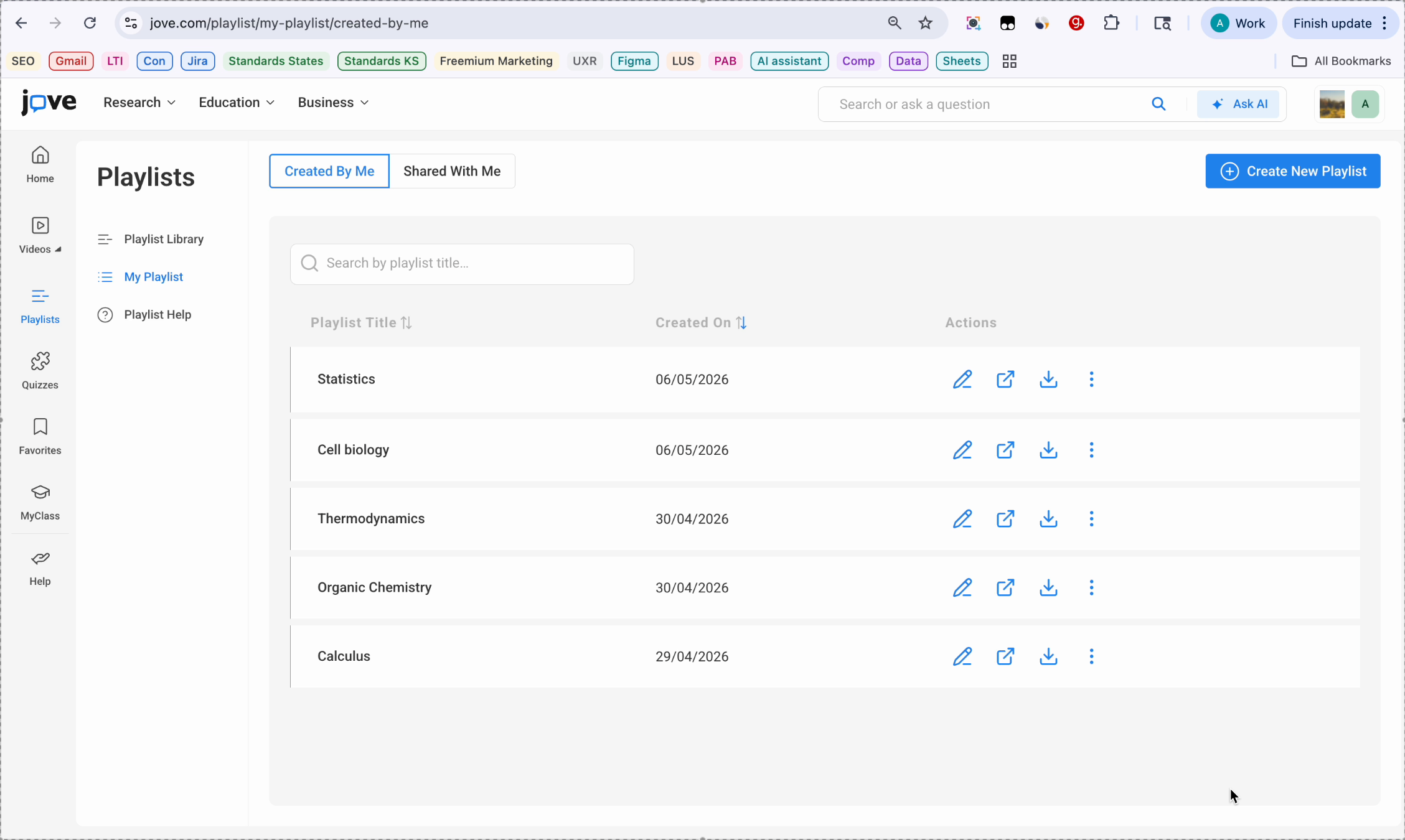
Let's move to my playlist. This is your playlist library. You will see two tabs here. One is created by me, another one is shared with me.
10. Playlist Row Details
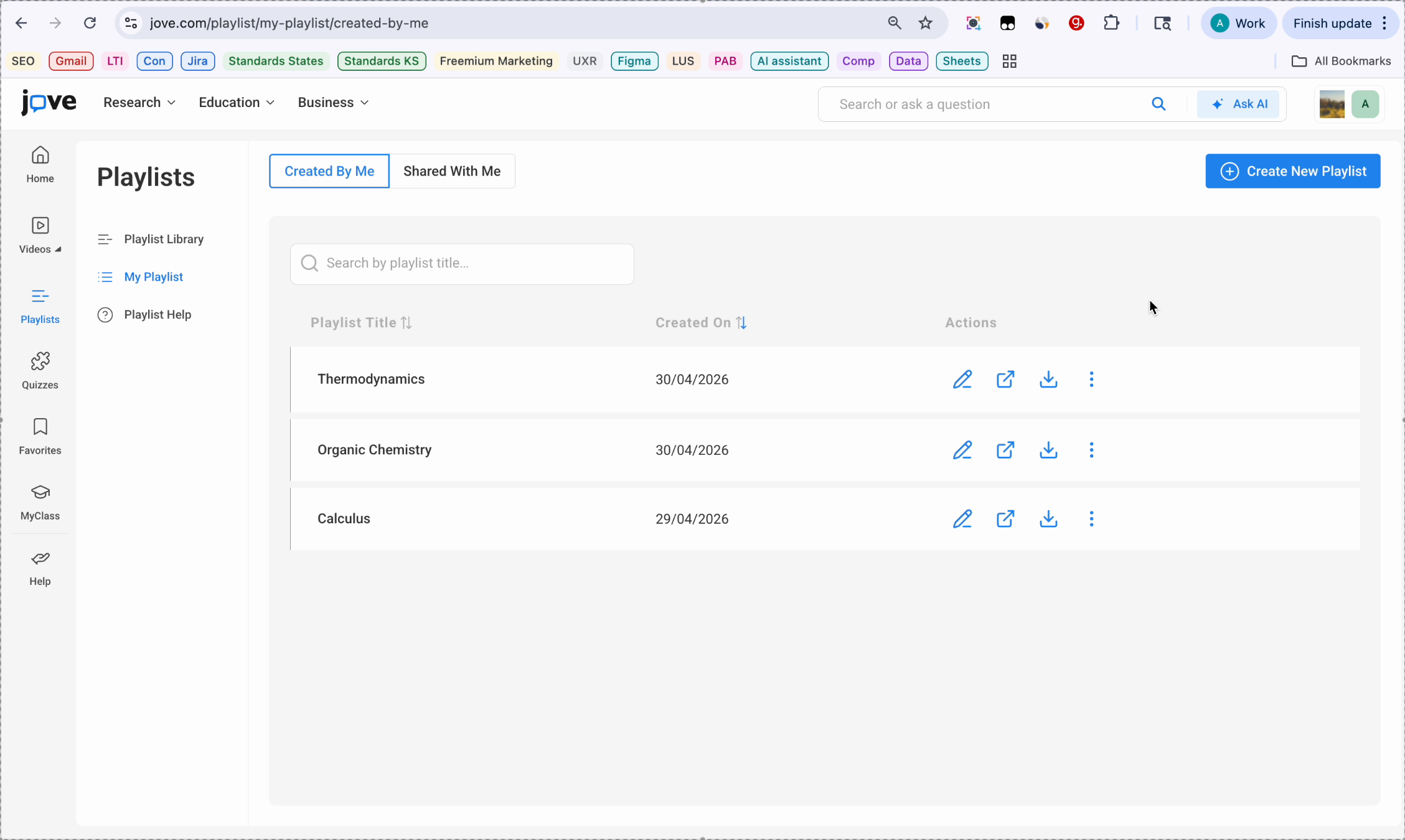
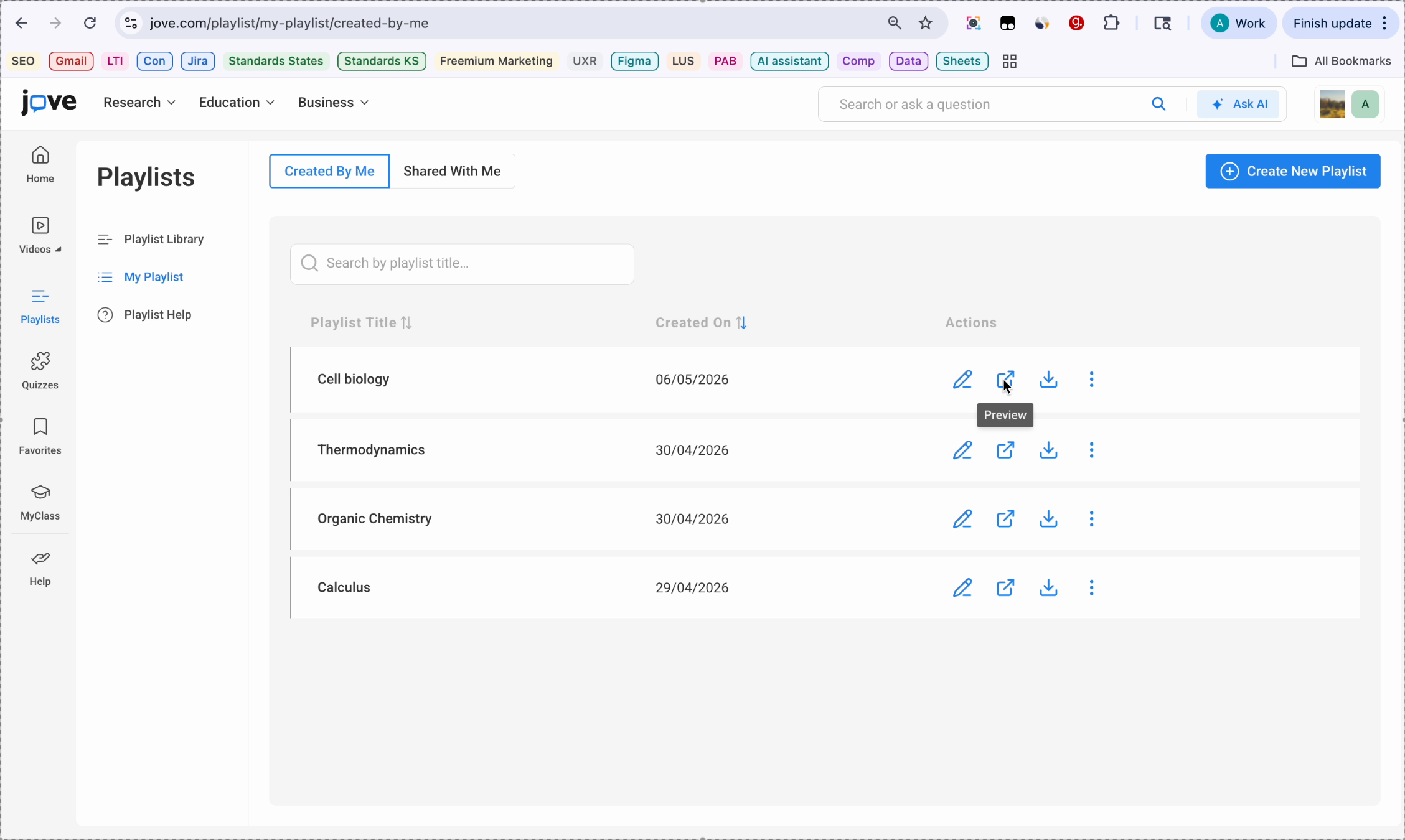
Each playlist row shows the playlist title, date it was created on, and a few action items on each playlist.
11. Creating New Playlist Steps
Creating a new playlist. To create a new playlist, click the Create New Playlist button.
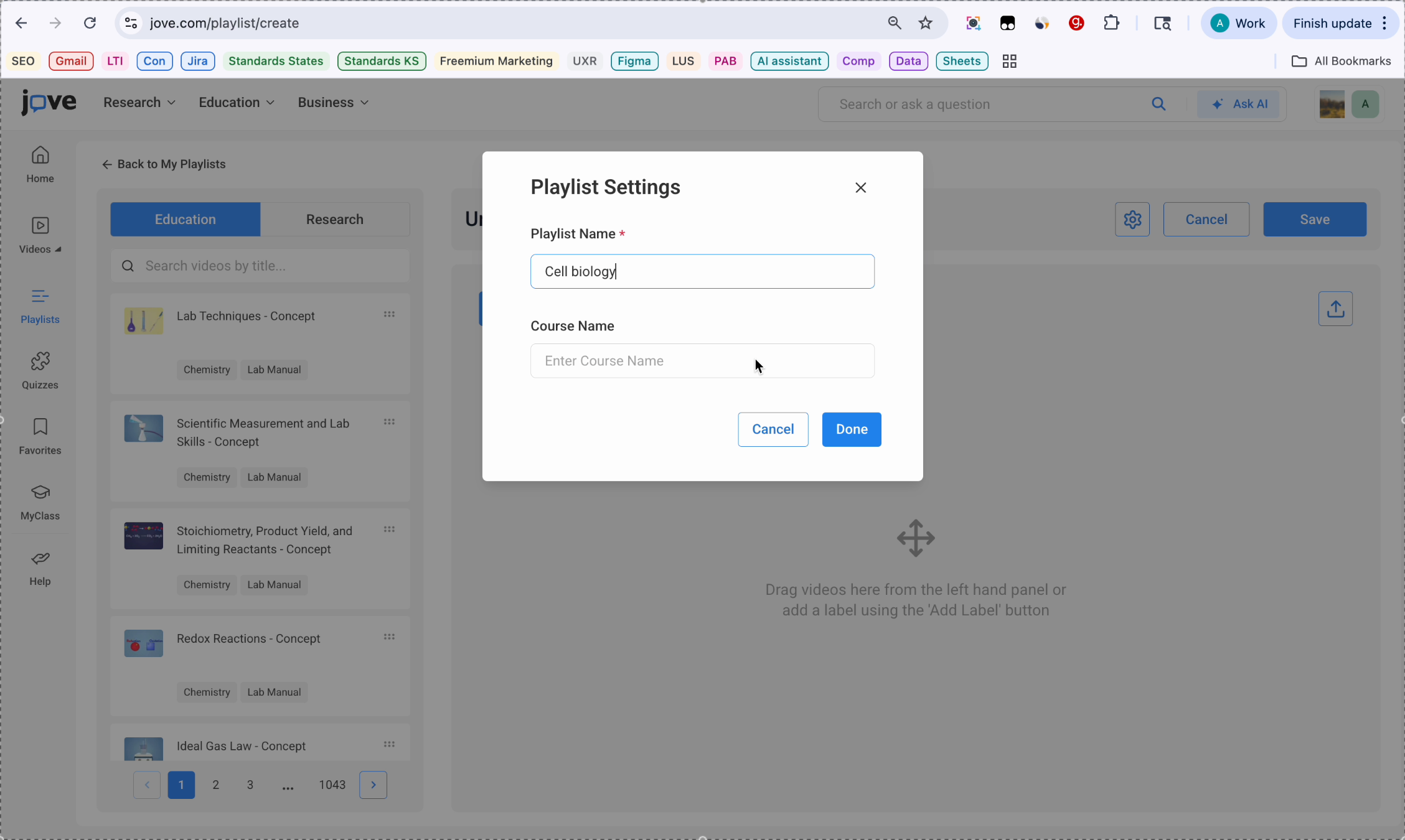
12. Playlist Settings Window
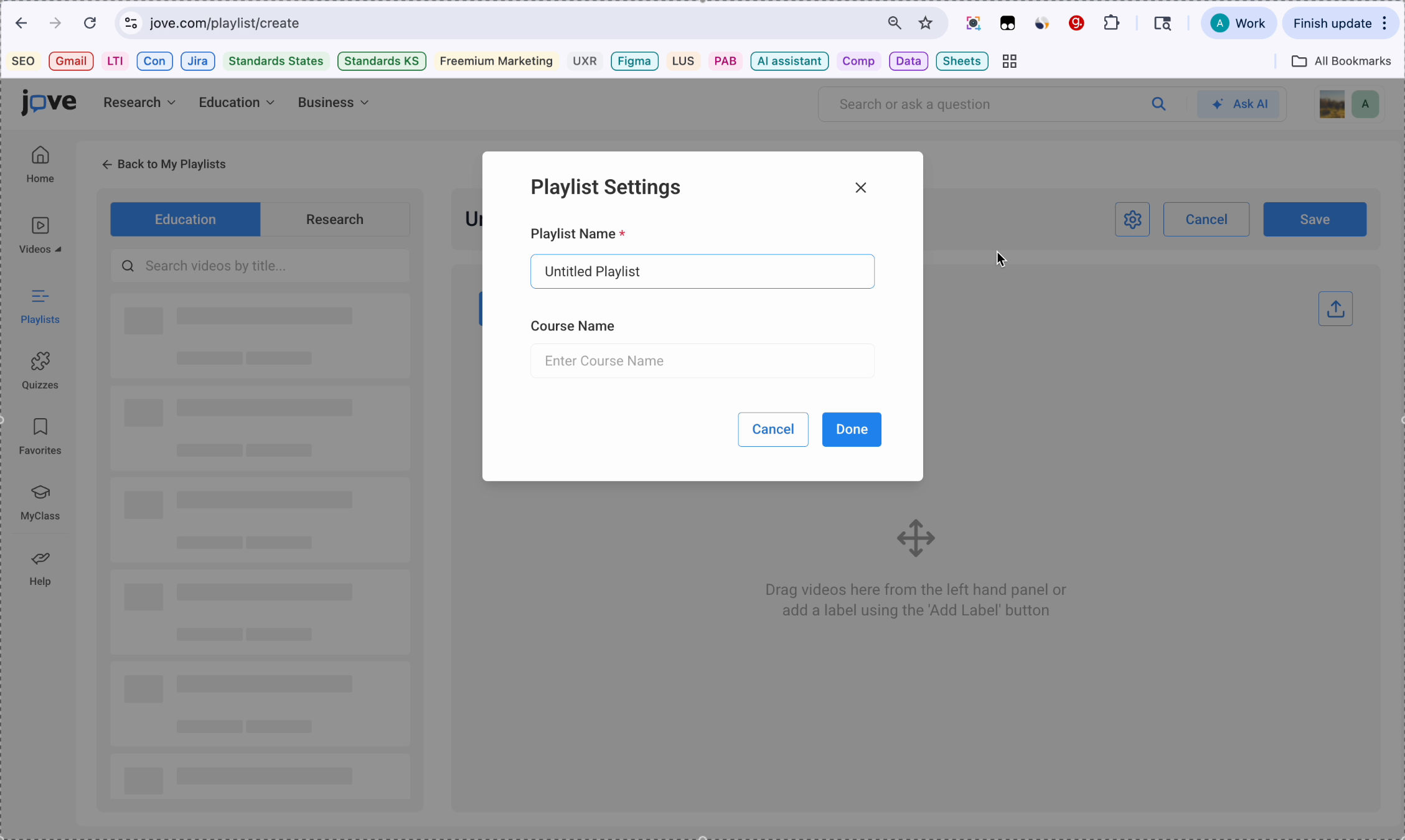
A playlist settings window will open. Enter the name of your playlist. You can also enter the name of the course, but this is not a required field.
13. Completing Playlist Creation
Then once you're done, click on the done button.
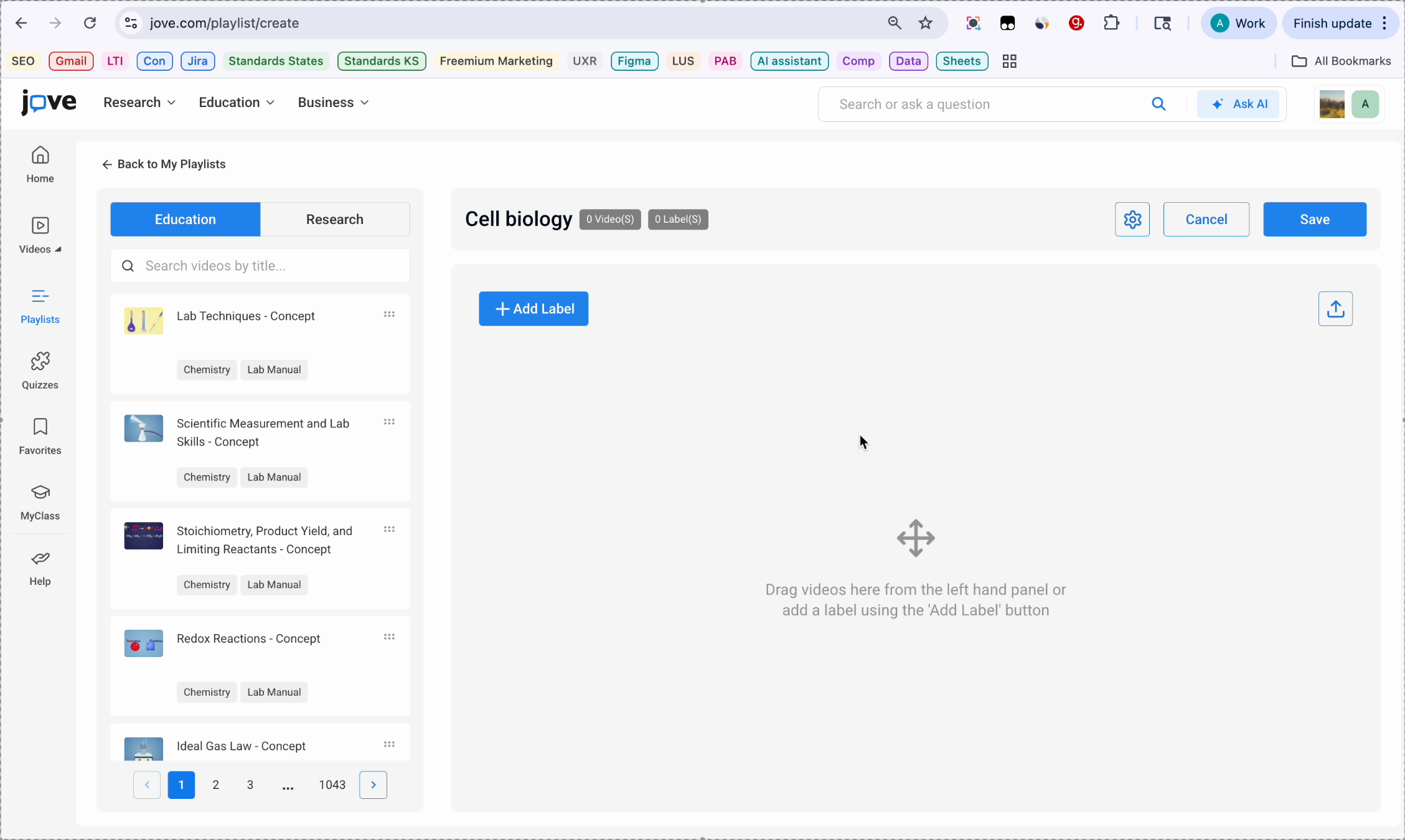
14. Entering Playlist Builder
The playlist builder. You are now in the playlist builder.
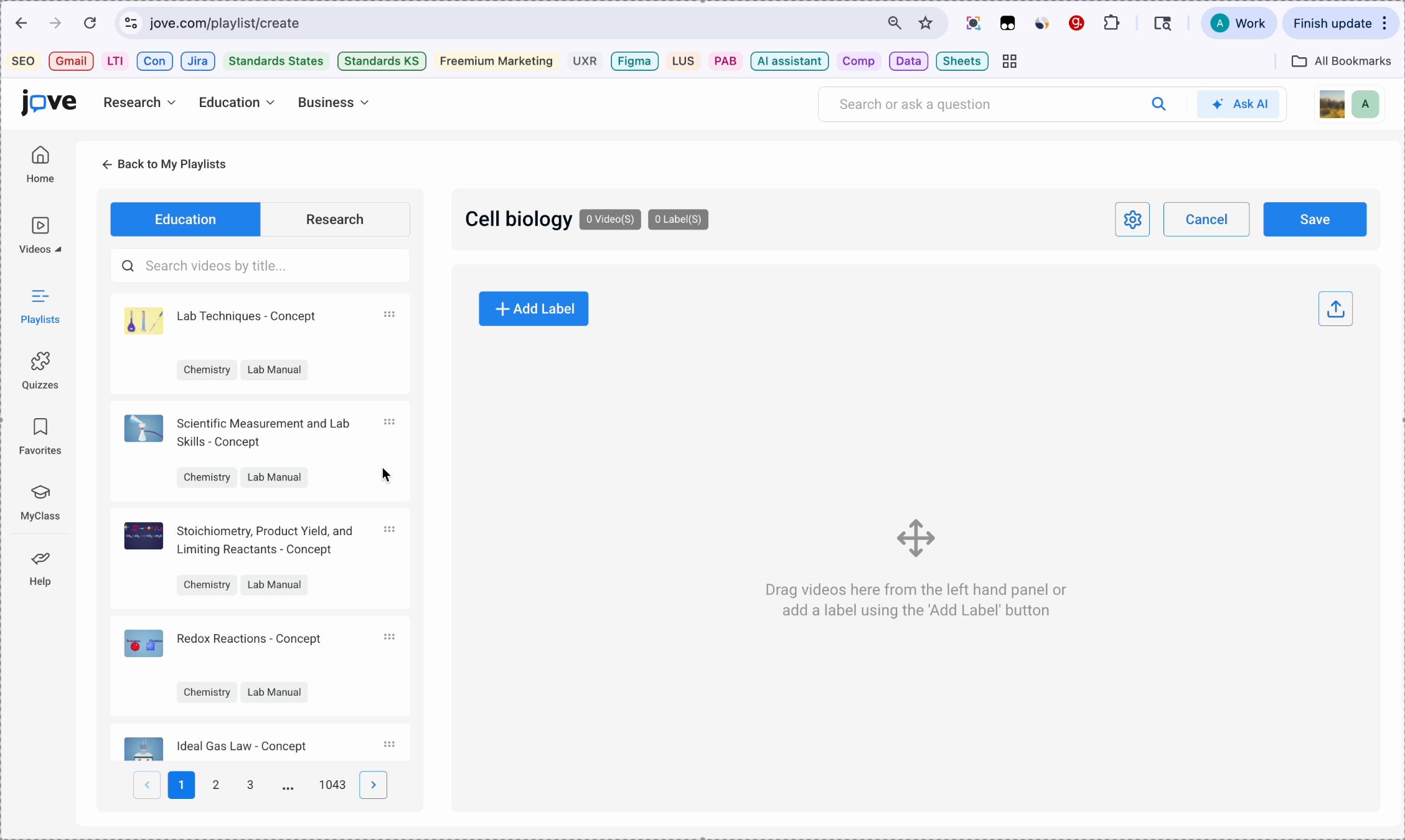
15. Searching Videos Panel
On the left side, you will see a panel where you can search for videos. Type a topic in the search box to find relevant videos. Then you will see education and research filters at the top of the panel.
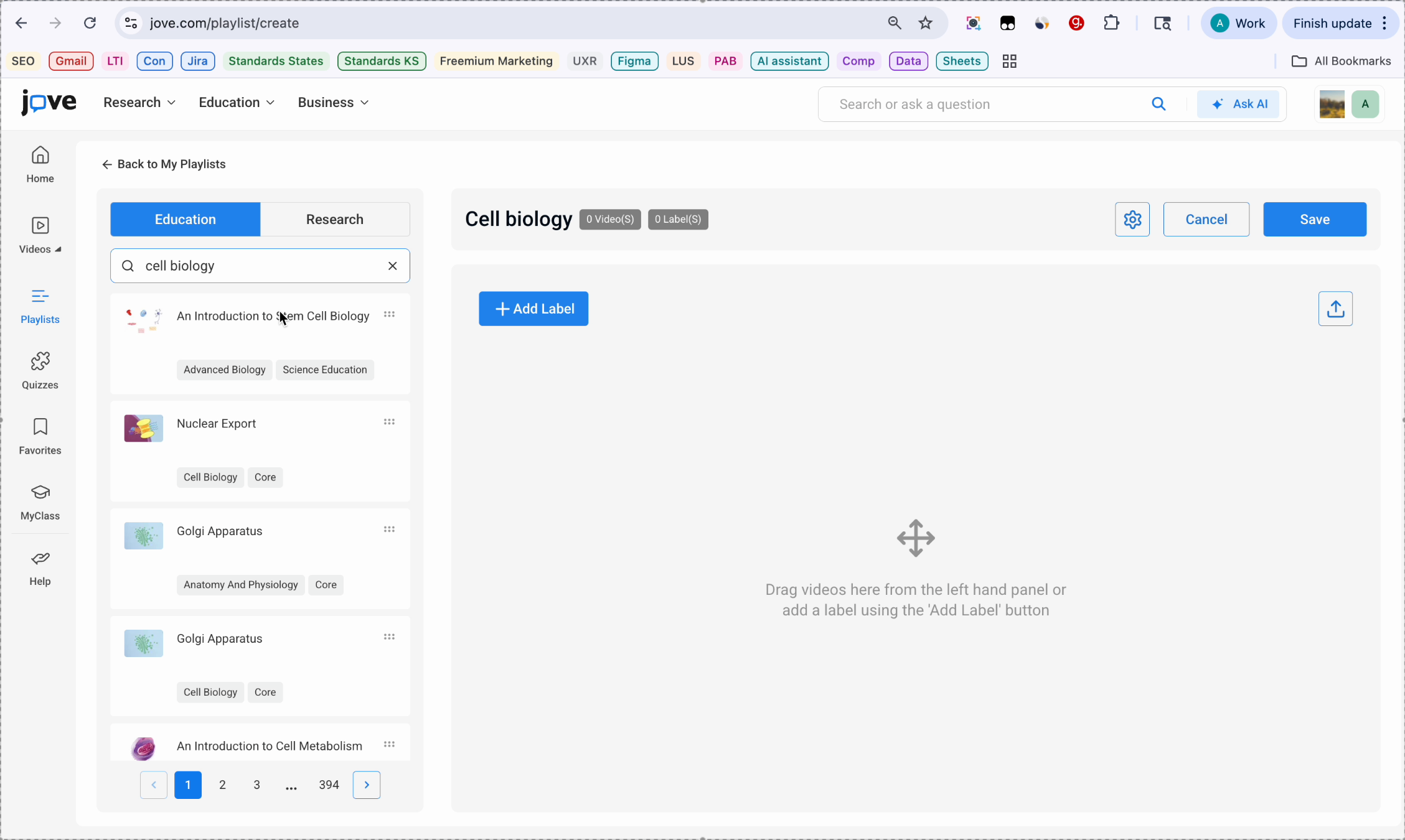
16. Adding Videos To Playlist
Now to add a video, you will need to click on the video and drag it inside the builder. You can add multiple videos in the playlist builder.
17. Organizing With Labels
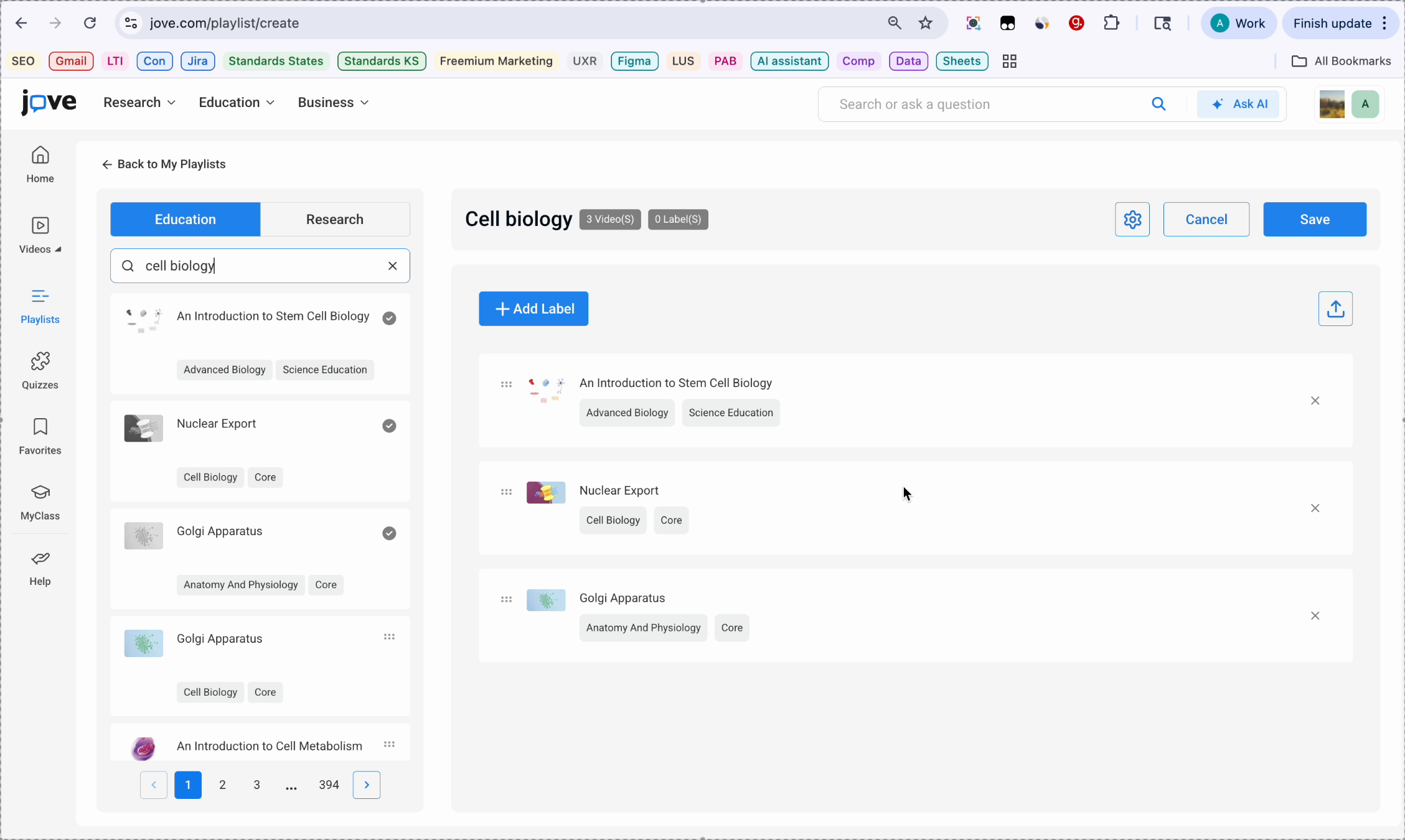
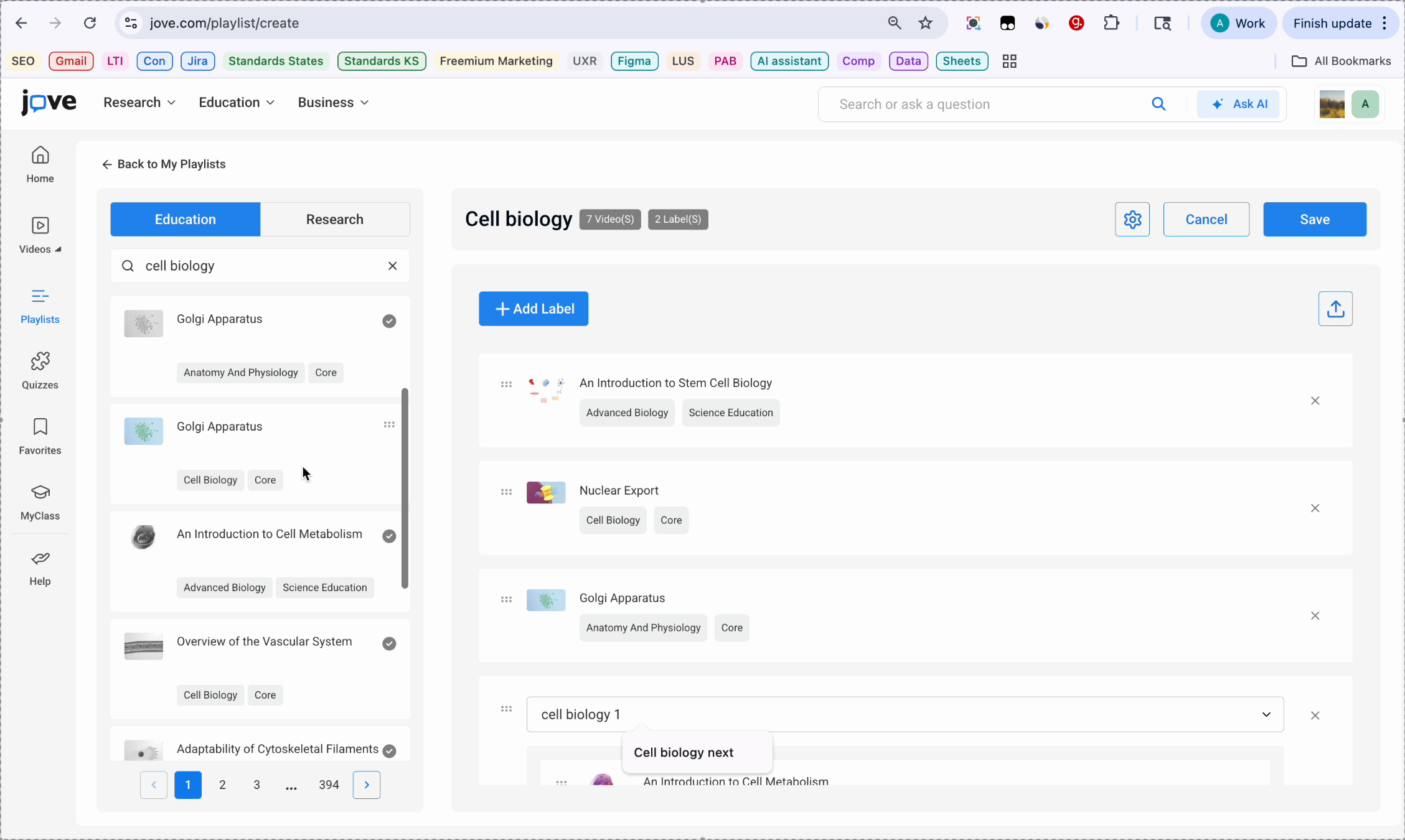
Organizing with labels. You can organize your playlist into sections using labels. A label acts like a sub playlist within your main playlist.
18. Adding And Using Labels
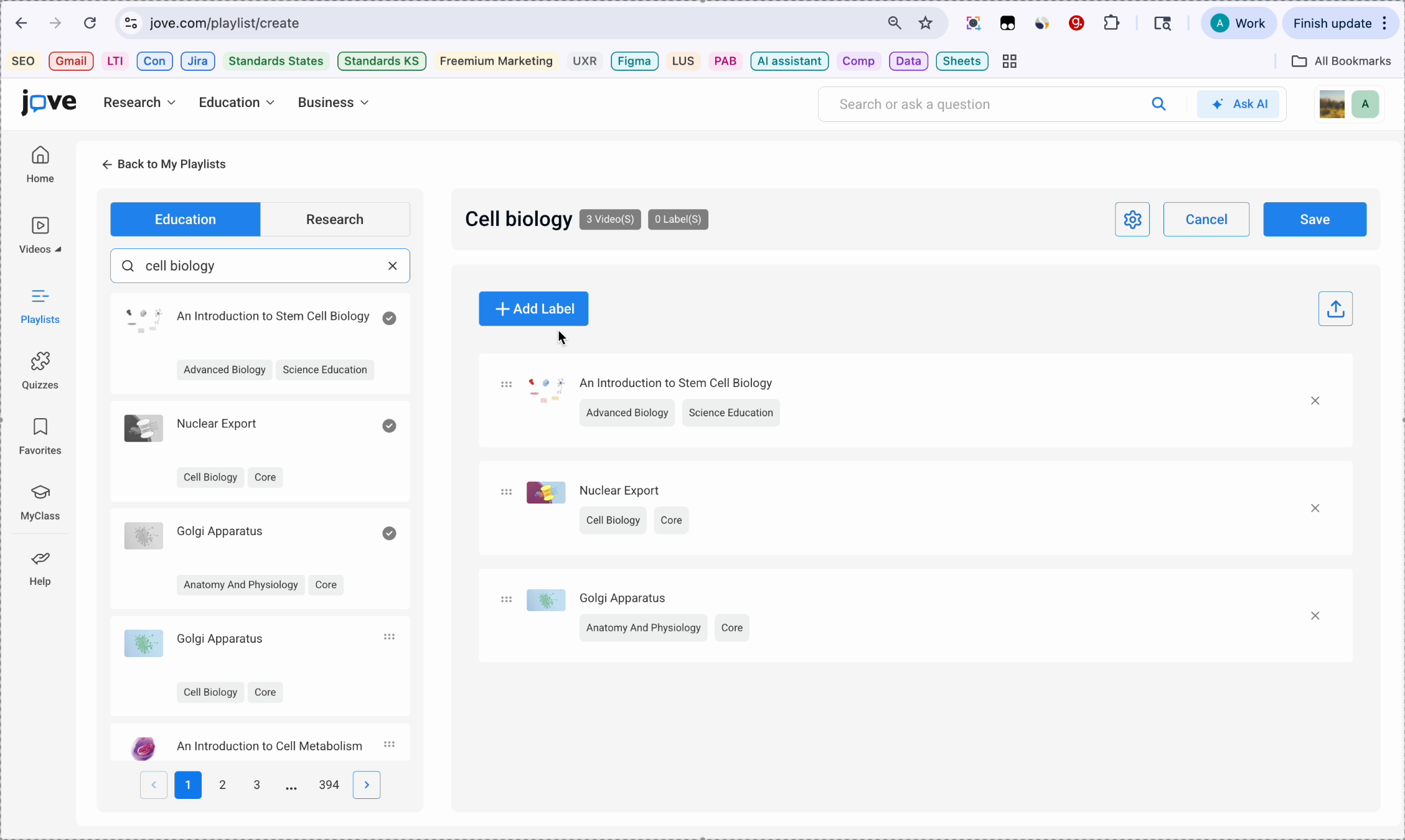
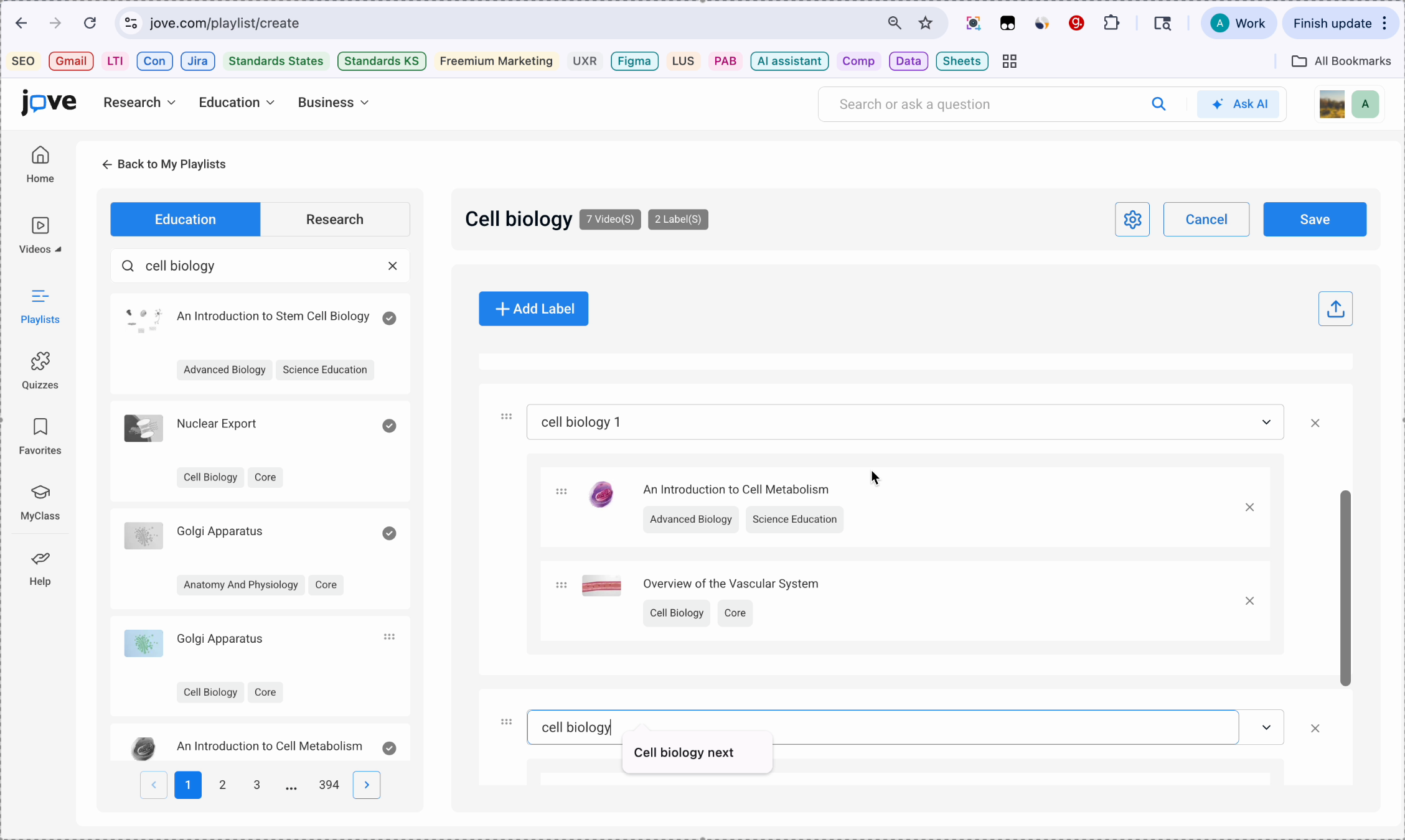
To add a label, click Add Label. Now you can drag and drop videos inside the new label, which is your sub playlist.
19. Managing Videos In Labels
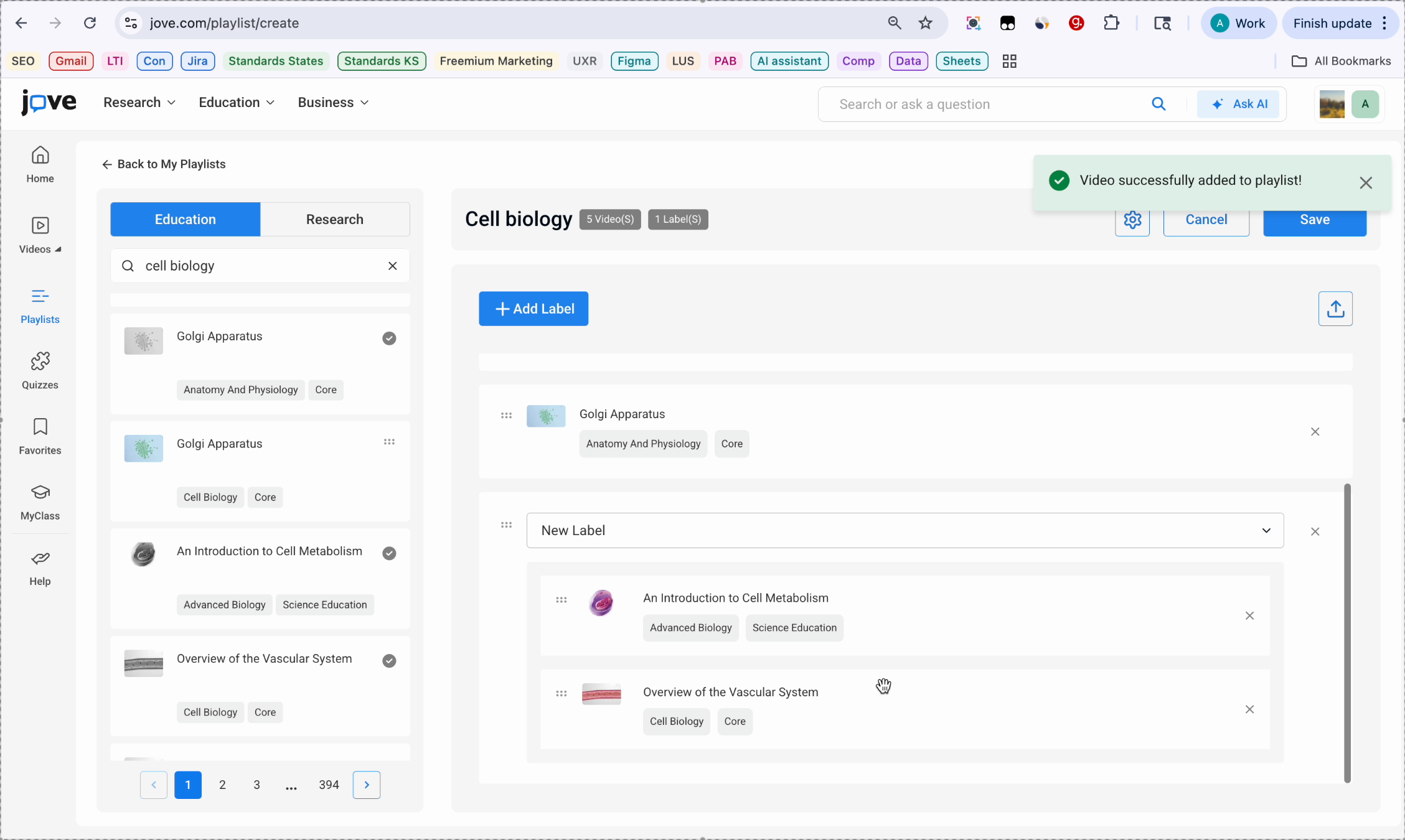
You can add multiple videos inside the label and you can rearrange the videos by dragging and changing their places.
20. Multiple Labels And Renaming
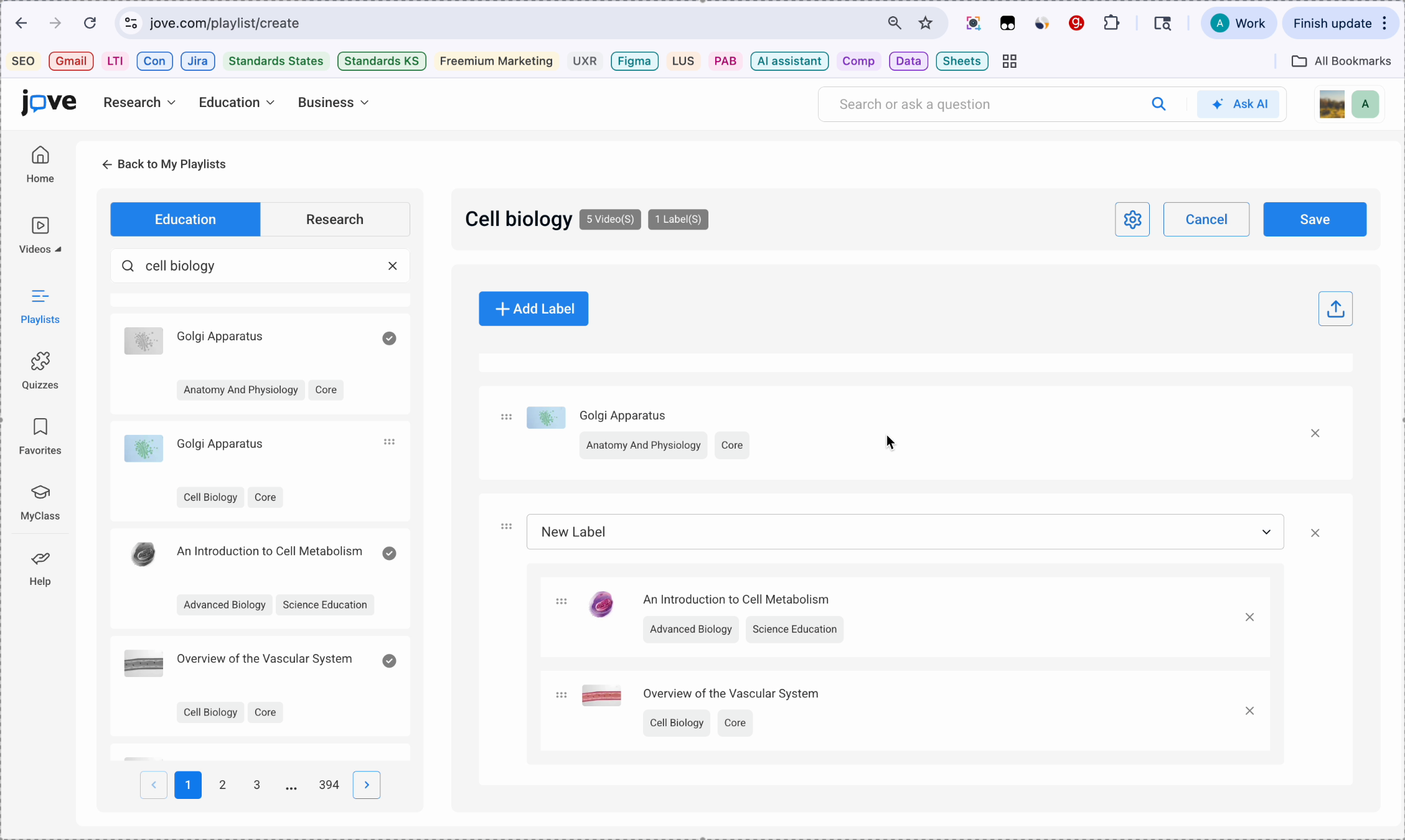
If you want, you can also add multiple labels. You can rename your labels and add videos to all the labels.
21. Video Tick Mark Indicators
The videos that you have already added, you can see a tick mark, and that will look hard.
22. Saving Playlist Process
Saving the playlist. Once you have updated and added all the videos and the labels, click save on the top corner. Your playlist is now saved and will appear in your library.
23. Playlist Date And Actions
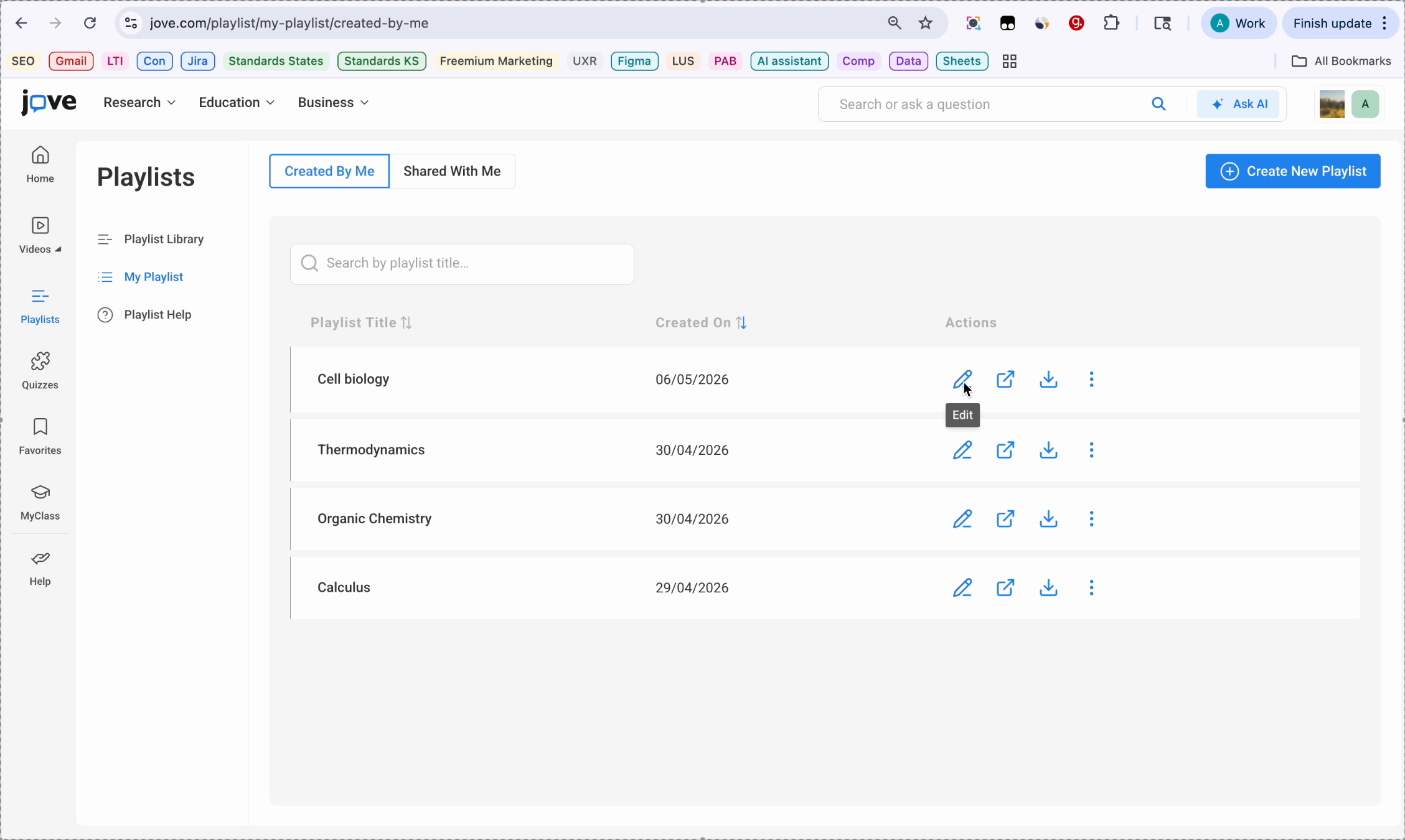
Cell biology created on the date and the action items. Now each playlist has these set of actions.
24. Editing Playlist Options
The pencil icon allows you to edit the playlist. It will open the same playlist builder, where you can remove a video or add another video. You can save it again.
25. Previewing Playlist View
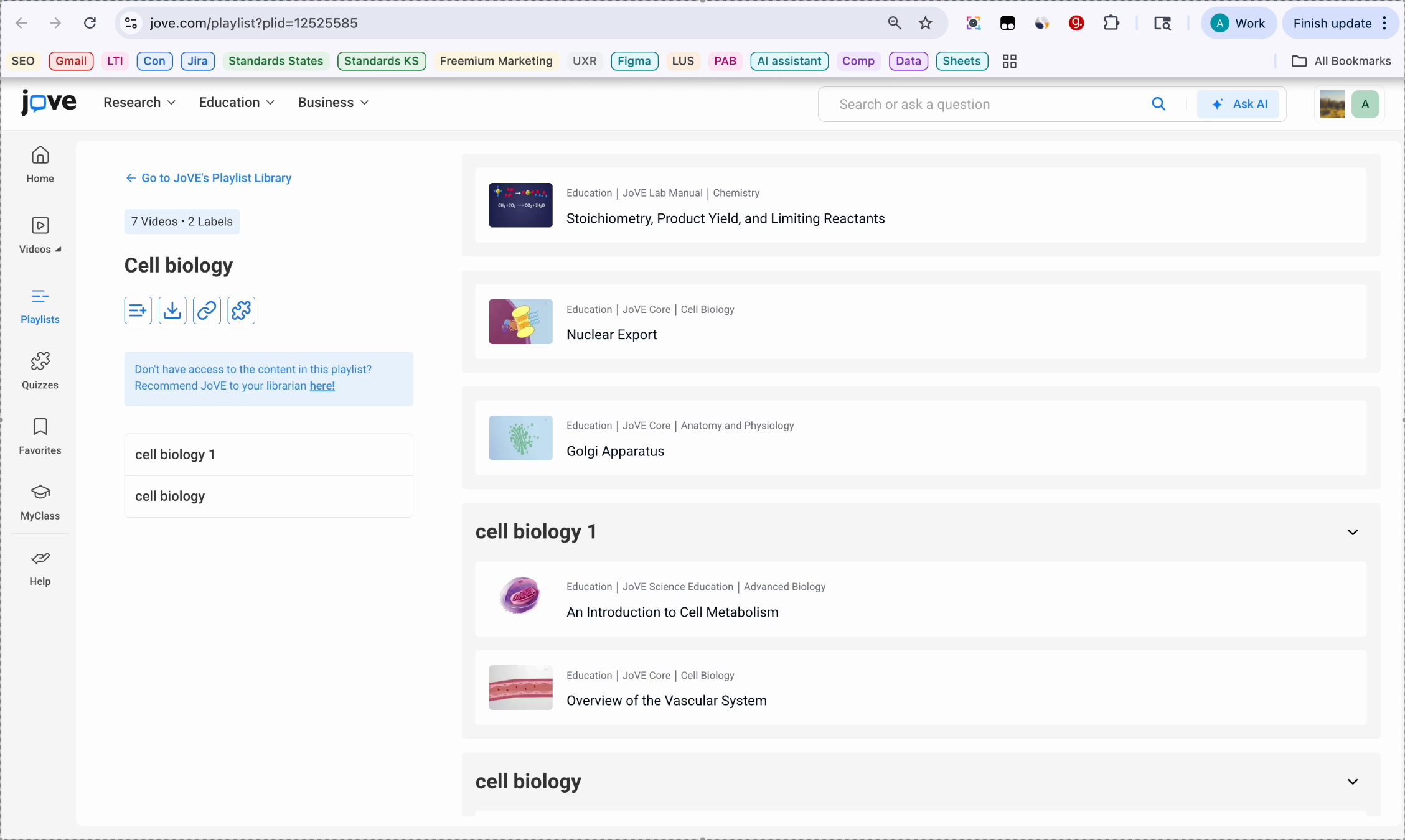
The preview icon will open the playlist in a different tab like this. This is how your students will be able to see the playlist.
26. Downloading Playlist Cartridge
The download icon downloads a common cartridge file, which can be uploaded to your LMS.
27. Additional Playlist Actions
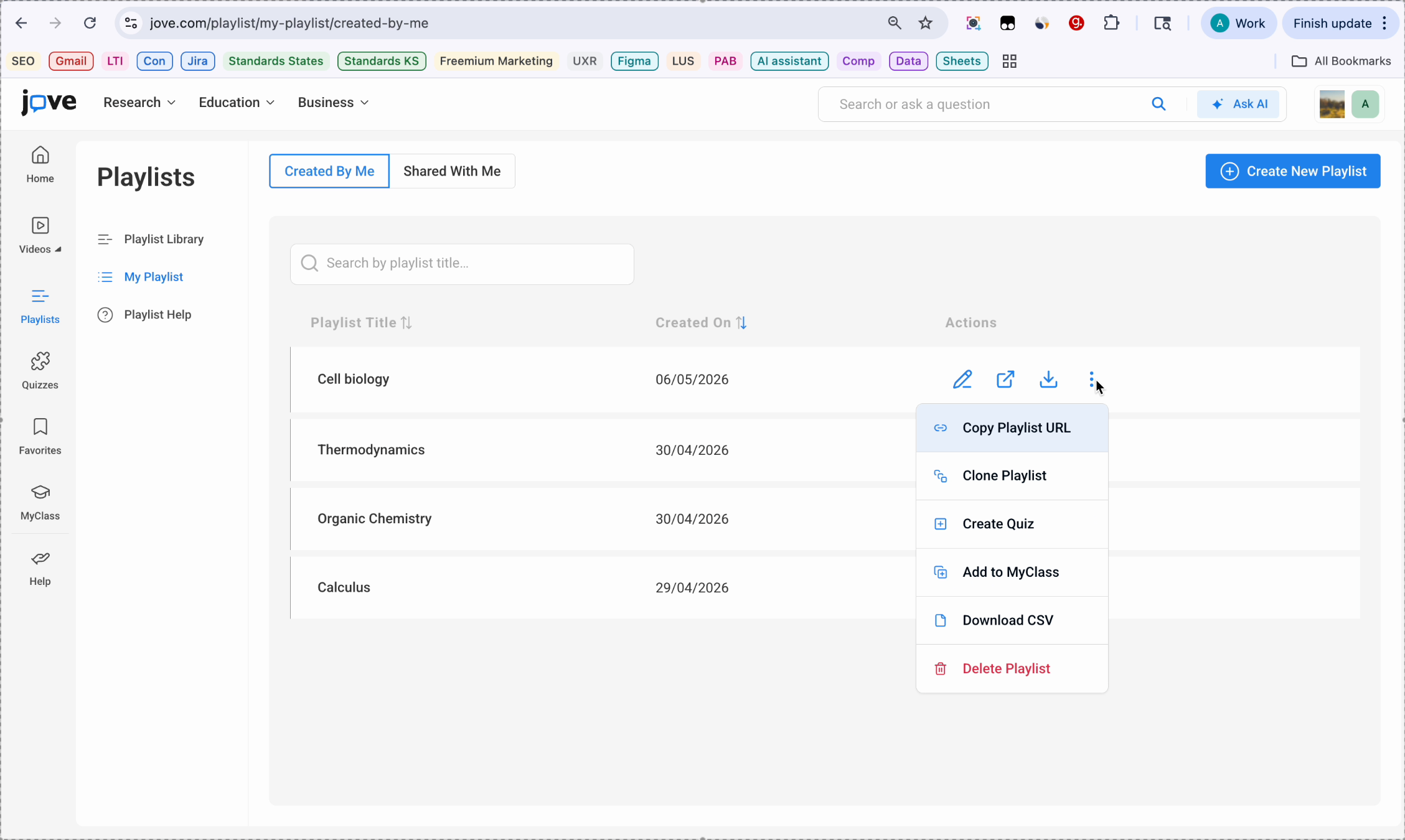
These are additional playlist actions. Copy playlist URL gives you a shareable link. Clone playlist creates a duplicate copy of your playlist. Creating a quiz takes the playlist video into a quiz builder. Add to my class adds the playlist to a class if your institution has access. Download CSE provides a list of articles identifiers for your records. And delete playlist removes the playlist permanently.
28. Playlist Side Panel Features
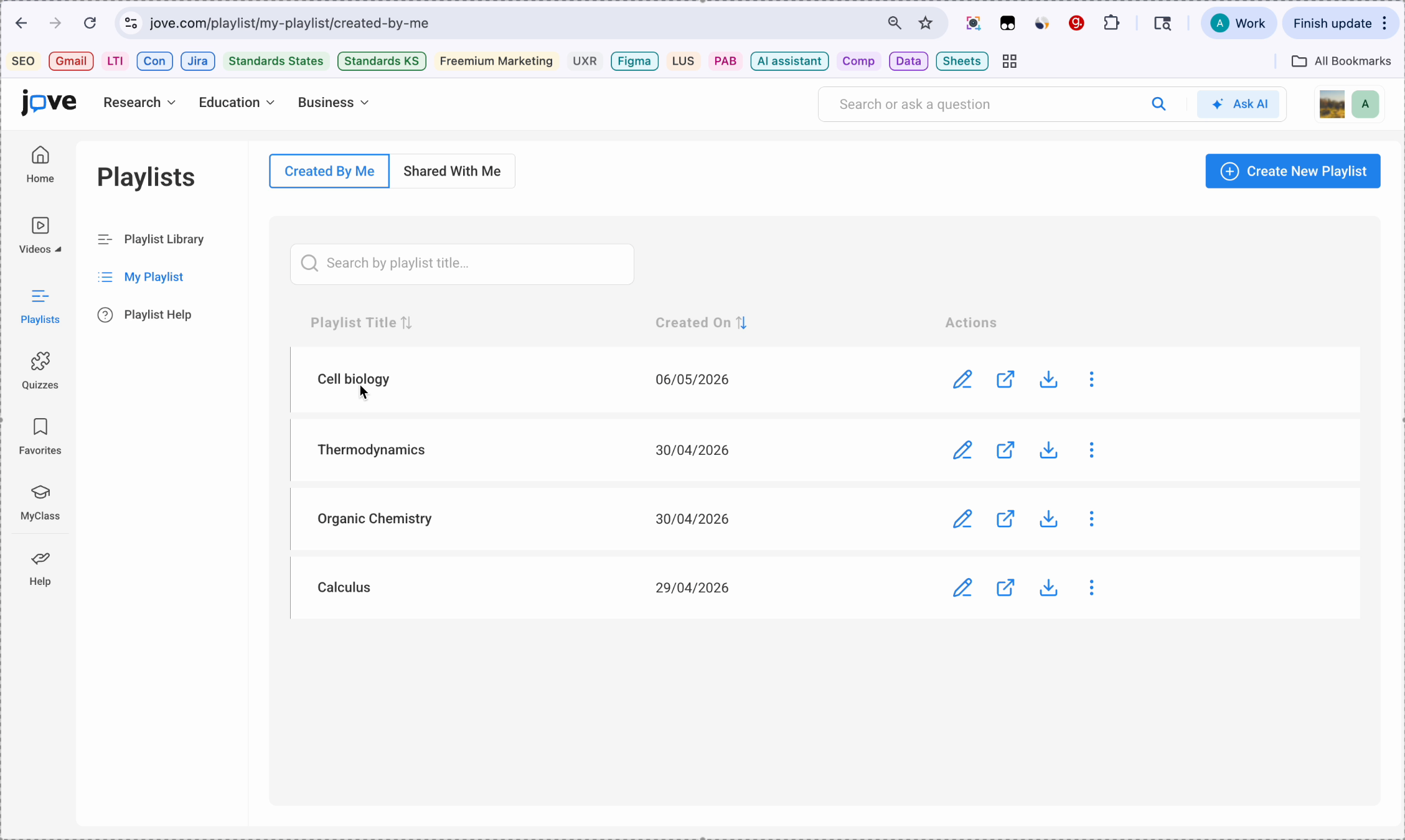
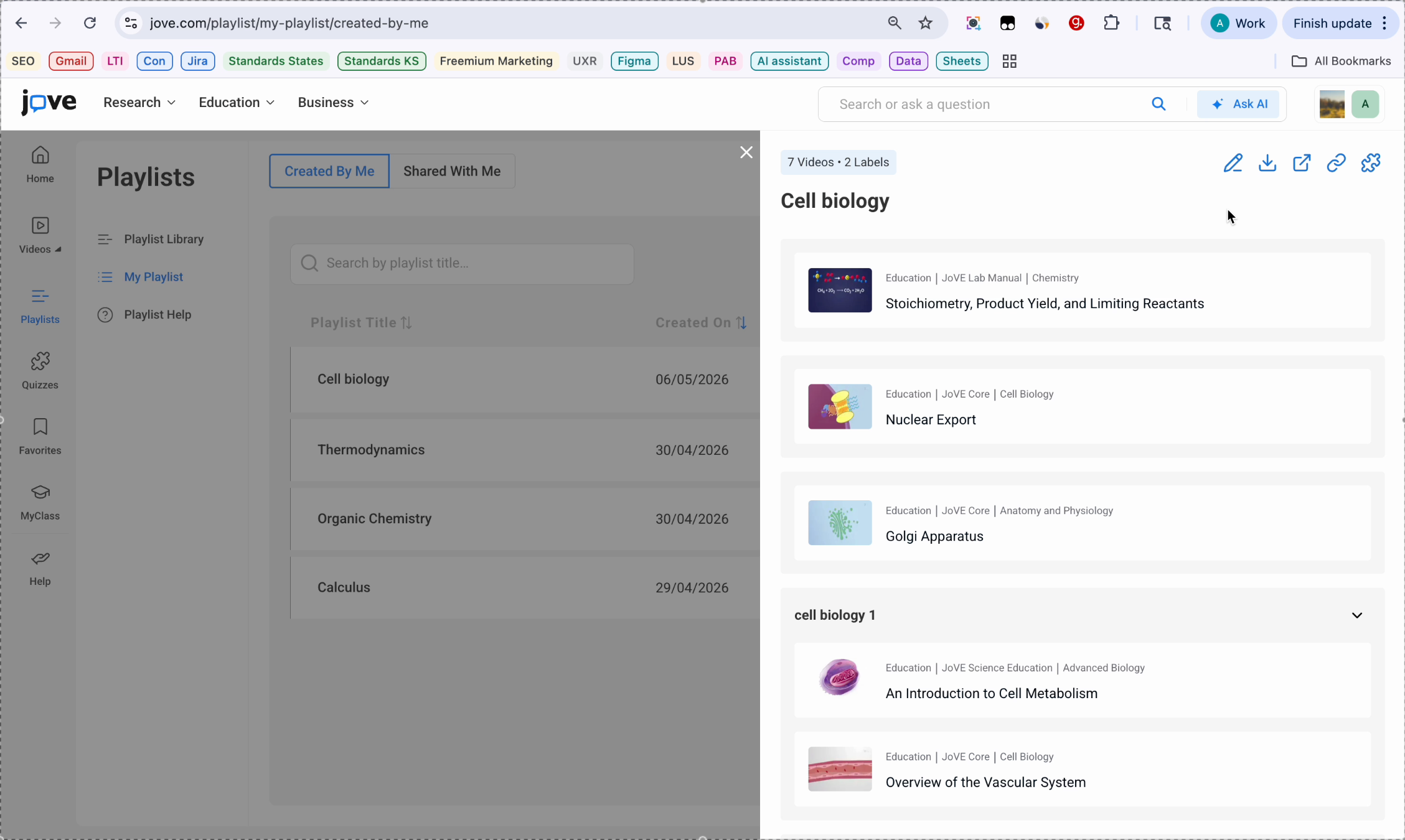
Clicking on the playlist opens a side panel showing the playlist content. You will see all videos grouped in here and also by the labels you have created. From this panel, you can also take quick actions.
29. Quick Actions From Panel
For example, edit, download, share, copy link, and create a quiz.
30. Adding Videos From Video Page
You can also add videos to a playlist directly from any video page. Adding videos to a playlist from a video page.
31. Using Add To Playlist Button
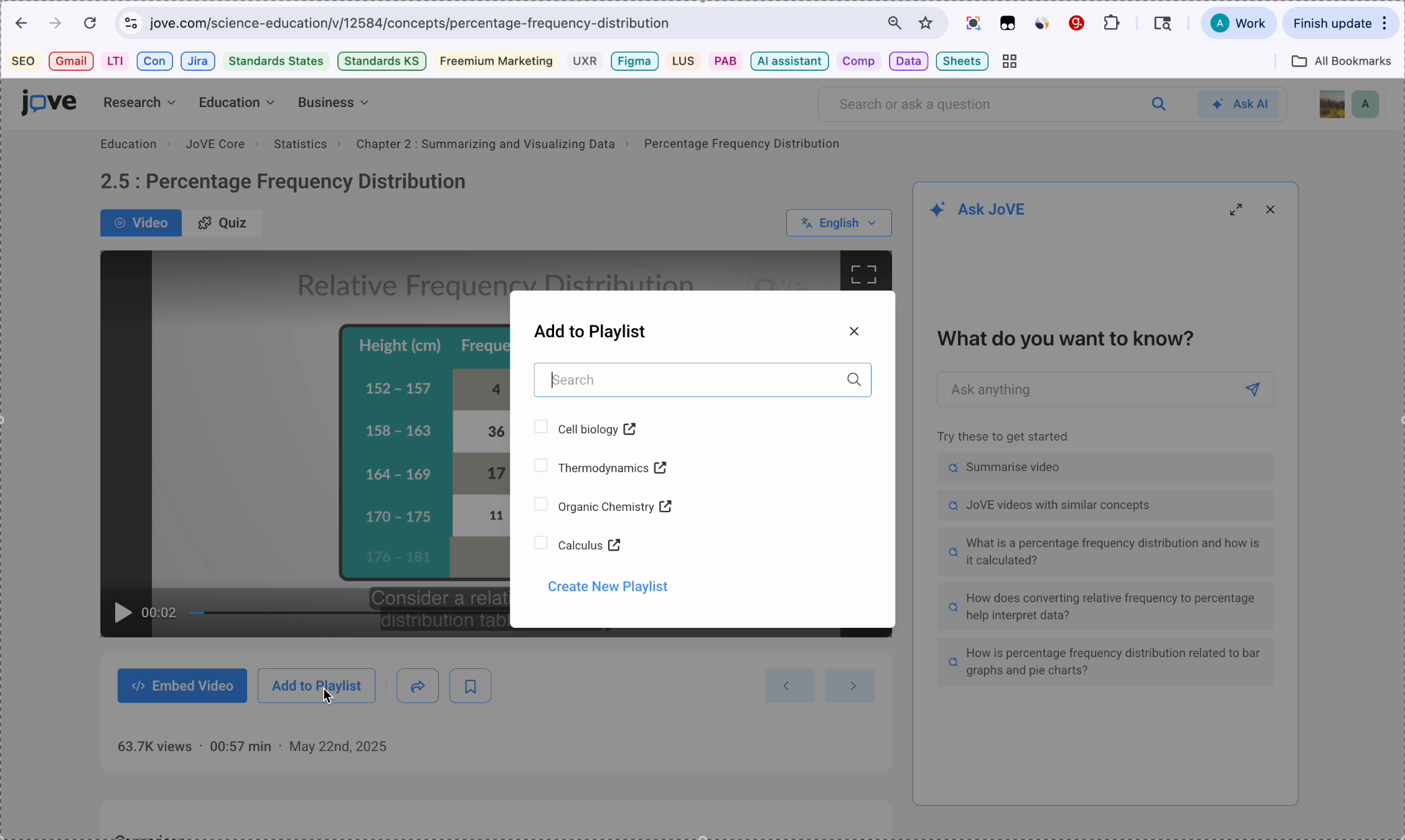
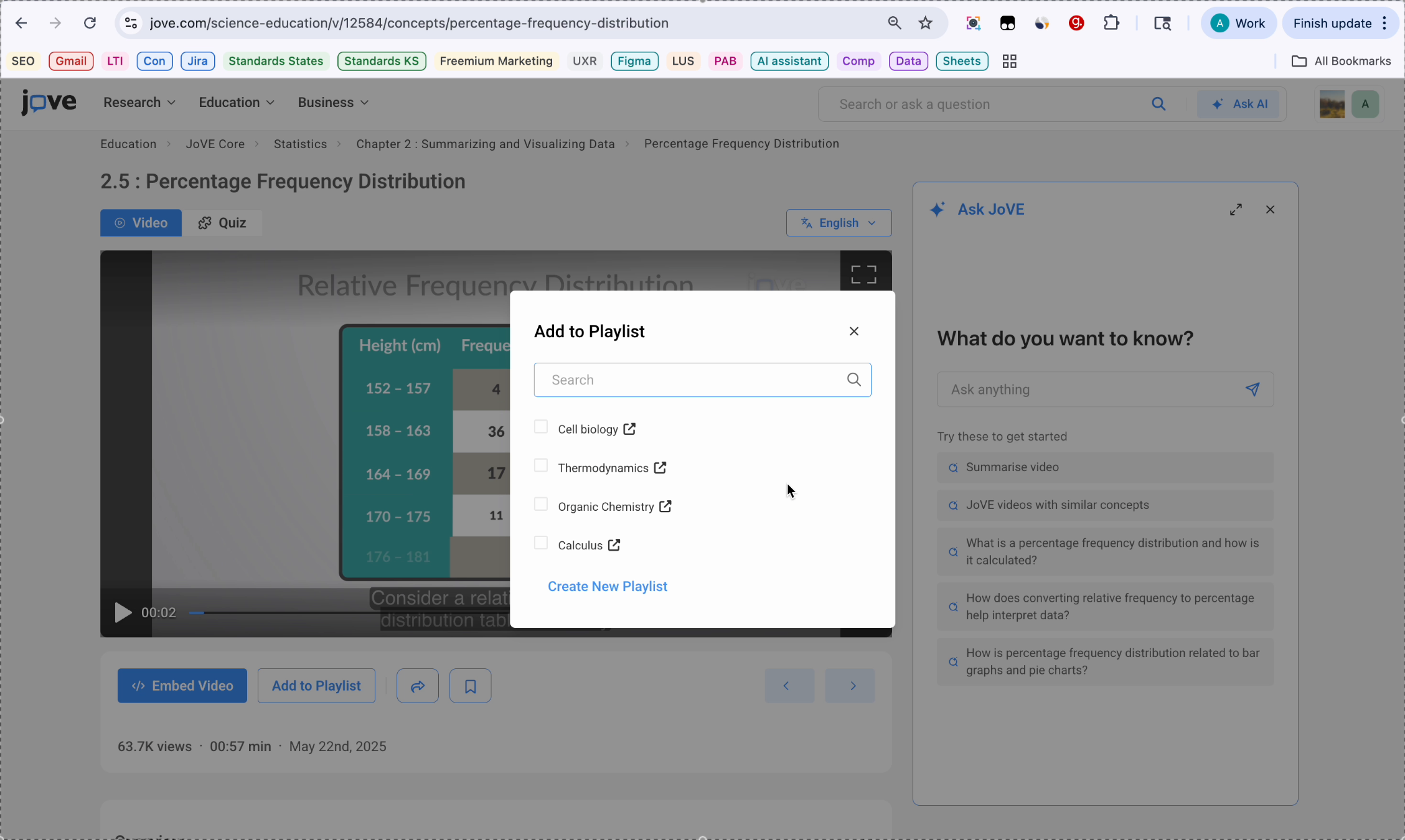
Open any Joe video. For adding this video to a playlist, we need to click on this Add to Playlist button below the video player.
32. Selecting Playlist For Video
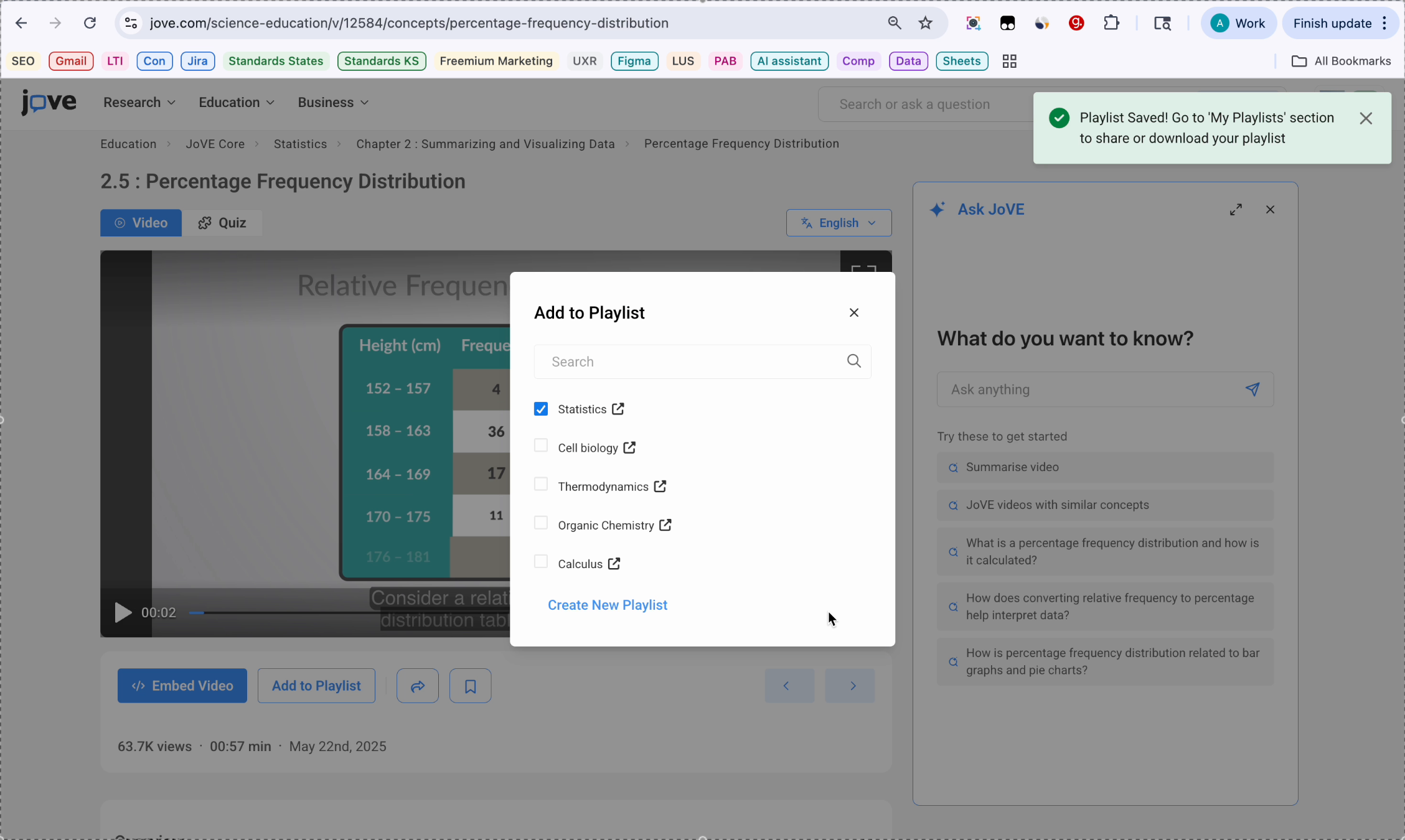
A model window will open showing all your existing playlists. Click the checkbox next to the playlist where you want to add video, and your video will be immediately added to the existing playlist.
33. Creating Playlist On Spot
If you wish to create a new playlist on the spot, click Create New Playlist and add the name of the playlist then click Create.
34. Viewing Created Playlist
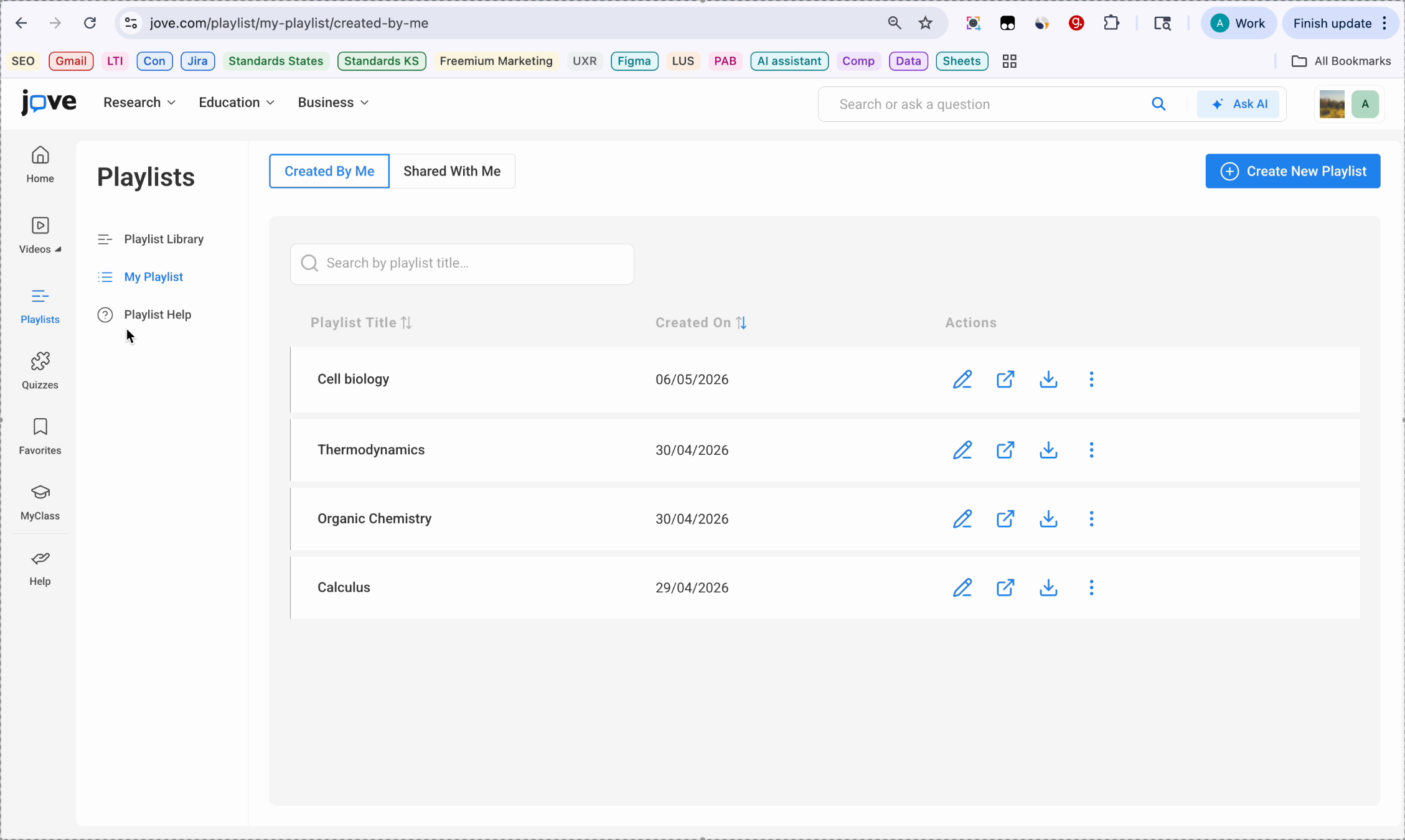
Your new playlist is created and this video is already saved to the new playlist over here. If you want to view your playlist, you can always go to the playlist on the left hand panel, go to my playlist, and view your created playlist from over here.
35. Walkthrough Conclusion
That concludes the walkthrough of Jo playlists.
Learn to create, organize, and manage playlists with labels, add videos, and utilize sharing and export options in Jove's playlist system.