How to Embed Chapters Into Blackboard
This article explains how to embed entire chapters into your learning management system (LMS).
Go to www.jove.com
1. Introduction (1)
To do so. Go to the chapter that you want to embed.
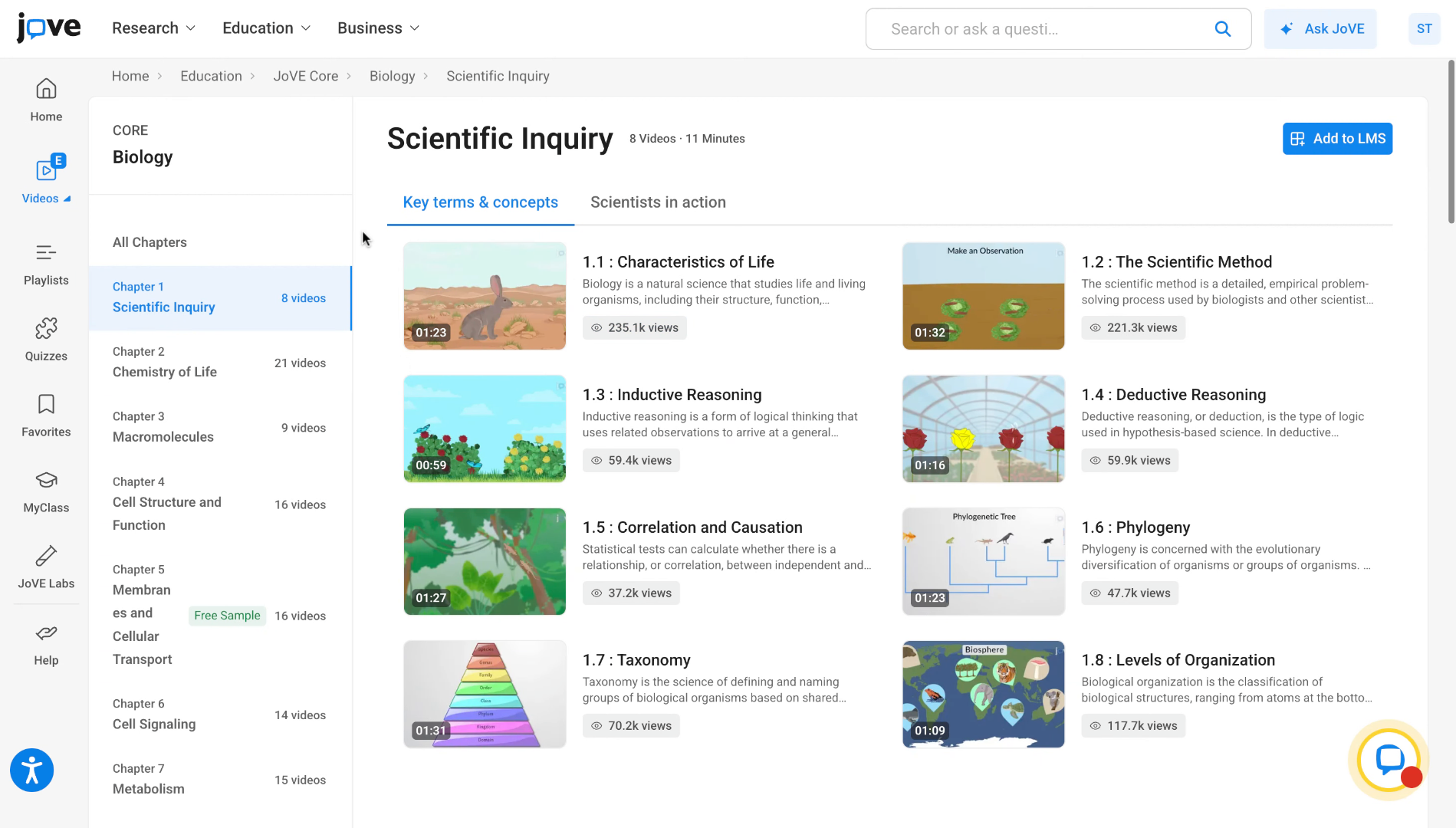
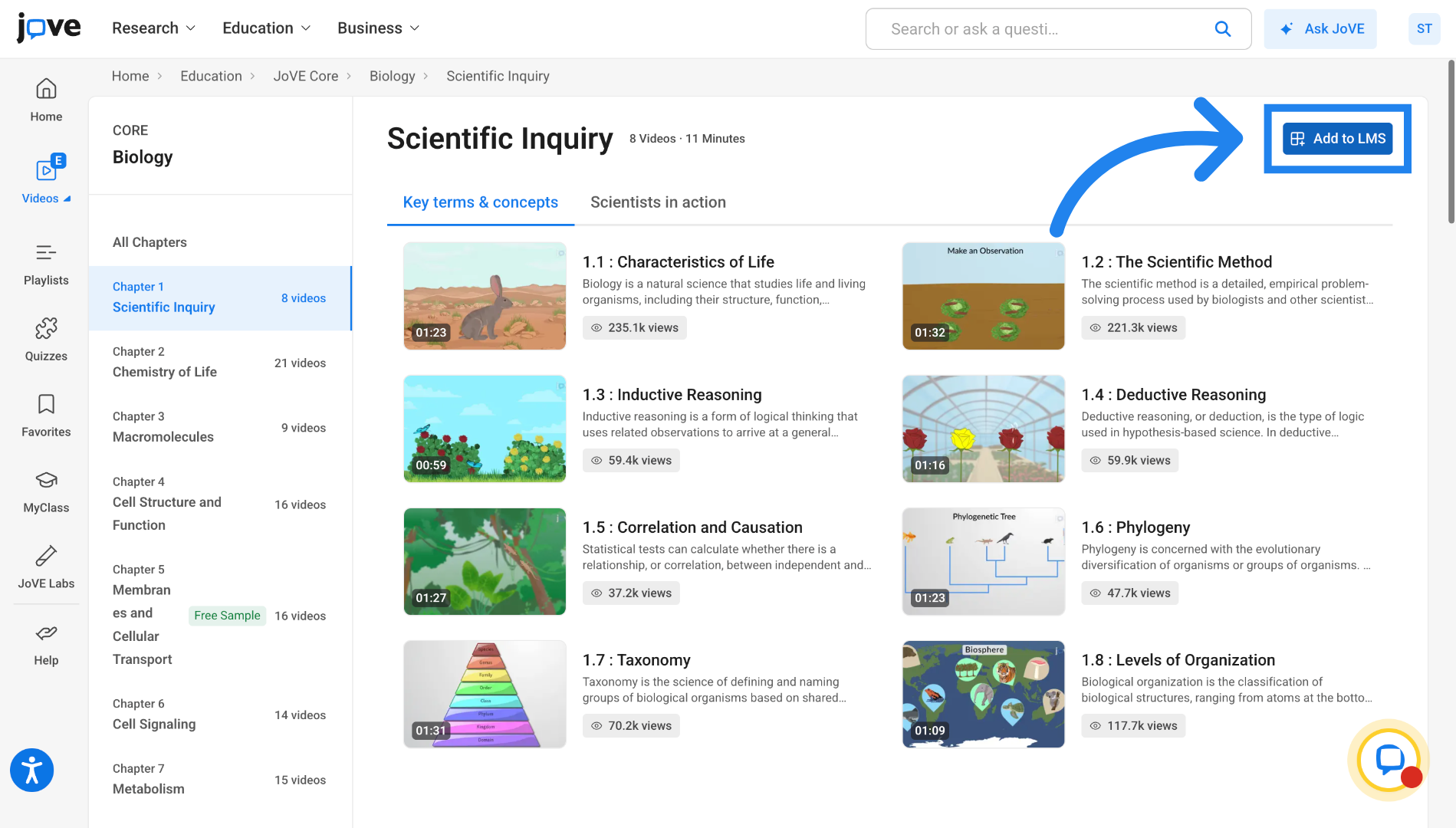
2. Access Add to LMS Button
Click on the Add to LMS button in the embed section.
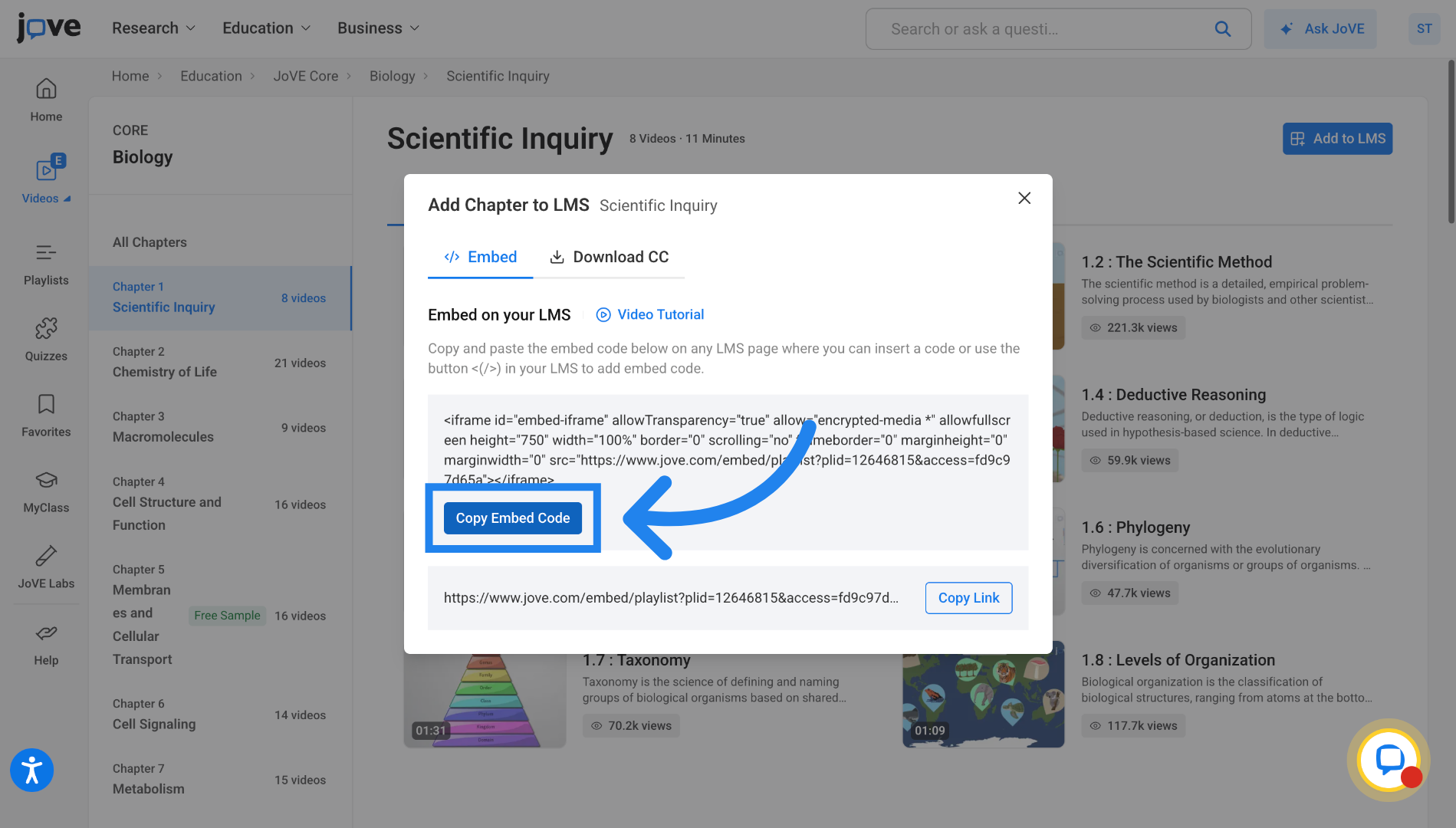
3. Copy Embed Code
In the embed tab, click on Copy Embed Code to copy the chapter embed code.
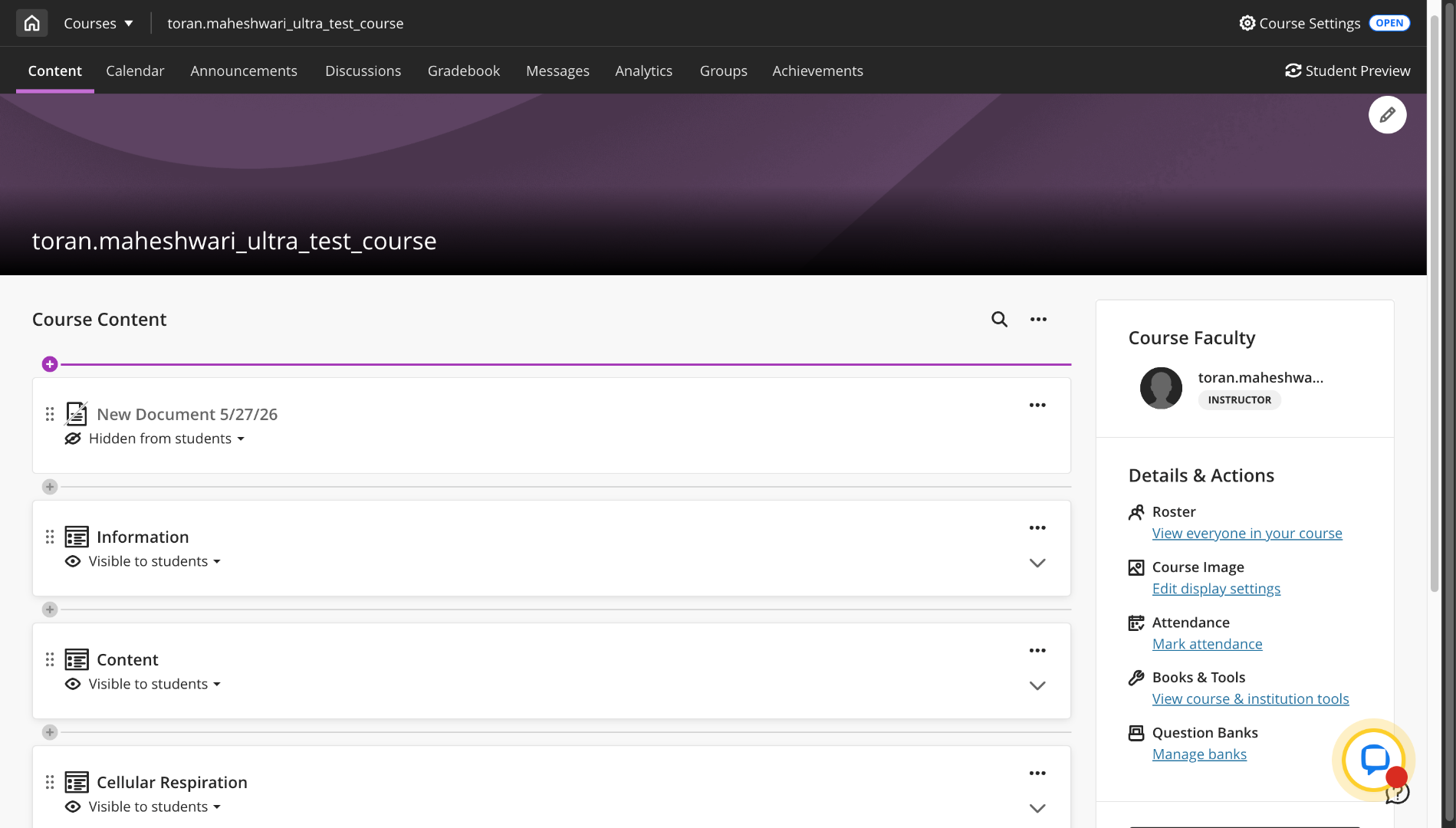
4. Switch to Blackboard
Now lets see how to embed this chapter into your blackboard course. Go to your blackboard course and
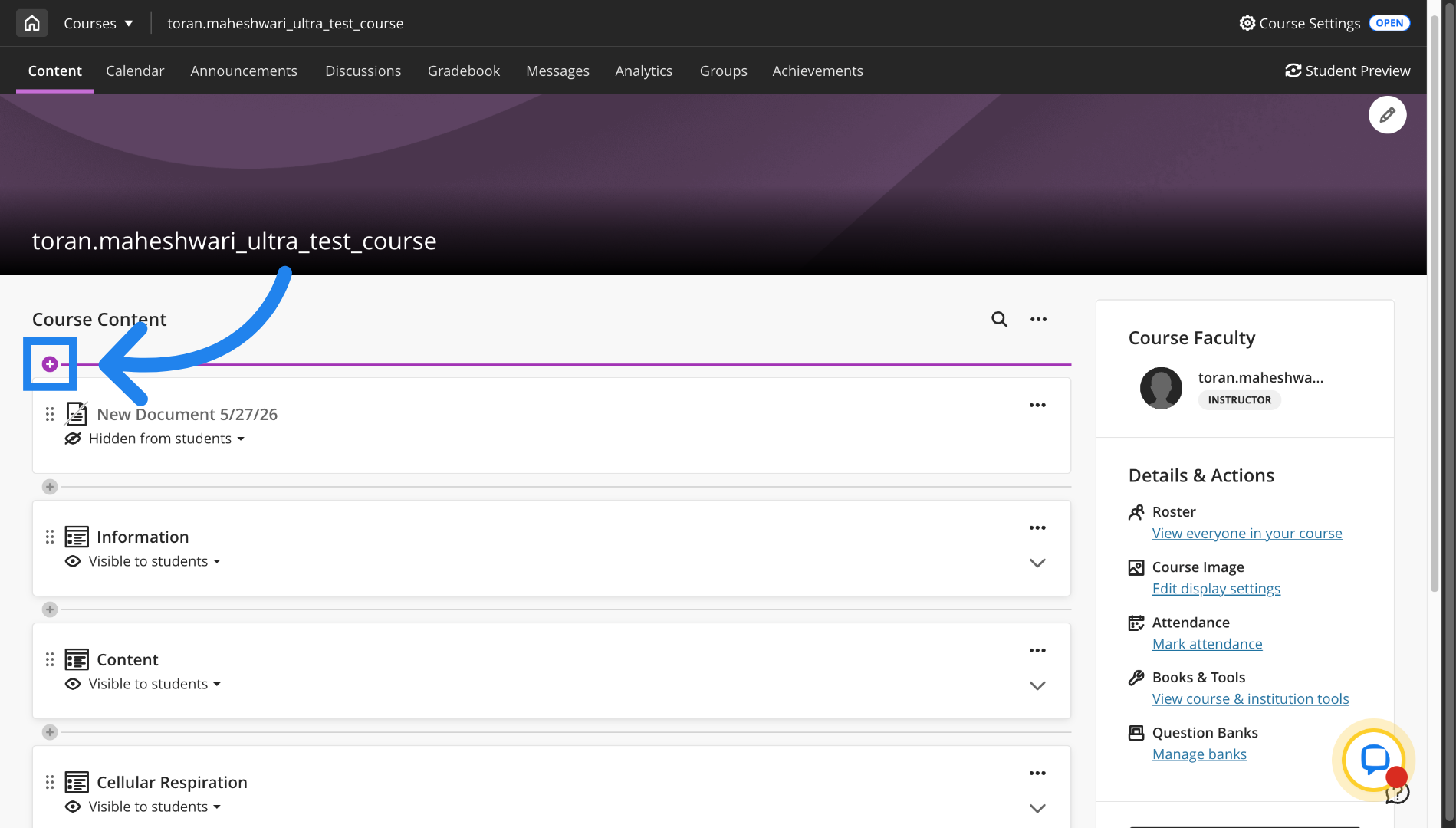
5. Open Add Content Menu
Click the plus button to add new content in Blackboard.
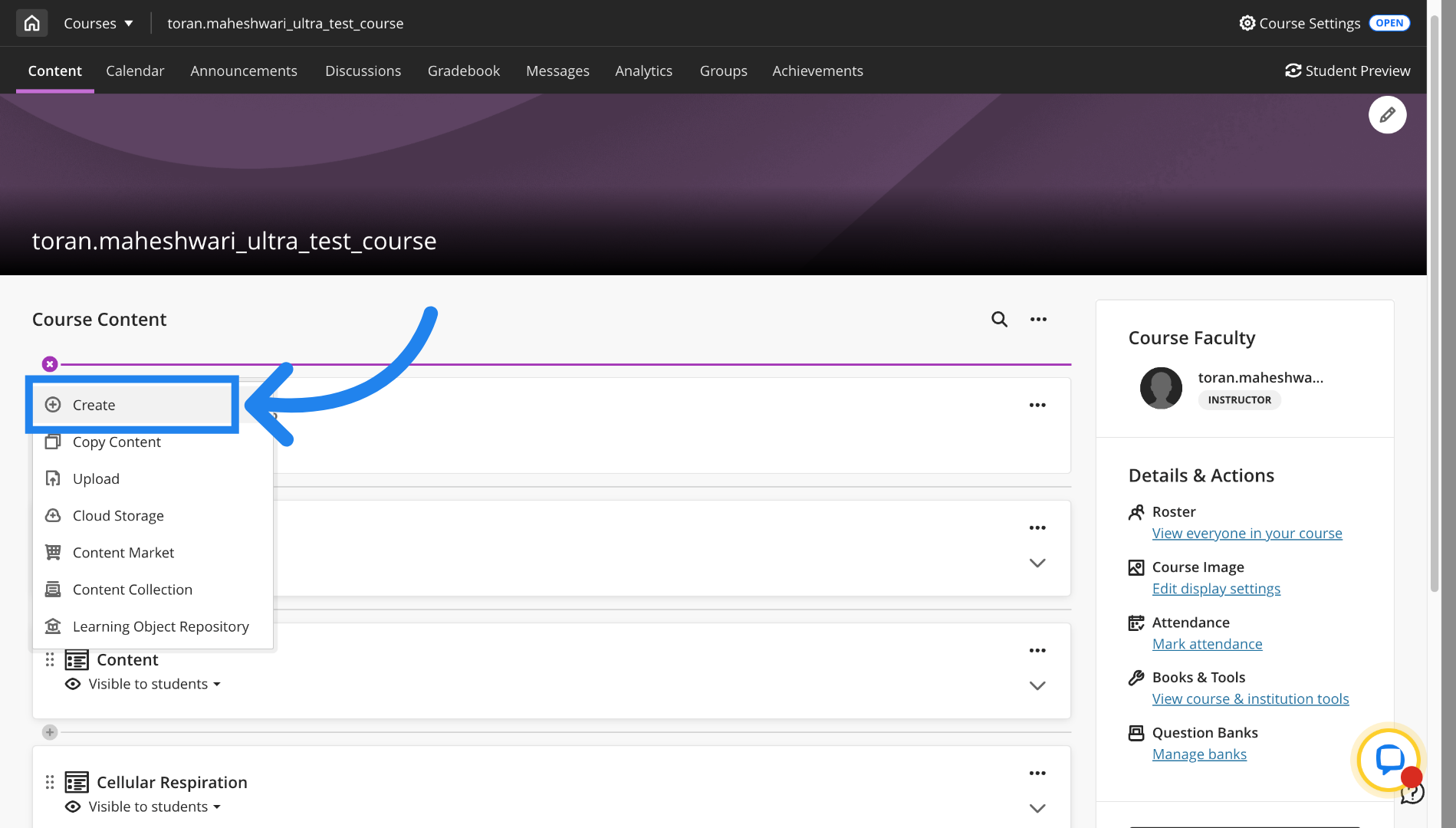
6. Create New Content
Click Create to start adding new content.
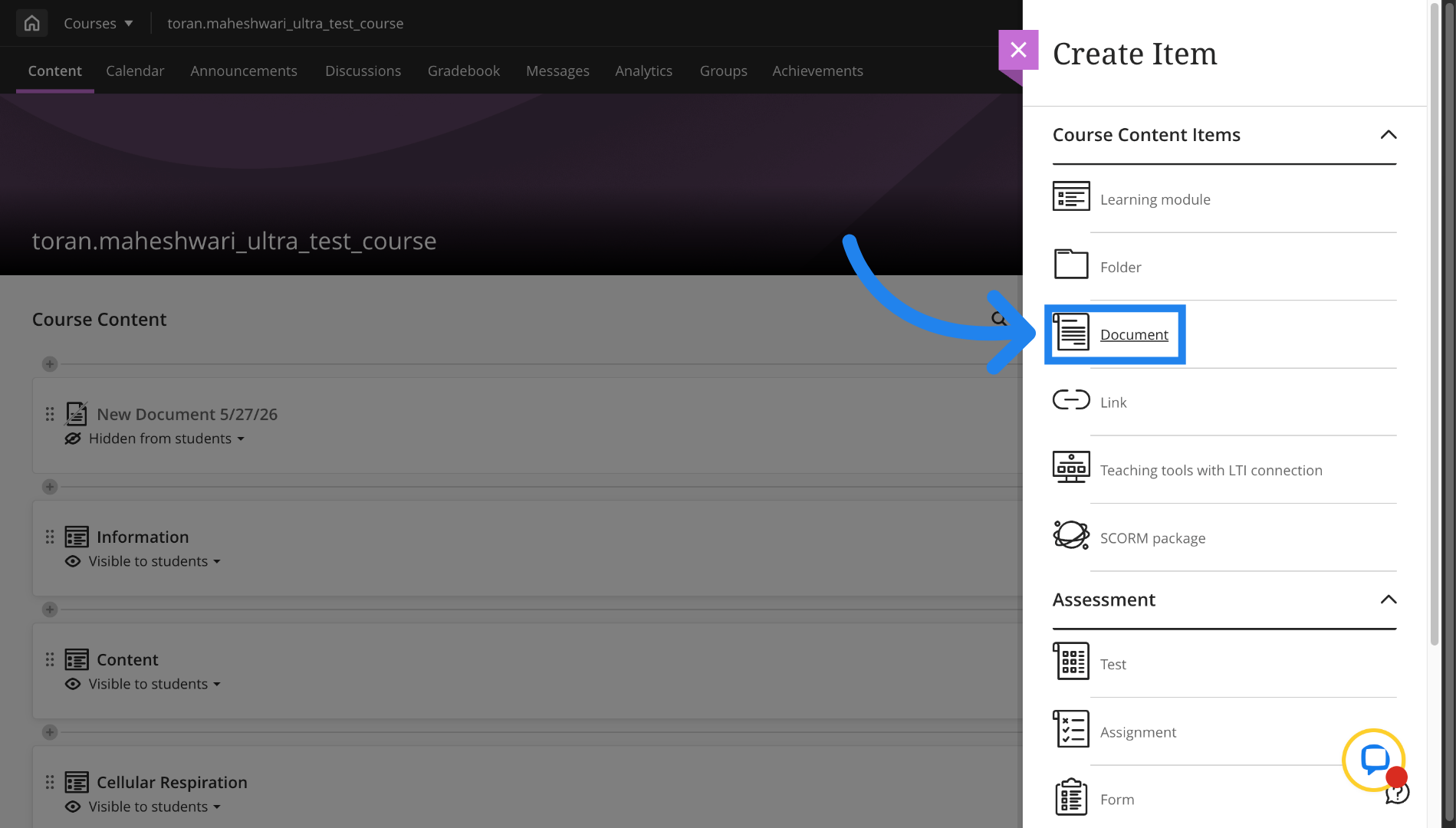
7. Select Document Type
Click Document to create a new document item.
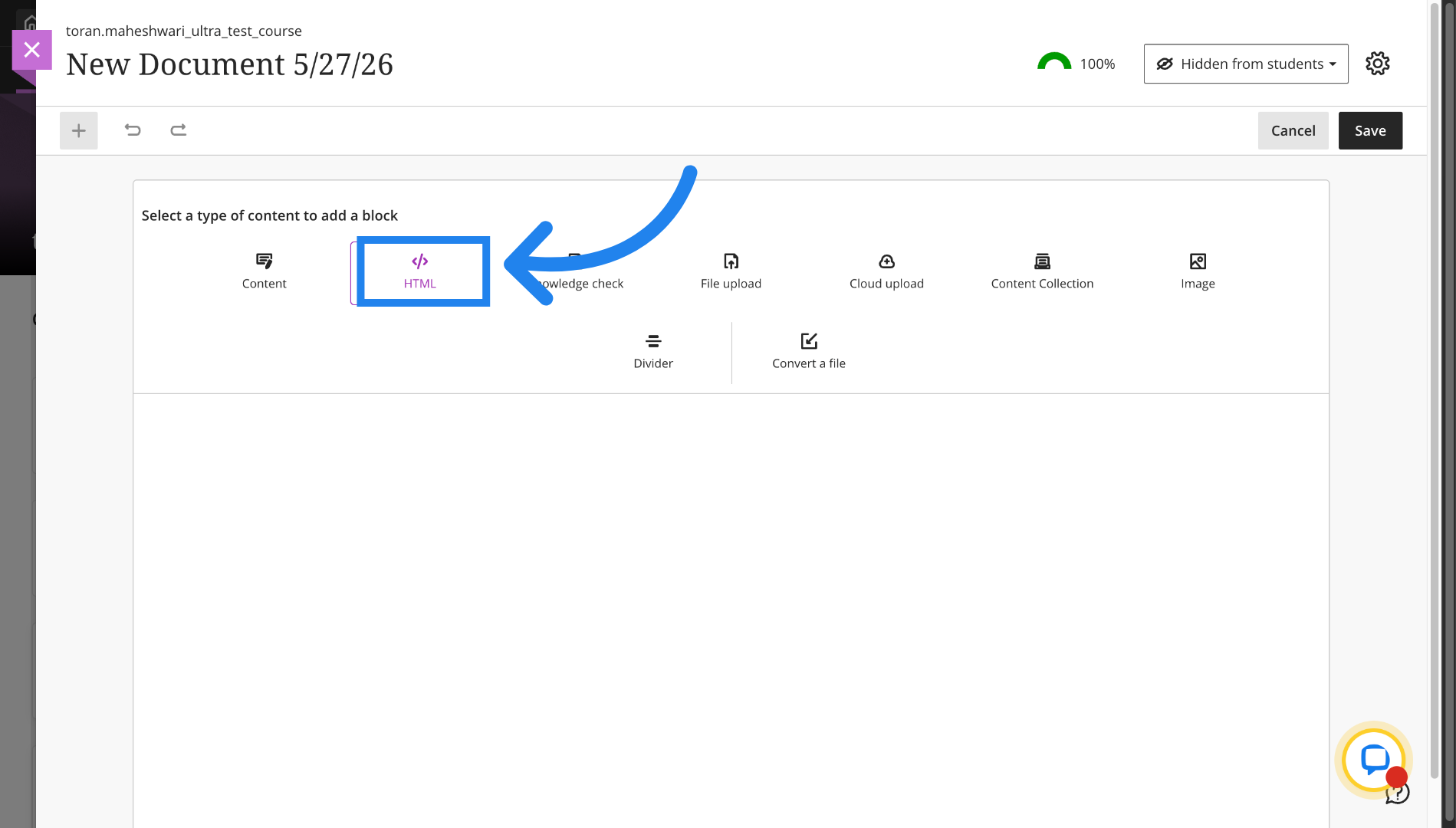
8. Open HTML Editor
Click to open the HTML editor for the document.
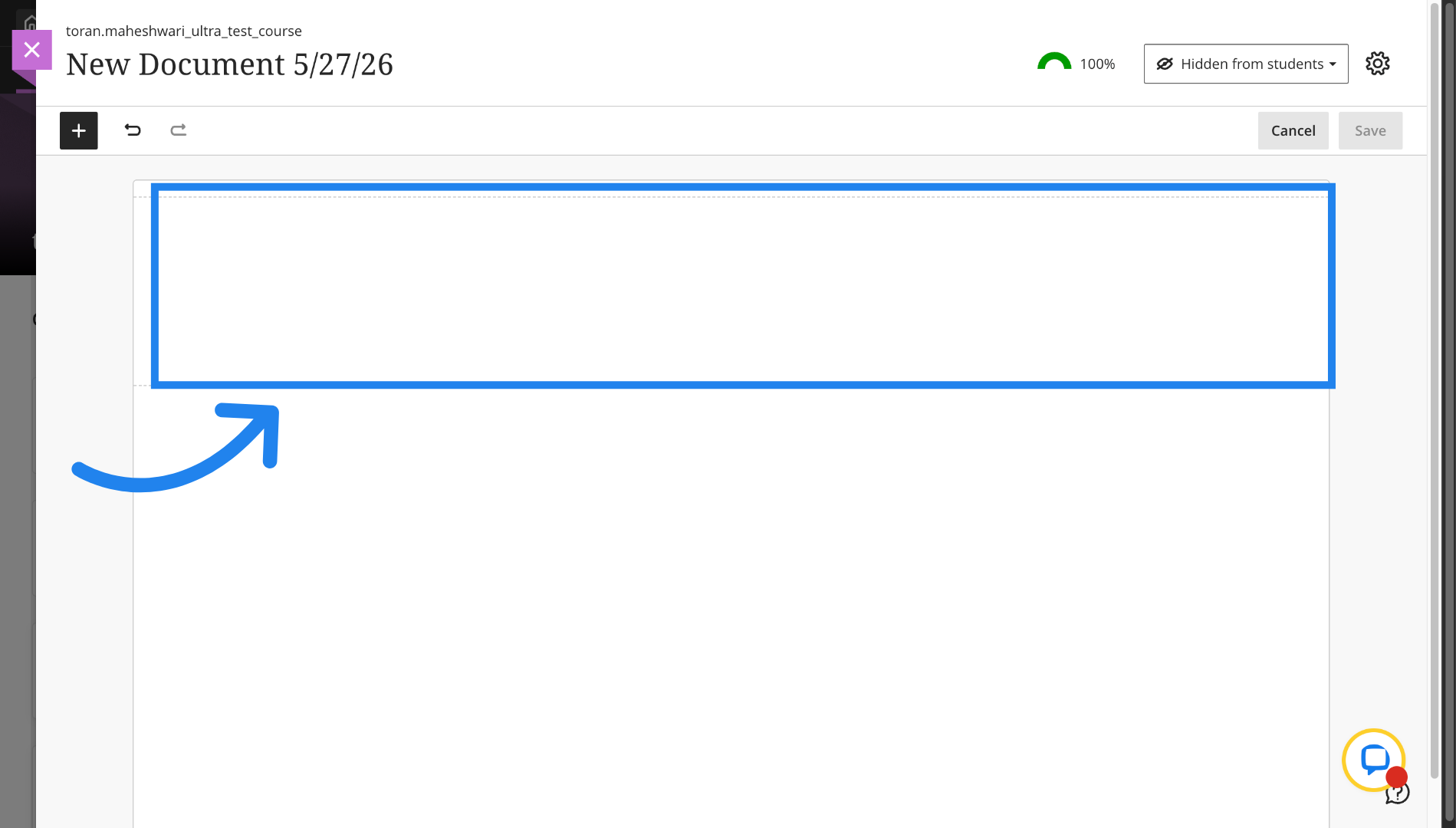
9. Open Embed Code Field
Paste the previously copied embed code here
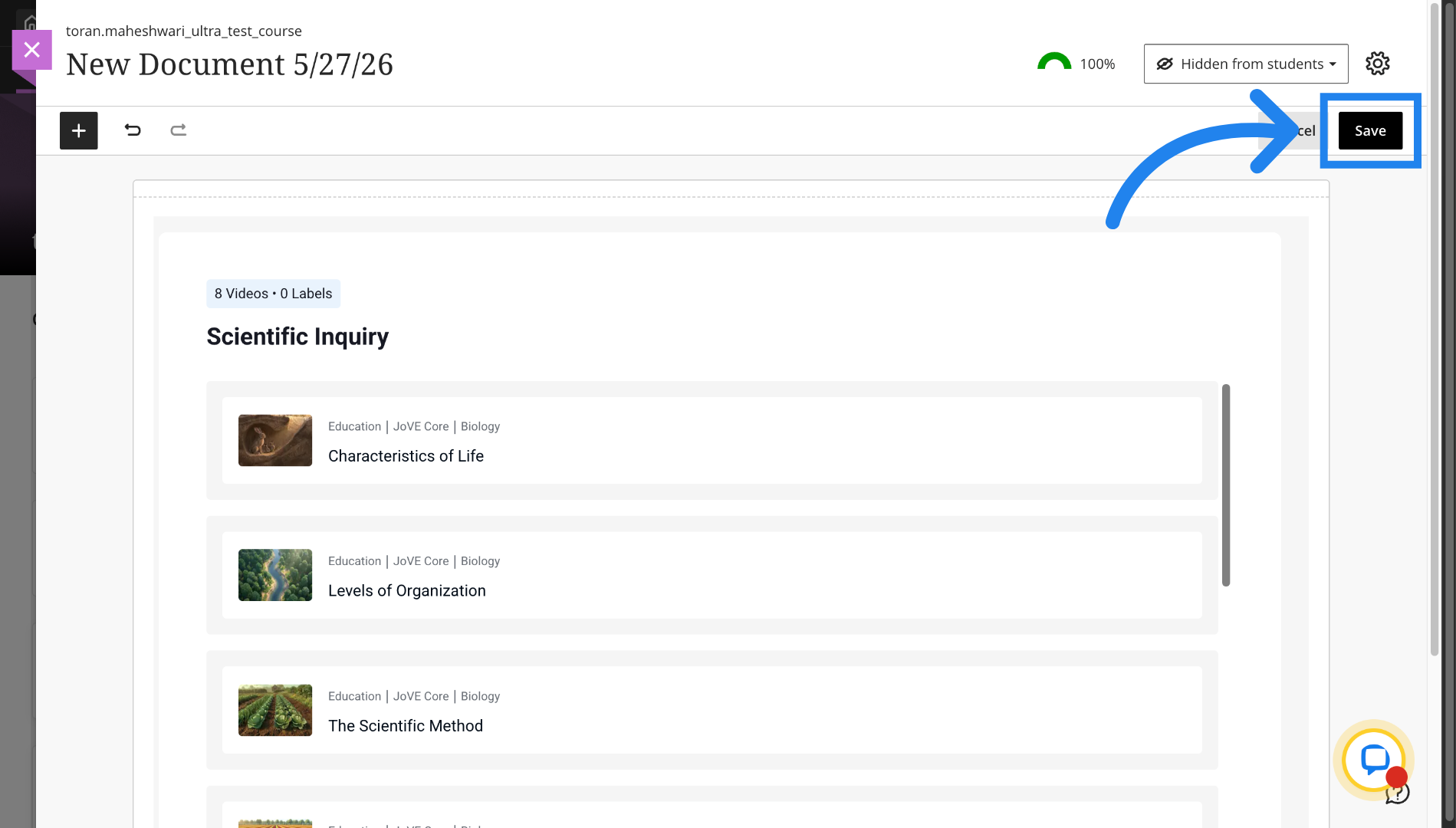
10. Save Document
Click Save to apply changes and embed the chapter.
Related to