Redeem JoVE Access Code in Blackboard
This video demonstrates how to redeem your JoVE access code within the Blackboard platform. It guides you through accessing course content and confirming your full access to JoVE materials.
1. Introduction to JoVE Access
Welcome to JoVE! Let's take a look at how to redeem your JoVE access code in Blackboard.

2. Navigating Blackboard Dashboard
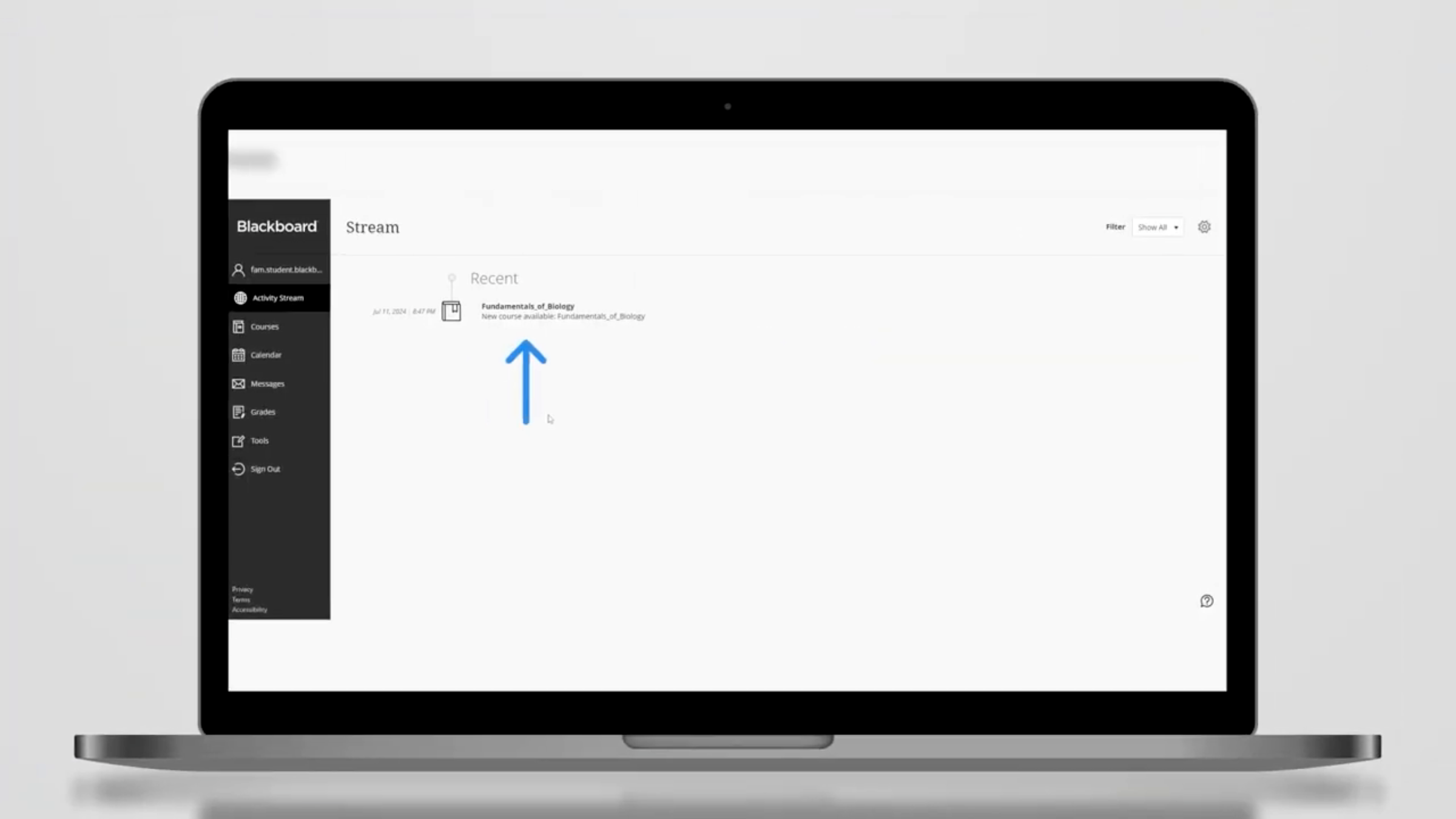
While in the Blackboard dashboard, click on the course assigned by your professor. Next, click on Content on the left panel. Click on the JoVE content in your course.
3. Redeeming Access Code
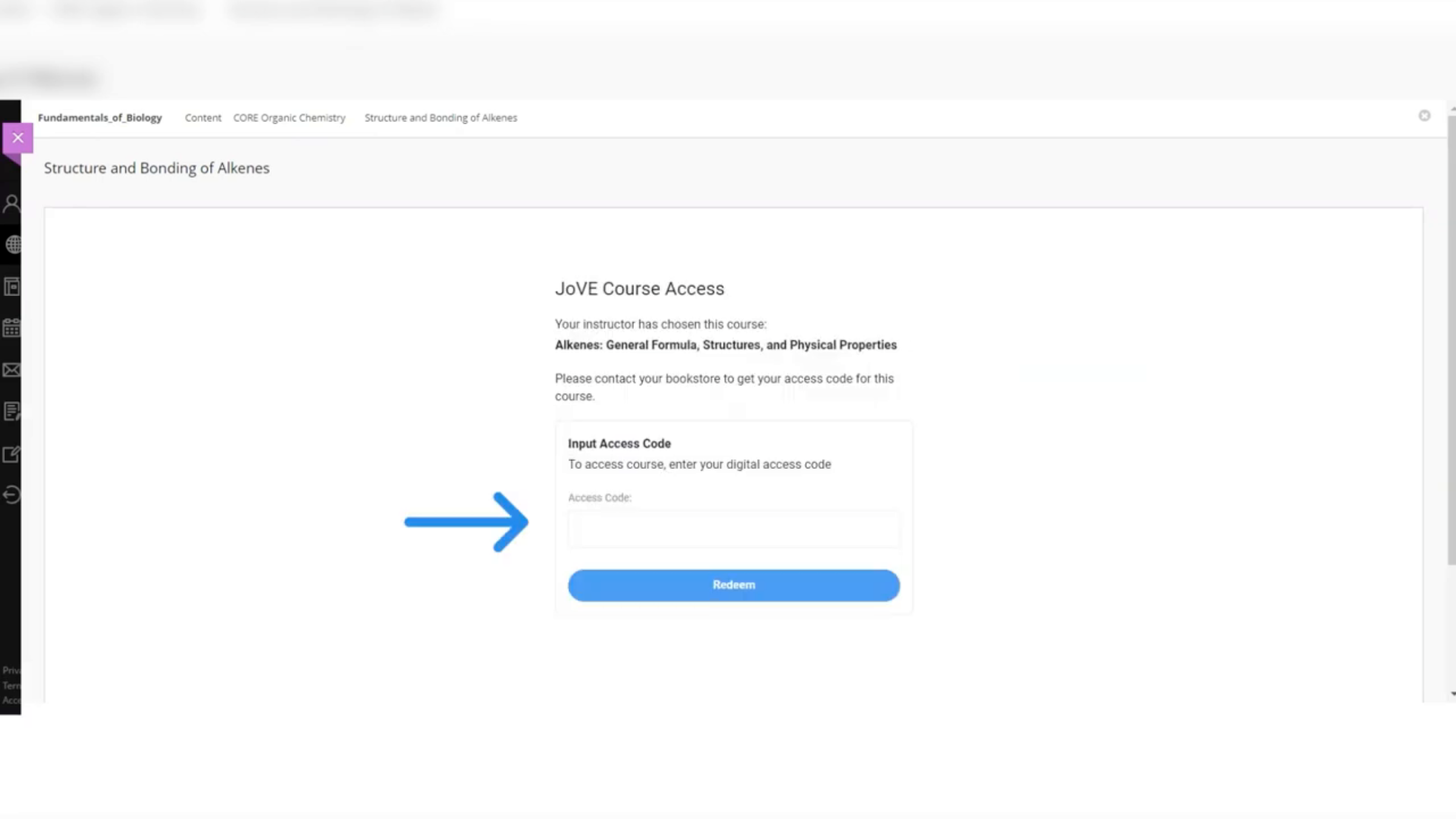
Input your access code here. Then click redeem. That's it.
4. Access Confirmation and Support
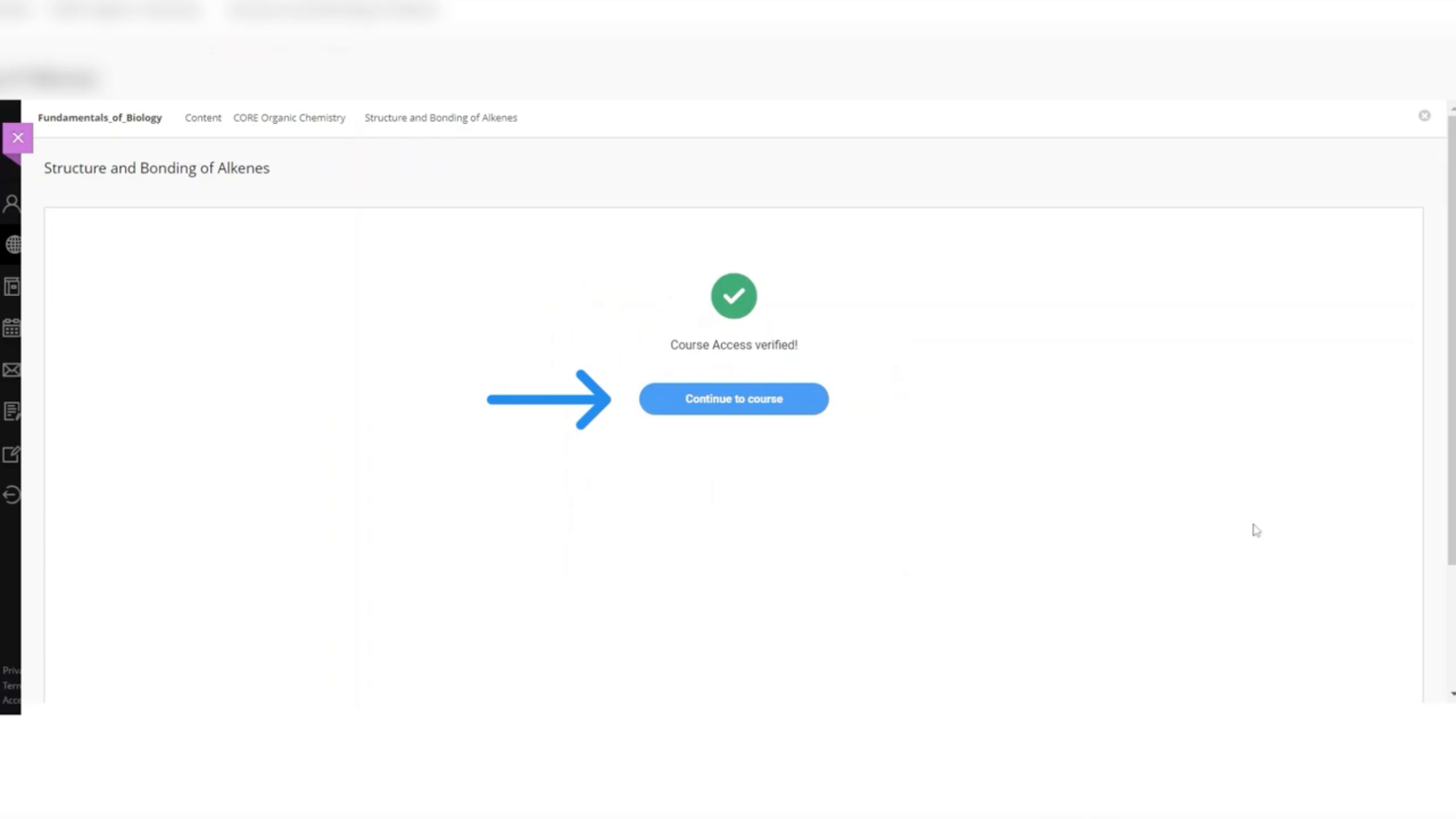
You now have full access to the course. For any additional help, please reach out to us.
Related to